You are using an outdated browser. Please
upgrade your browser to improve your experience.

The iDociReport app is for everyone - craftsmen, engineers, private, small companies - anyone who needs a quick and easy way of documenting defects/errors/other, as well as secure follow-up

iDociReport
by Codebaboons
What is it about?
The iDociReport app is for everyone - craftsmen, engineers, private, small companies - anyone who needs a quick and easy way of documenting defects/errors/other, as well as secure follow-up. For example, it may be in the construction industry in connection with supervision / quality control or the like.
App Screenshots

App Store Description
The iDociReport app is for everyone - craftsmen, engineers, private, small companies - anyone who needs a quick and easy way of documenting defects/errors/other, as well as secure follow-up. For example, it may be in the construction industry in connection with supervision / quality control or the like.
With iDociReport, it's easy to create new reports / cases and categorize them. For example, "Audit," "Control," "Movingreport," "Fix," ...
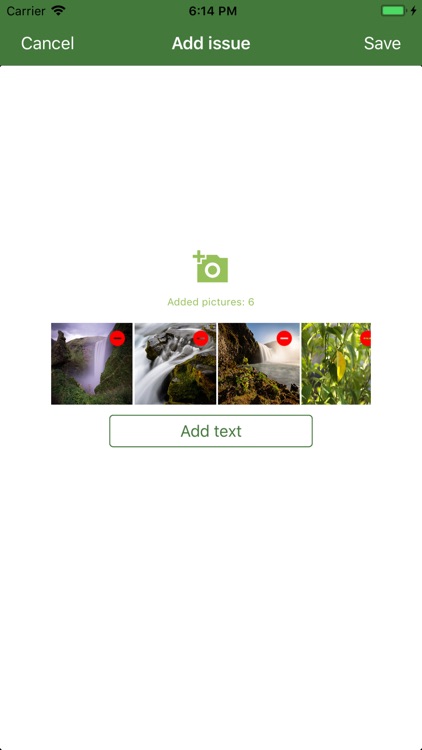
On the individual report you can easily and continuously add new tasks / called 'Issues'. A task may be a defect you document with images and text. The photos allow you to zoom and crop as well as draw attention points.
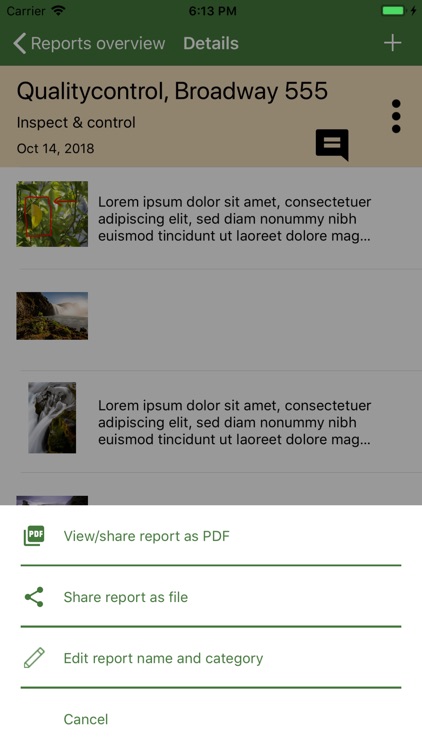
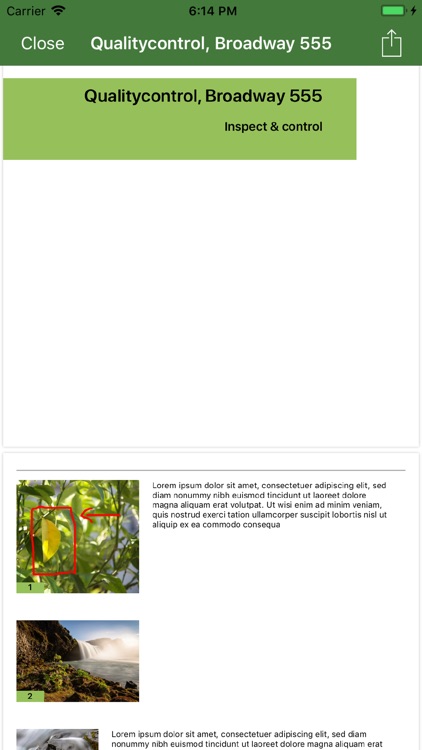
The report can subsequently be saved as a PDF for documentation, or shared with others via email.
iDociReport also offers collaborations with others around your report. For example, you can share your list of defects with an executing party / craftsman or a someone in the team, which on the individual issues can document the fix the same way through images and text. The report can be sent back to you so that you have an overall report of the reported defects and omissions, as well as how the repair has been completed.
The completed report can then be saved as PDF for further documentation.
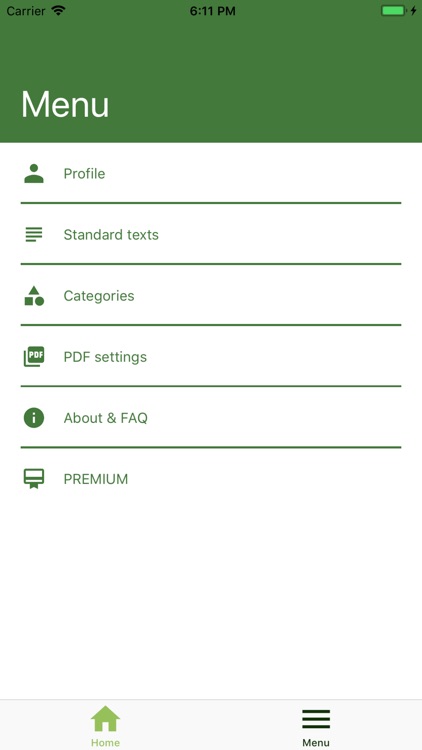
To make it easy for you, you can in the iDociReport app create default categories and default texts. The categories give you a quick overview in your report summary list, and with default texts, you can reuse the same text over and over again without having to spend time on the keyboard. It is ideal for you who often document similar cases and you who want to use iDociReport to recommend solutions for issues.
iDociReport is in two versions. A free version for you who needs a good tool, but does not need big reports and can live well in the standard solution.
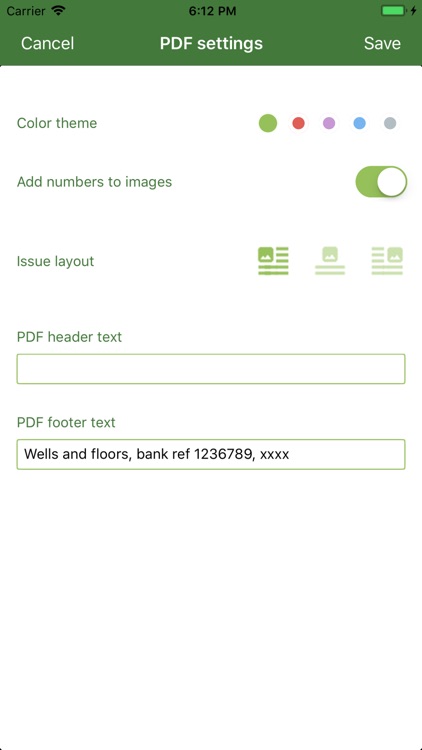
If you need even more control, bigger reports, more customizations of how your PDF should look - then Premium is the version you should consider upgrading to at some point.
For both versions, you are in full control of your reports. They only live on your mobile device and with those you choose to share with.
Do you choose to upgrade to the Premium version, we kindly ask you to read the following regarding the subscription via iTunes:
The subscription provides access to multiple reports, larger reports, multiple user settings to personalize your version of the app. You must actively sign up for the subscription to start with.
The subscription is monthly.
Payment for subscription will be charged to iTunes Account at confirmation of purchase, and will automatically renew. You can cancel at any time. Your subscription automatically renews unless auto-renew is turned off at least 24-hours before the end of the current period.
Users iTunes Account will be charged for renewal within 24-hours prior to the end of the current period, and identify the cost of the renewal.
Subscriptions may be managed by the user and auto-renewal may be turned off by going to the users iTunes Account settings after purchase.
Any unused portion of a free trial period, if offered, will be forfeited when the user purchases a subscription to that publication where applicable.
our privacy policy: http://www.codebaboons.com/privacy_policies/privacy_policy/
out terms of use : http://www.codebaboons.com/terms/terms_of_usage_mobile_apps/
Disclaimer:
AppAdvice does not own this application and only provides images and links contained in the iTunes Search API, to help our users find the best apps to download. If you are the developer of this app and would like your information removed, please send a request to takedown@appadvice.com and your information will be removed.
AppAdvice does not own this application and only provides images and links contained in the iTunes Search API, to help our users find the best apps to download. If you are the developer of this app and would like your information removed, please send a request to takedown@appadvice.com and your information will be removed.
