You are using an outdated browser. Please
upgrade your browser to improve your experience.
This is the first app where you can create your own short forms

iFullForms
by Sagar Kumar
What is it about?
This is the first app where you can create your own short forms.
App Screenshots

App Store Description
This is the first app where you can create your own short forms.
Facing issue with short forms. All you need this app. This app will help you to learn all full forms belongs to daily life.
This app has three categories. These are:
- Home
- Create
- Favorite
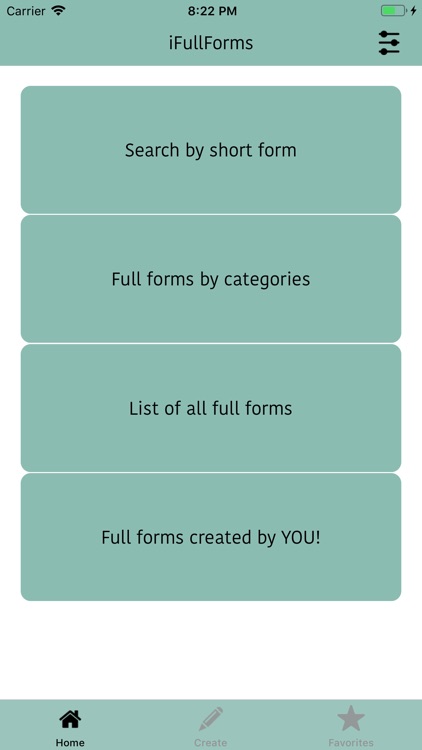
Home Screen contains these features:
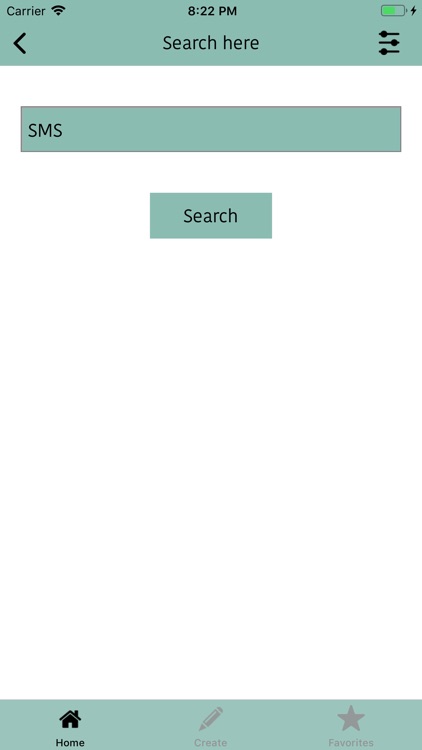
1. Search by Short forms:
You can simply type short form or keyword in search box and press search button. Where you can see full form for the same word.
2. Search by category :
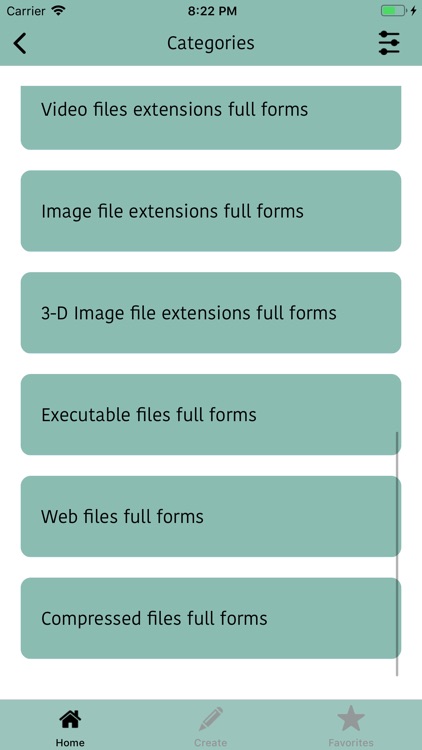
second option is search by category. If you know the word category then it will help you to find out your word's full form. In this following are the categories:
1. Computer related: In this section, you can find all computers related short forms as well as full forms for the same word. This section is very helpful for IT people.
2. SMS related: This section will help you to learn some daily life short forms. You can use these words in SMS or messages.
3. Office related: This section covers all office related short terms or words.
4. Education related: This section has some education related short forms.
5. Job related:
6. Banks related
7. Text file extensions
8. Audio files extensions
9. Video files extensions
10. Image file extensions
11. 3-D files extensions
12. Executable files extensions
13. Web files extensions
14. Compressed files extensions
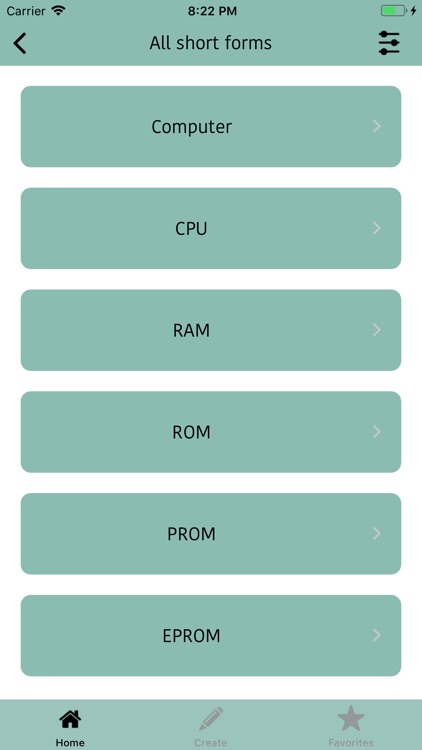
3. List of full forms: This options covers all basic short forms. You can find all short forms in single place.
4. Full forms created by YOU! : You can find all your full forms that are created by you under this section.
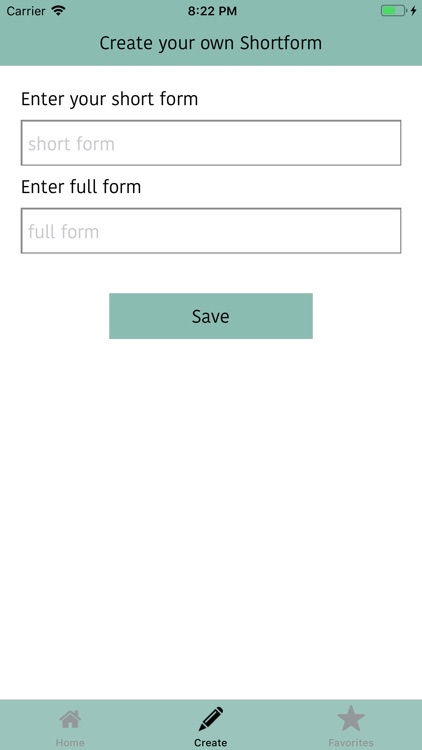
Create Tab: You can create your own short forms under this tab.
Favourite Tab: You can find out all your favourite short forms under this tab.
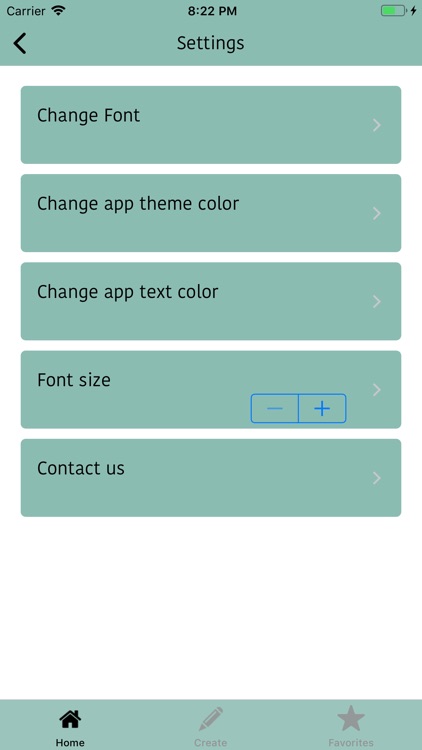
There is settings button on every page. In settings page you will find following features:
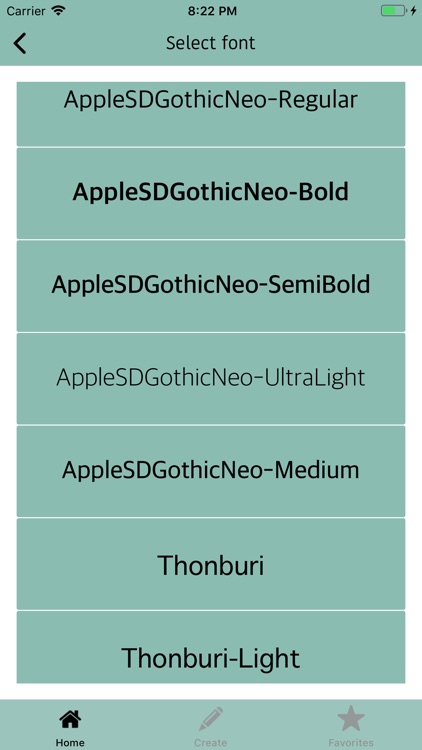
- Change font:- You can change your app font any time. There are so many nice fonts.
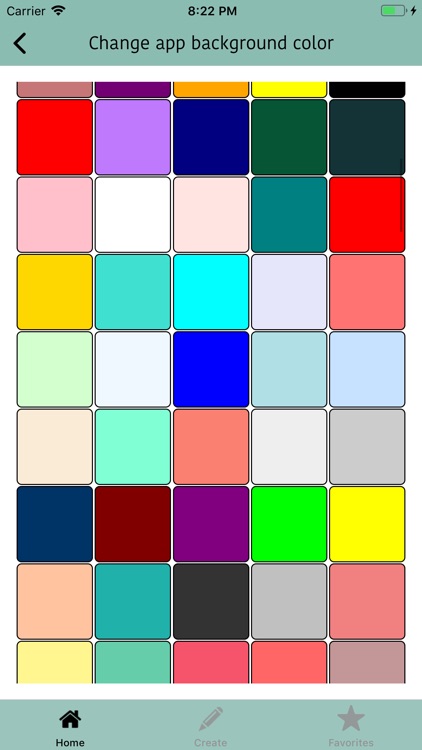
- Change app theme color: There are so many beautiful or attractive color for your app
theme. You can change the theme color of your app any time. it is very easy in this app.
- Change text color: You can also change your font color any time.
- Font size: You can change the font size of your app. You can increase the size of font as well as you can decrease the font size. You can see the changes at real time.
- Contact us: If you have any suggestions or any issue. Feel free to contact us.
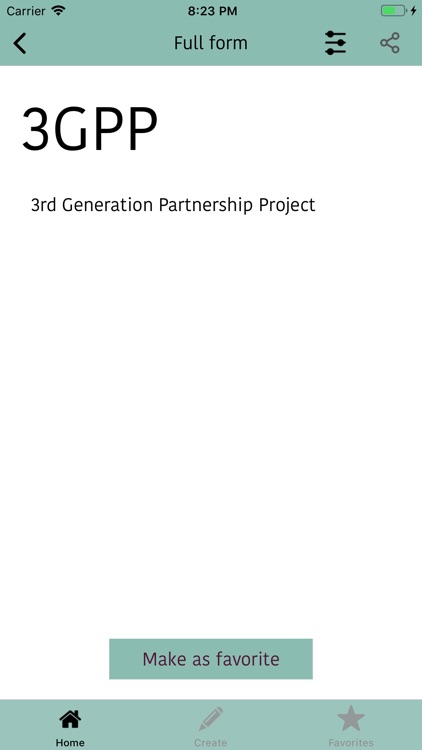
If you want to share the full form of particular short form then you just hit the share button. You can also save the image of that full form in your photo gallery. Hope this app will help you.
If you like the app then please rate us on the App Store.
Thanks!
Disclaimer:
AppAdvice does not own this application and only provides images and links contained in the iTunes Search API, to help our users find the best apps to download. If you are the developer of this app and would like your information removed, please send a request to takedown@appadvice.com and your information will be removed.
AppAdvice does not own this application and only provides images and links contained in the iTunes Search API, to help our users find the best apps to download. If you are the developer of this app and would like your information removed, please send a request to takedown@appadvice.com and your information will be removed.
