You are using an outdated browser. Please
upgrade your browser to improve your experience.

This augmented reality storytelling app creates imaginative reading experiences as each page springs to life in 3D all around you

iGARTEN i-Story
by CREVERSE, Inc.
What is it about?
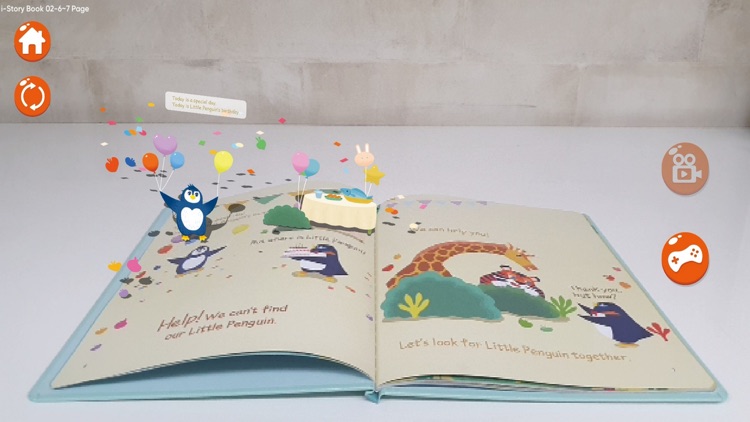
This augmented reality storytelling app creates imaginative reading experiences as each page springs to life in 3D all around you. Readers can directly interact and have fun with the characters – it’s almost like they’ve become a part of the book, too!
App Screenshots
App Store Description
This augmented reality storytelling app creates imaginative reading experiences as each page springs to life in 3D all around you. Readers can directly interact and have fun with the characters – it’s almost like they’ve become a part of the book, too!
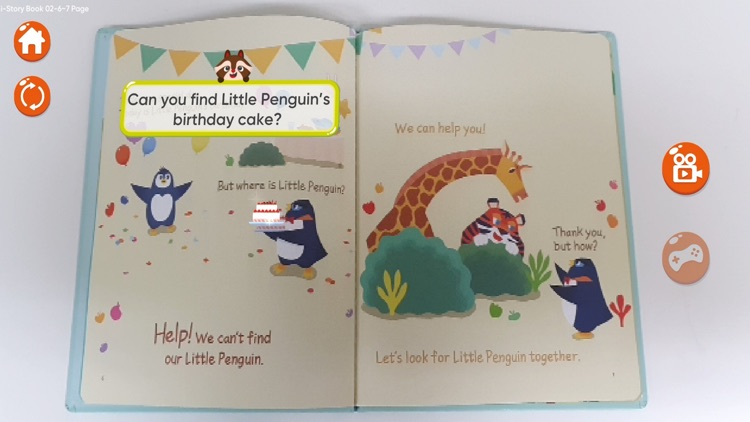
This app goes beyond watching an animated tale. The i-Story AR app offers great opportunities for readers to strengthen their ESL skills. Digitally enhanced comprehension activities are provided on each page of the storybooks, varying from letter/word games to extraordinary explorations!
Open a whole new world for your young readers through the i-Story AR App!
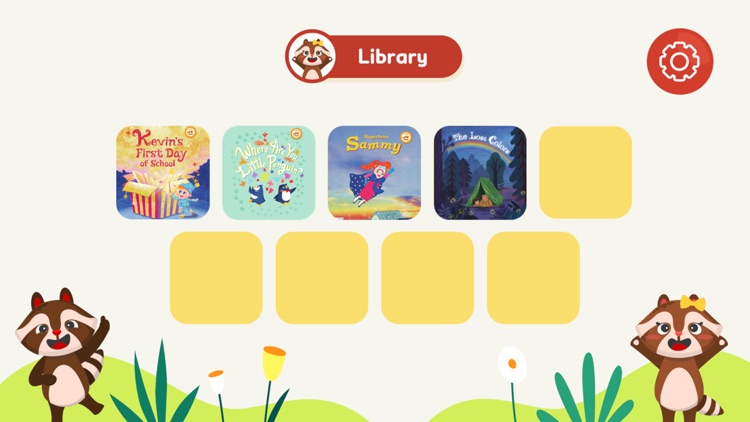
Book 1: Kevin's First Day of School
Book 2: Superhero Sammy
Book 3: Where Are You, Little Penguin?
Book 4: Betty’s Special Recipe
Book 5: The Lost Colors
Book 6: The Night Lights
Book 7: How to Save Christmas
Book 8: Find Me A Home
Book 9: The Planet Shop
Instructions
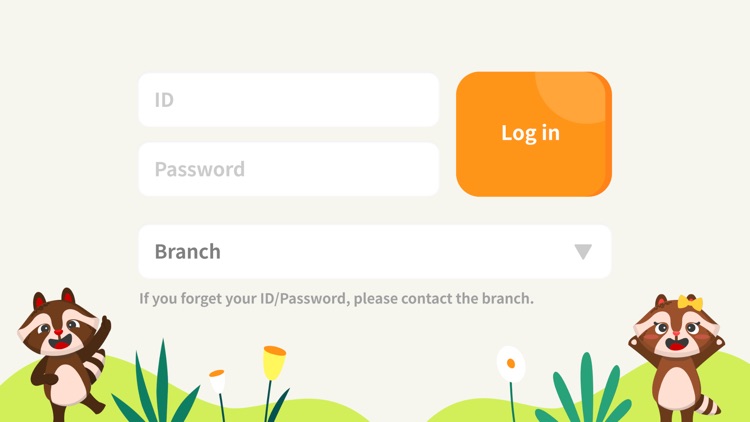
1. Launch the app.
2. Select and load your book from the Library.
3. On the main page, Choose which mode you’d like to activate.
4. Point your camera at the book to scan the page.
5. Press the Home button to return to the Library.
Disclaimer:
AppAdvice does not own this application and only provides images and links contained in the iTunes Search API, to help our users find the best apps to download. If you are the developer of this app and would like your information removed, please send a request to takedown@appadvice.com and your information will be removed.
AppAdvice does not own this application and only provides images and links contained in the iTunes Search API, to help our users find the best apps to download. If you are the developer of this app and would like your information removed, please send a request to takedown@appadvice.com and your information will be removed.
