You are using an outdated browser. Please
upgrade your browser to improve your experience.
Message the CUA Personal Banker of your choice, from anywhere, when it suits you

iM CUA - banking chat app
by Credit Union Australia (CUA)
What is it about?
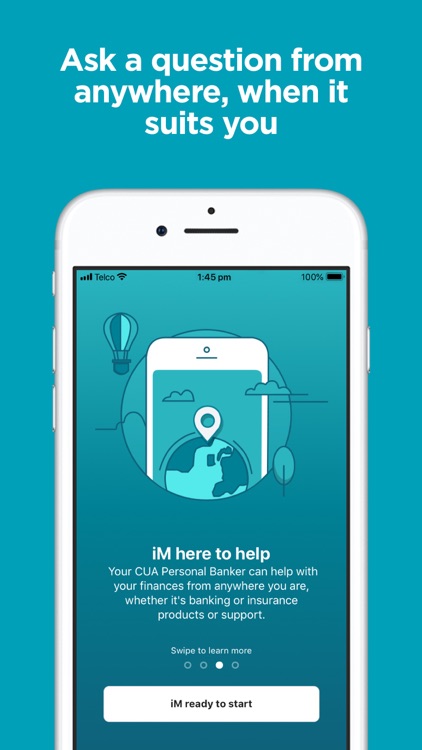
Message the CUA Personal Banker of your choice, from anywhere, when it suits you.
App Screenshots
App Store Description
Message the CUA Personal Banker of your choice, from anywhere, when it suits you.
With the award-winning iM CUA app, you’ll always have your own Personal Banker at your fingertips.
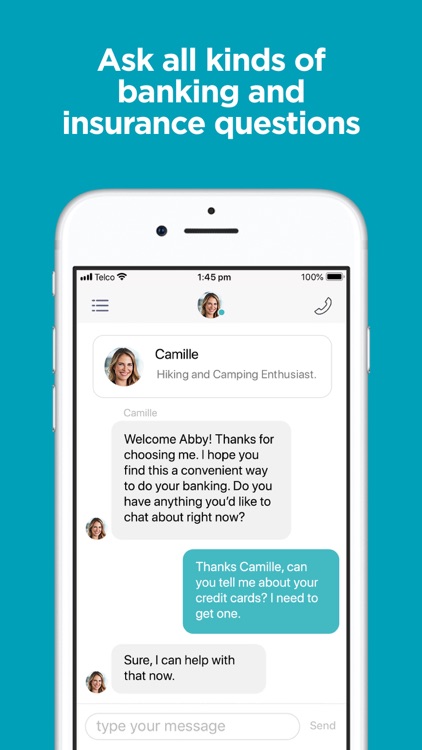
iM CUA lets you message a dedicated Personal Banker (yes, a human one) and get help quickly and easily with your CUA accounts, loans, insurance and financial goals. Plus, you’ll enjoy the same expert advice you’d get at a CUA branch, while you’re at home, at work or on the go.
iM CUA can help with:
- Any questions to do with your accounts and loans
- Home or personal loan applications
- Getting your new account set up
- Support with money transfers and payments
- Enquiries about CUA products and services
- And much more!
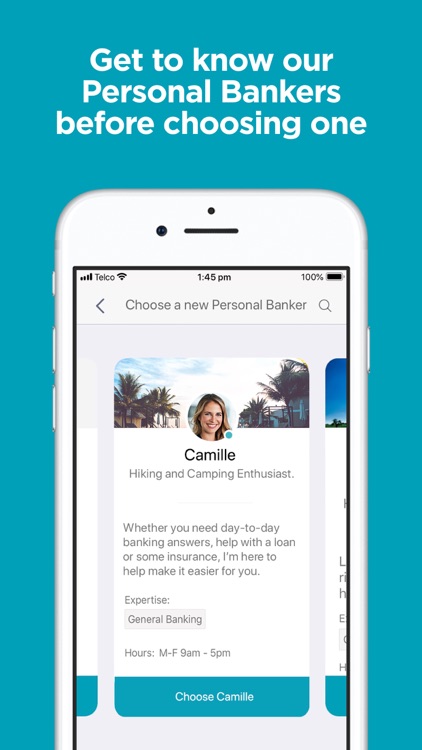
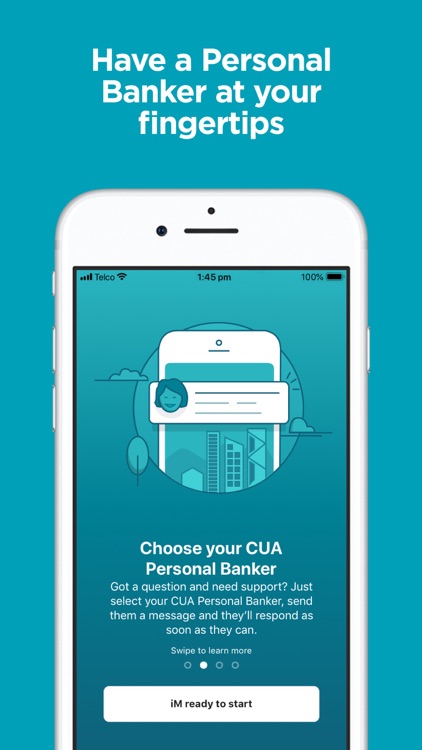
Choose your own Personal Banker
Apart from having easier access to your own Personal Banker, the iM CUA app lets you choose them. When you’re getting set up you’ll have a selection of CUA Personal Bankers to choose from. Simply check out their personal profiles and their hours of availability, then select the one that feels right for you. You can even change Personal Bankers at any time (don’t worry, they won’t take it personally).
Once you’ve found the one who’s the best match for you, your Personal Banker will deal with whatever questions and queries you throw at them. They’ll be able to view your accounts as you chat so they can provide you with the same great service you would expect from CUA.
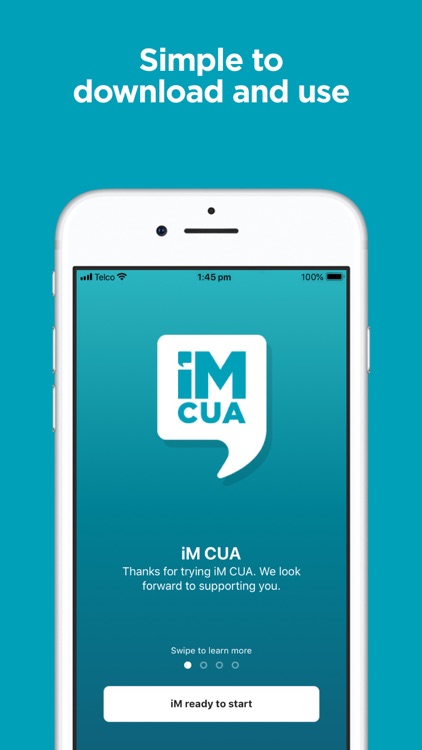
Setting up iM CUA is easy.
1. Download the iM CUA app for free
2. Log in using your member number and Web Access Code (WAC)
3. Review and accept our app terms and conditions
4. Choose your iM CUA Personal Banker from the selection
5. Start asking them questions
Security
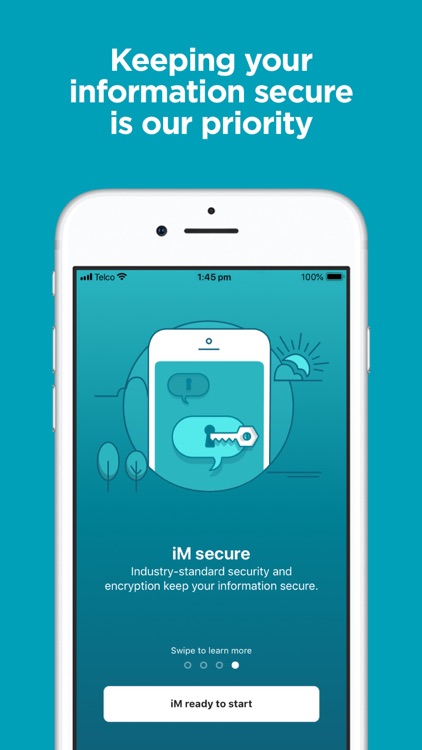
All your information is protected and your data is secure. Your messages are encrypted in transit and we use industry standard security protocols.
We recommend that you:
- keep your login details secret
- always log out once you’ve finished using iM CUA.
More advice to protect yourself and your information can be found at www.cua.com.au/about-cua/site-help/security-and-fraud
Things you should know
While there’s no fee for accessing iM CUA using your device, an internet connection is required. You may incur data charges from your mobile provider.
Disclaimer:
AppAdvice does not own this application and only provides images and links contained in the iTunes Search API, to help our users find the best apps to download. If you are the developer of this app and would like your information removed, please send a request to takedown@appadvice.com and your information will be removed.
AppAdvice does not own this application and only provides images and links contained in the iTunes Search API, to help our users find the best apps to download. If you are the developer of this app and would like your information removed, please send a request to takedown@appadvice.com and your information will be removed.
