You are using an outdated browser. Please
upgrade your browser to improve your experience.

Imager Photo Editor allows you to edit photos fast and easily

Imager Photo Editor
by Michael Amling


What is it about?
Imager Photo Editor allows you to edit photos fast and easily
App Store Description
Imager Photo Editor allows you to edit photos fast and easily
By selecting one of the different options in the overview, you can create easy and awesome looking photos.
Imager Photo Editor support all kind of filters:
- Negative
- Chrome
- Instant
- Mono
- Noir
- Process
- Tonal
- Transfer
- Tone
- Linear
- Sepia
- Hue Adjust
With the Negative filter, you can transform any negative image you take to its positive counterpart.
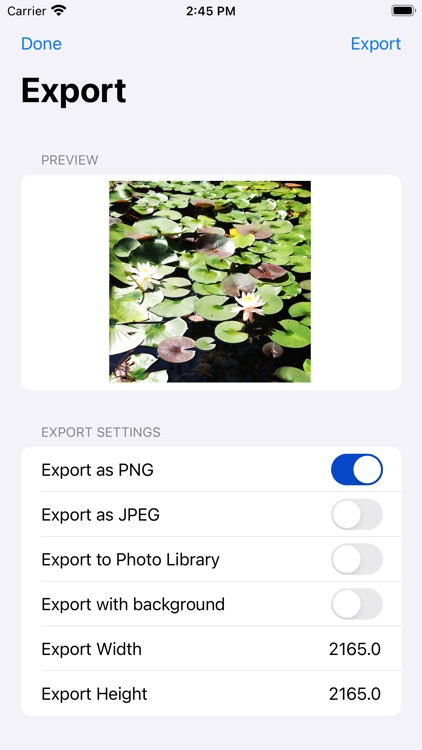
You export your changes as JPG, PNG or to your library.
Your project is save in your device and can be use later on again.
This is a pure native app, so all app functionalities are performant and can be used offline.
Disclaimer:
AppAdvice does not own this application and only provides images and links contained in the iTunes Search API, to help our users find the best apps to download. If you are the developer of this app and would like your information removed, please send a request to takedown@appadvice.com and your information will be removed.
AppAdvice does not own this application and only provides images and links contained in the iTunes Search API, to help our users find the best apps to download. If you are the developer of this app and would like your information removed, please send a request to takedown@appadvice.com and your information will be removed.
