You are using an outdated browser. Please
upgrade your browser to improve your experience.

In-Depth PowerPoint Remote is a brand new way of presentation using Microsoft PowerPoint Which works like laser pointer

In-Depth PowerPoint Remote
by Jia Jiancang
What is it about?
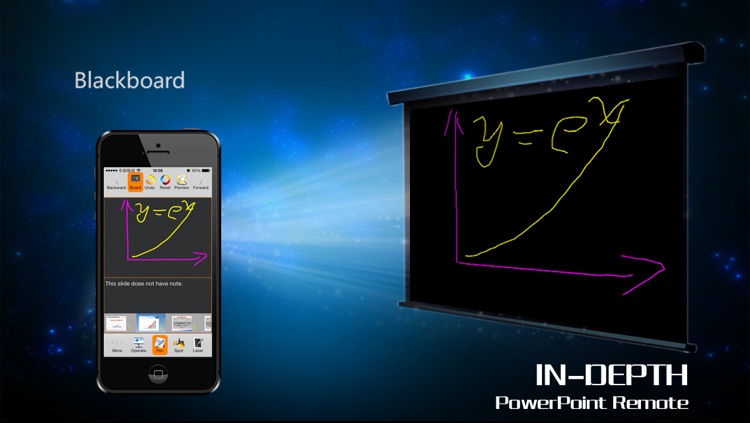
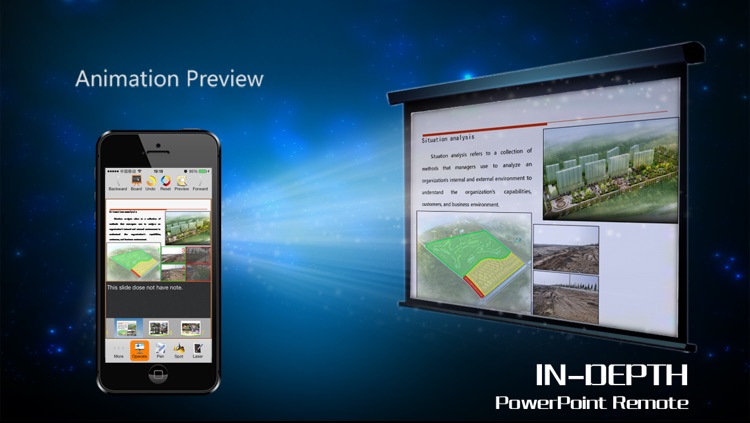
In-Depth PowerPoint Remote is a brand new way of presentation using Microsoft PowerPoint Which works like laser pointer. With a touch screen, you can not only view and control the slideshow, but also make annotation in your style, zoom or highlight content of the slide, view notes, preview animations.
App Screenshots
App Store Description
In-Depth PowerPoint Remote is a brand new way of presentation using Microsoft PowerPoint Which works like laser pointer. With a touch screen, you can not only view and control the slideshow, but also make annotation in your style, zoom or highlight content of the slide, view notes, preview animations.
-Have complete control of your presentation including display slides, turn pages, play animations and click links.
-Browse slides in thumbnail list view.
-Track presentation time and progress.
-Annotate slides while presenting.
-Write and draw graph on slide with a pen.
-Change the projector to a blackboard at any time.
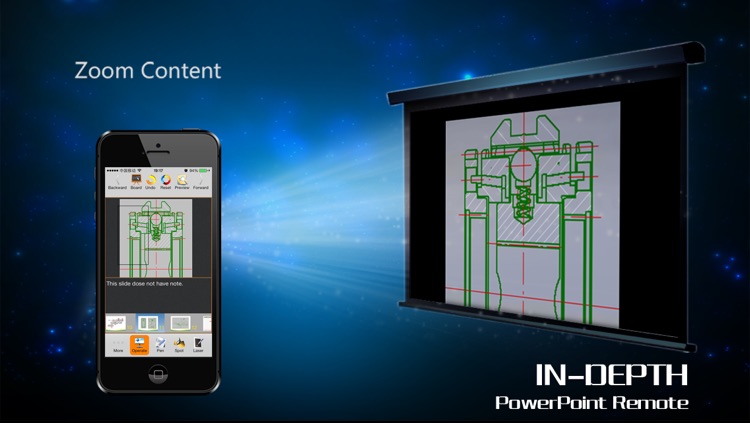
-Zoom in and out any object (picture, grid, graph and etc.) during presentation.
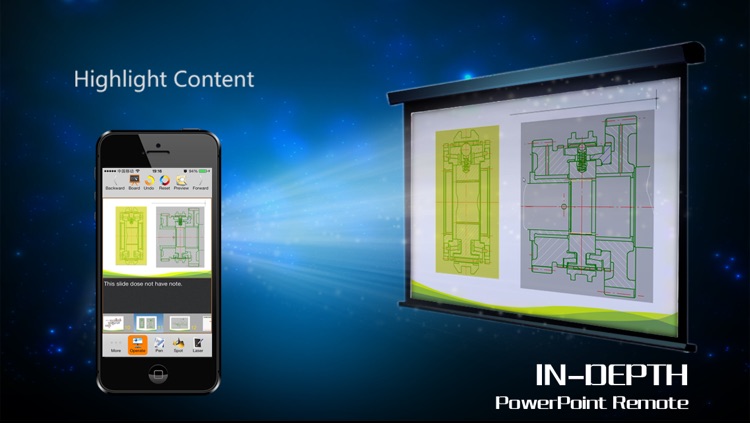
-Highlight any object during presentation.
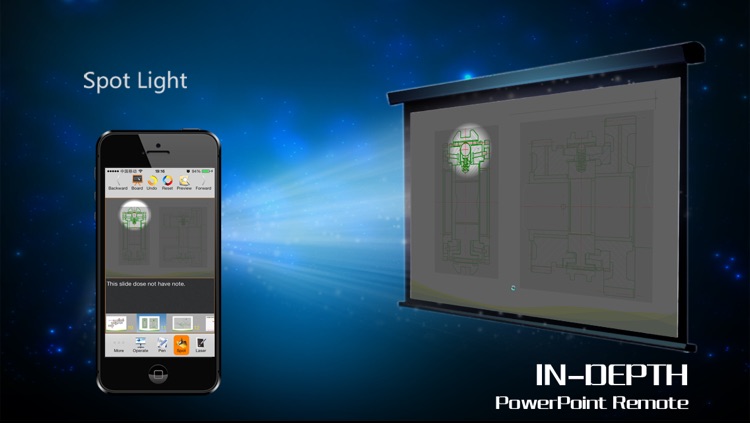
-Touch and move to show a spotlight to highlight a specific detail with the rest of the presentation greyed out.
-Touch and move a Green Laser Pointer.
-View the content, position, order, current index of all animations.
-Preview the next slide.
-View the slide notes.
+Our advantage
-Switch between slides without any delay.
-Perfectly integrated with PowerPoint, no need to launch the server program every time on your PC.
-Directly zoom or highlight objects on your slide while presenting.
-No need to register.
-Sustainable develop and support by a professional team.
This is one of the most popular Presentation Tools and the best Presentation Maker Free. It will help you to make effective PowerPoint presentations.
==================================================
+Requirement
-Support all versions of Microsoft PowerPoint from Office 2003 to the latest Office 2013 on Windows XP/Vista/7(32 and 64 Bit).
-Require installation of a PowerPoint control program on your host computer (that will run your PowerPoint presentation).
-Require a WIFI connection between the host PC and your Apple device.
To download PowerPoint control program, please visit our web site http://www.imdait.com and browse the support section to select the latest version.
If you have any questions or issues or suggestions, please do not hesitate to email us at iminda_support@sina.com. We will reply as soon as possible.
Facebook: https://www.facebook.com/imdait
Twitter: https://twitter.com/imdait
Disclaimer:
AppAdvice does not own this application and only provides images and links contained in the iTunes Search API, to help our users find the best apps to download. If you are the developer of this app and would like your information removed, please send a request to takedown@appadvice.com and your information will be removed.
AppAdvice does not own this application and only provides images and links contained in the iTunes Search API, to help our users find the best apps to download. If you are the developer of this app and would like your information removed, please send a request to takedown@appadvice.com and your information will be removed.
