You are using an outdated browser. Please
upgrade your browser to improve your experience.

The Inlines app presents technology related news headlines publicly syndicated by multiple top rated news publishers

InLines - just tech news
by James O'Kelly

What is it about?
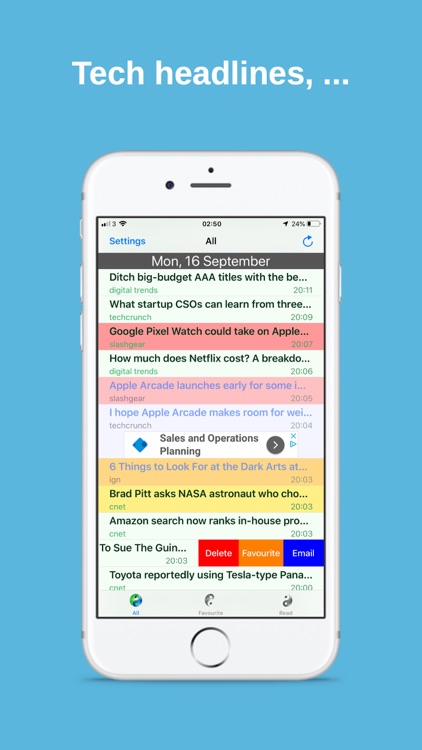
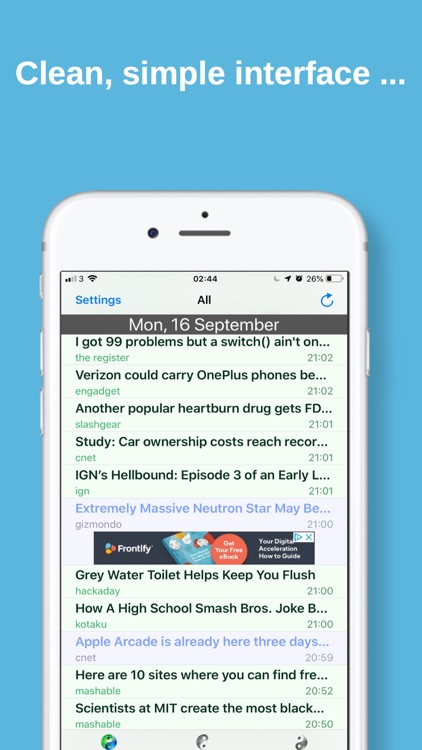
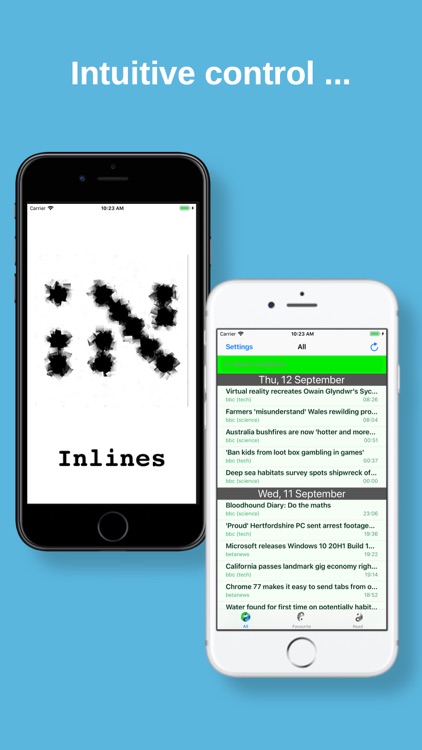
The Inlines app presents technology related news headlines publicly syndicated by multiple top rated news publishers. Headlines, along with the source and publication date are displayed in a time ordered scrollable list.
App Screenshots
App Store Description
The Inlines app presents technology related news headlines publicly syndicated by multiple top rated news publishers. Headlines, along with the source and publication date are displayed in a time ordered scrollable list.
Unread headlines have a green tint, while those that have been read are blue! When a headline is clicked, the related article is presented to the user in a browser.
The refresh button, in the upper right corner, (or a 'pull to refresh' gesture) manually downloads the latest headlines.
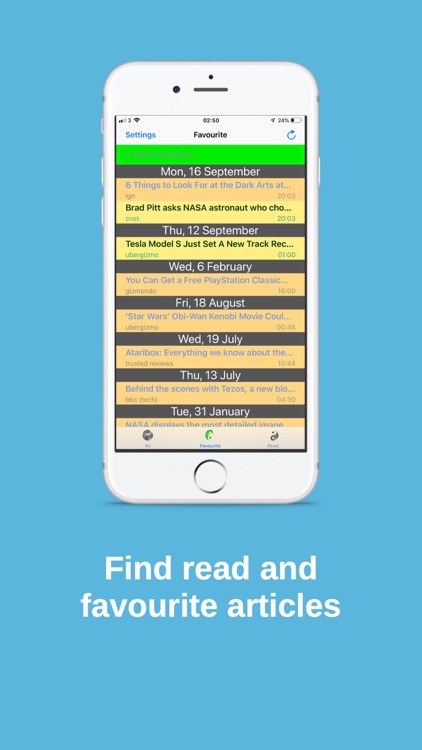
The tab control, at the bottom of the screen, provides 3 different views of headlines: 'all', 'favourite' and 'read'.
Swiping right on a headline uncovers 'Delete', 'Favourite', & 'Email' options, which can then be activated by tapping the associated action.
The settings view allows you to control the length of the newsfeed in terms of days of history that it goes back. You can also hide or highlight particular sources from the setting screen. You can then either click the save button to accept the changes made in the settings view or cancel to return to the newsfeed without making any changes. You can also provide feedback about the app.
Disclaimer:
AppAdvice does not own this application and only provides images and links contained in the iTunes Search API, to help our users find the best apps to download. If you are the developer of this app and would like your information removed, please send a request to takedown@appadvice.com and your information will be removed.
AppAdvice does not own this application and only provides images and links contained in the iTunes Search API, to help our users find the best apps to download. If you are the developer of this app and would like your information removed, please send a request to takedown@appadvice.com and your information will be removed.
