You are using an outdated browser. Please
upgrade your browser to improve your experience.

Create beautiful cinemagraphs in just three simple steps: capture or upload, edit and share

InstaCinemagraph
by Random Step
What is it about?
Create beautiful cinemagraphs in just three simple steps: capture or upload, edit and share. Your social stories will look amazing.
App Screenshots
App Store Description
Create beautiful cinemagraphs in just three simple steps: capture or upload, edit and share. Your social stories will look amazing.
Cinemagraphs are short videos that have only one moving element. With instaCinemagraph you just highlight the area of the video that you want to have animated and the app does the rest. With just a couple of taps you'll have a stunning video that will surely capture the eye of your followers.
How to:
The first time you launch the app you'll be taken through a step-by-step guide. If you've missed it you can always see it again from the drawer menu.
To create your first cinemagraph follow this easy steps:
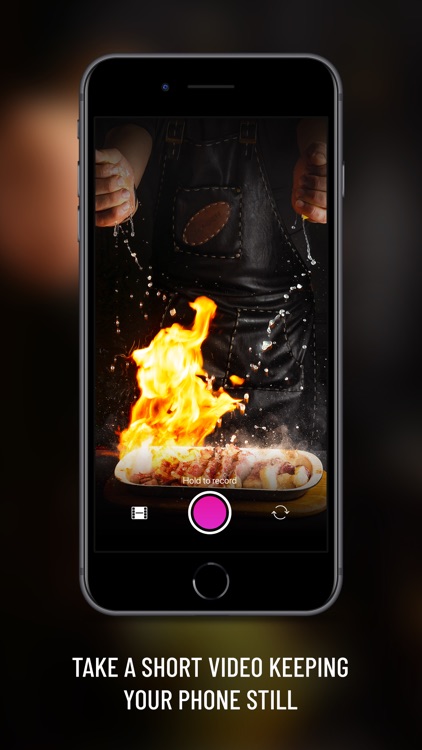
1. Capture or upload a short video
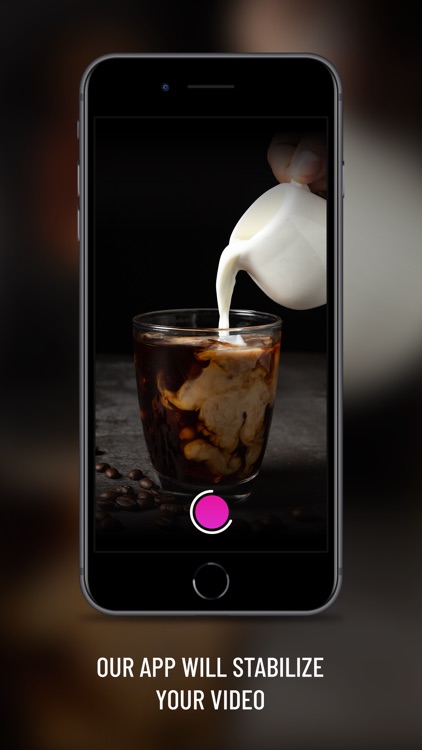
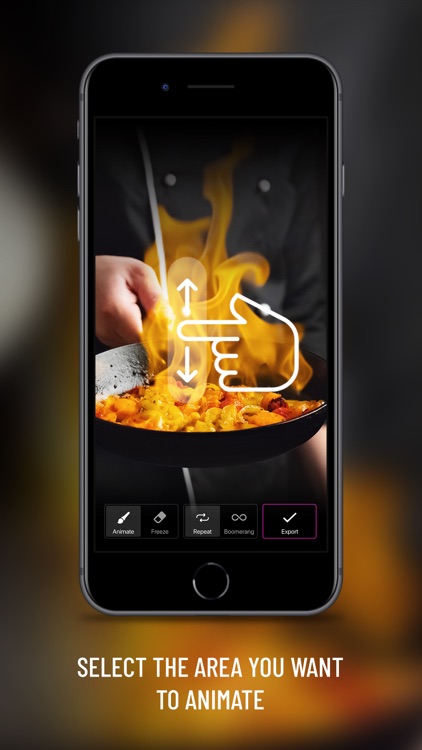
2. After the app processes and stabilises your video, use the drawing tool to animate or lock parts of the video. For accuracy, use the sliding tool on the right to increase or decrease the size of the cursor. On this screen you can also activate the infinite loop option.
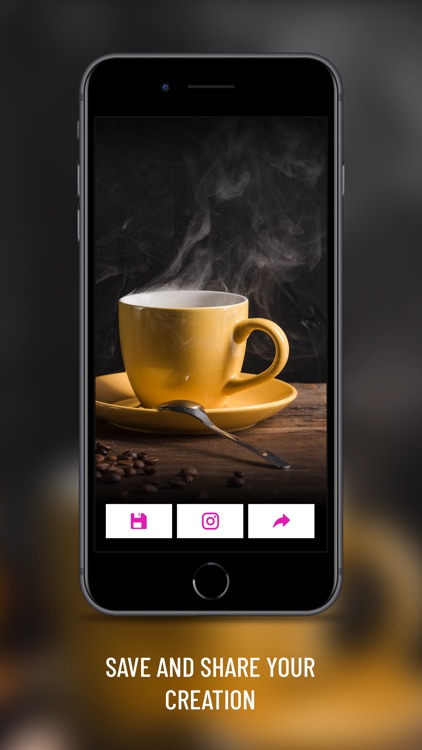
3. When you are happy with your work just hit finish and let the app do its magic. In a couple of seconds your final video will be ready. If you are happy with the final result you can save it or share it on your favourite social network. You can always go back to the previous step to make edits.
Subscription plans:
instaCinemagraph is available with any of our subscription plans. A free trial subscription will automatically renew to a paid subscription. Payment will be charged to your iTunes Account at confirmation of purchase. Subscription automatically renews at the purchase price unless auto-renew is turned off at least 24-hours before the end of the current period. Subscriptions may be managed and auto-renewal may be turned off by going to the Account Settings after purchase. Cancellation will take effect the day after the last day of the current subscription period. Subscriptions are a week, a month or a year in length.
Terms of service: https://randomsteps.com/terms-and-conditions/
Privacy Policy: https://randomsteps.com/instacinemagraph-privacy-policy/
Disclaimer:
AppAdvice does not own this application and only provides images and links contained in the iTunes Search API, to help our users find the best apps to download. If you are the developer of this app and would like your information removed, please send a request to takedown@appadvice.com and your information will be removed.
AppAdvice does not own this application and only provides images and links contained in the iTunes Search API, to help our users find the best apps to download. If you are the developer of this app and would like your information removed, please send a request to takedown@appadvice.com and your information will be removed.
