You are using an outdated browser. Please
upgrade your browser to improve your experience.

A brand new way to type in emoji, pictograms, and other special symbols on your iPhone and iPad

Instant emoji keyboard QuickPicType
by Golmium
What is it about?
A brand new way to type in emoji, pictograms, and other special symbols on your iPhone and iPad!
App Store Description
A brand new way to type in emoji, pictograms, and other special symbols on your iPhone and iPad!
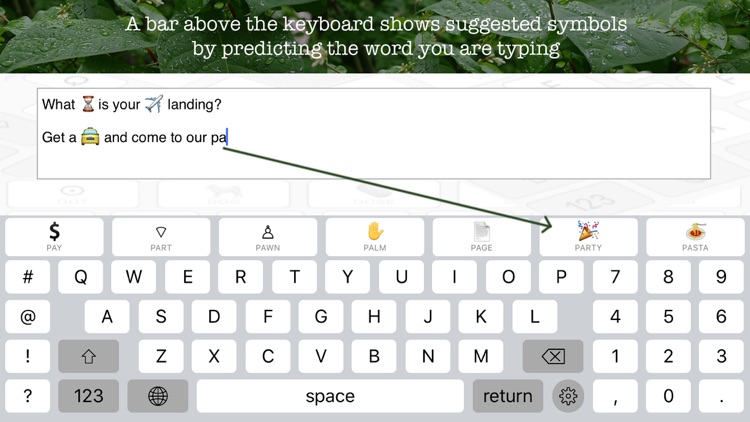
As you are composing an email, text, twitter message or what have you, a bar above the keyboard shows suggested symbols by predicting the word you are typing. Touch one of the suggestions to accept it.
Hundreds of standard Unicode symbols, pictograms, emoji, etc. are available for several thousand English words.
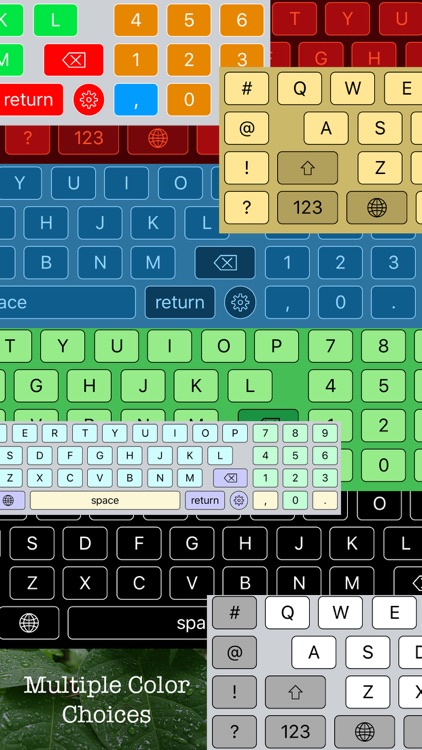
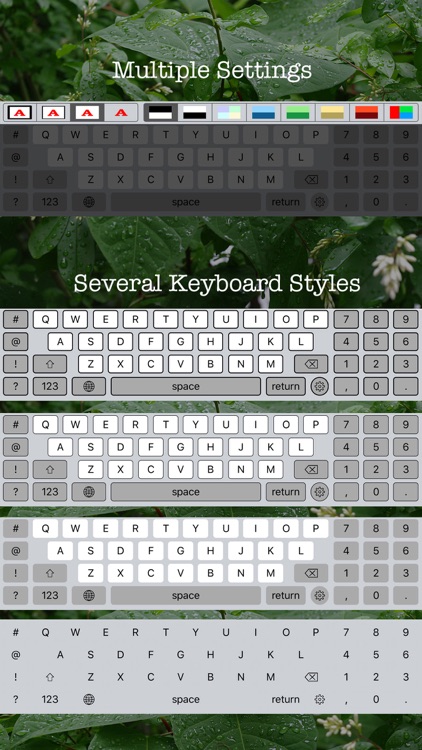
The keyboard style and color schema may be selected from an almost infinite number of appearance choices (about thirty-something).
How to use the instant emoji keyboard QuickPicType on your iPhone or iPad?
Launch any app and pull up the keyboard. Simply start typing as you always do. You will notice that QuickPicType instantly starts suggesting pictograms and emoji that may come next. Tap on the symbol in the QuickPicType bar that you'd like to add to your text and keep typing.
How to install this keyboard:
- Go into your Settings app
- Go to General > Keyboard > Keyboards
- Tap “Add New Keyboard”
- On that screen, you’ll see a section called “Third-Party Keyboards”
- Tap on the QuickPicType keyboard option to install it
Important: The QuickPicType keyboard respects your privacy absolutely because it does not need full access, does not use your internet connection, and does not collect or store your typed in data in any way, shape or form.
Disclaimer:
AppAdvice does not own this application and only provides images and links contained in the iTunes Search API, to help our users find the best apps to download. If you are the developer of this app and would like your information removed, please send a request to takedown@appadvice.com and your information will be removed.
AppAdvice does not own this application and only provides images and links contained in the iTunes Search API, to help our users find the best apps to download. If you are the developer of this app and would like your information removed, please send a request to takedown@appadvice.com and your information will be removed.
