You are using an outdated browser. Please
upgrade your browser to improve your experience.

With InstaTools you can use custom fonts and grow your account faster

InstantSave: Save Posts & Font
by Asmati Sviakauri


What is it about?
With InstaTools you can use custom fonts and grow your account faster. Use line breaks to write posts and use custom fonts in captions, bios and comments. Save posts for future posting and organize them in categories.
App Screenshots


App Store Description
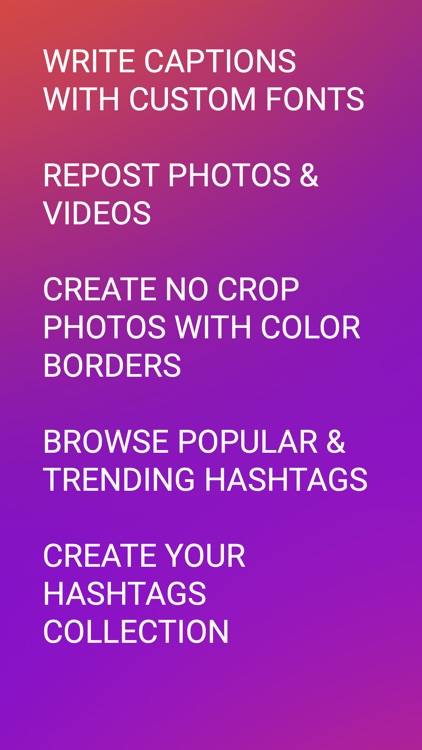
With InstaTools you can use custom fonts and grow your account faster. Use line breaks to write posts and use custom fonts in captions, bios and comments. Save posts for future posting and organize them in categories.
Also you can repost local pictures, your favorites photos or videos without any watermark.
You can edit photos and add no crop color borders, modify them and add filters.
Also you'll get best hashtags collection. You can browse popular and trending hashtags and use the in your posts.
Disclaimer:
This app are not affiliated with Instagram Inc or its parent company Facebook Inc. Do not use it for repost photos or videos without permission of the respective owners.
Terms of use: https://sviakauria.wordpress.com/terms-of-use/.
Disclaimer:
AppAdvice does not own this application and only provides images and links contained in the iTunes Search API, to help our users find the best apps to download. If you are the developer of this app and would like your information removed, please send a request to takedown@appadvice.com and your information will be removed.
AppAdvice does not own this application and only provides images and links contained in the iTunes Search API, to help our users find the best apps to download. If you are the developer of this app and would like your information removed, please send a request to takedown@appadvice.com and your information will be removed.
