You are using an outdated browser. Please
upgrade your browser to improve your experience.

How to use

InstaWidget - See Post Anytime
by Shimoda Wataru
What is it about?
How to use.
App Screenshots

App Store Description
How to use.
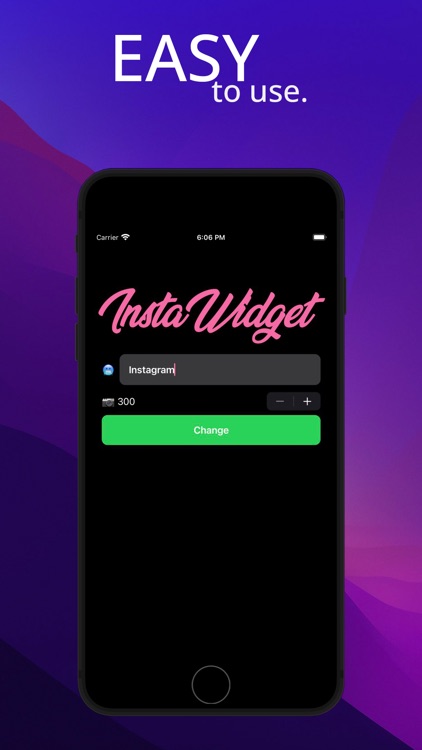
1. Open the app and type someone's Instagram ID. (No need to type @)
2. Press "Change" button.
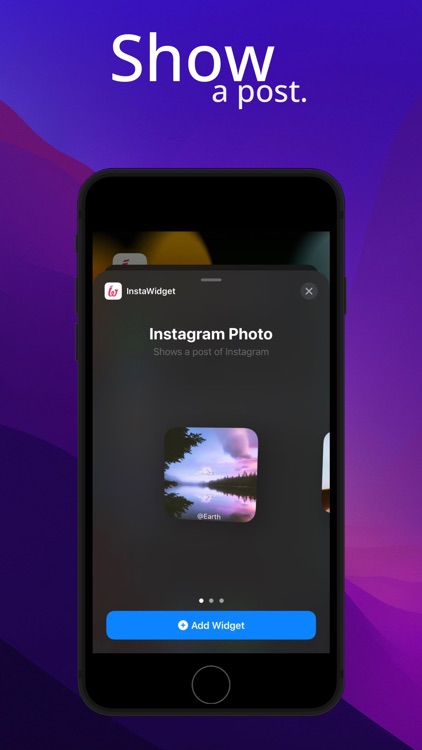
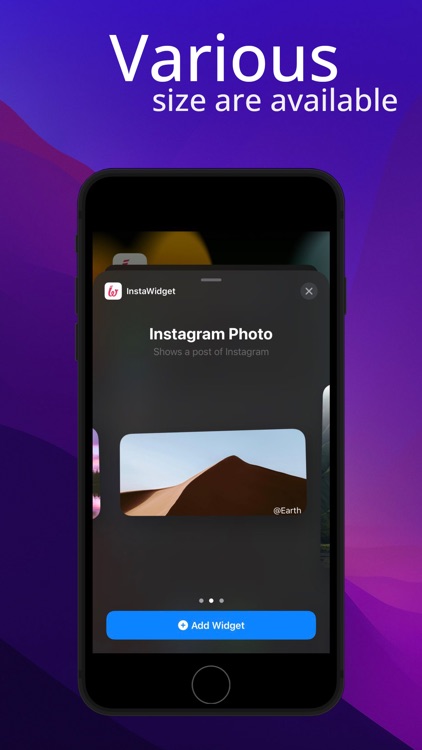
It's done! Each type of widget will show a post chosen randomly. (Post will differ between Small, Medium and Large size.
**You can set how many most recent posts to retrieve at button above the “Change” button.
Disclaimer:
AppAdvice does not own this application and only provides images and links contained in the iTunes Search API, to help our users find the best apps to download. If you are the developer of this app and would like your information removed, please send a request to takedown@appadvice.com and your information will be removed.
AppAdvice does not own this application and only provides images and links contained in the iTunes Search API, to help our users find the best apps to download. If you are the developer of this app and would like your information removed, please send a request to takedown@appadvice.com and your information will be removed.
