You are using an outdated browser. Please
upgrade your browser to improve your experience.

TerminalGuard is a powerful and secure remote access app that allows you to connect to and manage your servers, devices, and cloud infrastructure from anywhere in the world

iTerminus: SSH Client Terminal
by Ravi Kakadiya


What is it about?
TerminalGuard is a powerful and secure remote access app that allows you to connect to and manage your servers, devices, and cloud infrastructure from anywhere in the world. With its intuitive interface and robust features, it is the ultimate tool for system administrators, developers, and IT professionals.
App Screenshots


App Store Description
TerminalGuard is a powerful and secure remote access app that allows you to connect to and manage your servers, devices, and cloud infrastructure from anywhere in the world. With its intuitive interface and robust features, it is the ultimate tool for system administrators, developers, and IT professionals.
SSH Key Features:
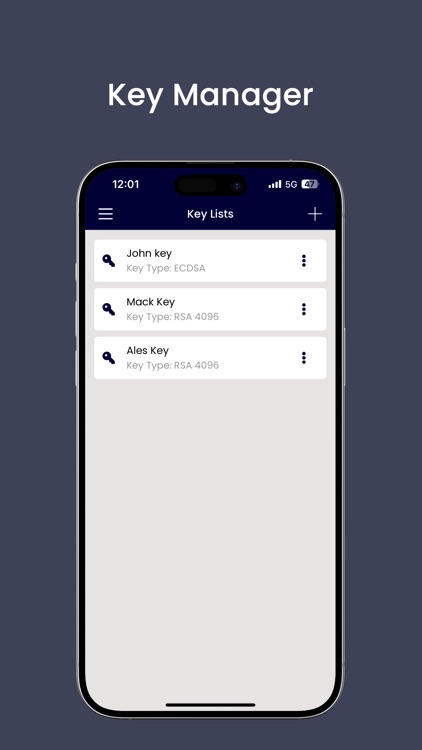
- TerminalGuard ensures a highly secure and encrypted connection, keeping your data and credentials safe during remote access sessions
- Authentication using: Password
- Support Xterm/VT100
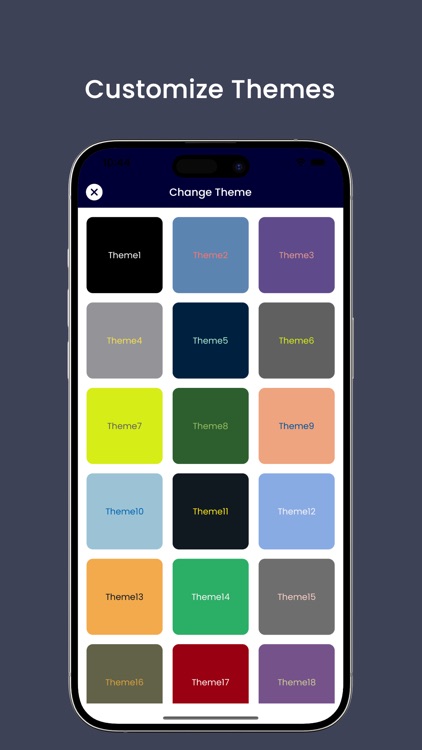
- Customize your terminal shell screen
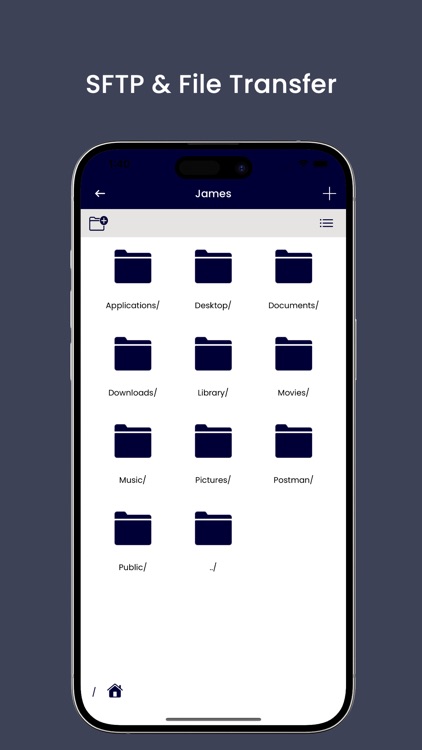
SFTP Functionalities -
- Transfer files between your local machine and remote servers using the built-in file transfer capabilities. Upload, download, and manage files effortlessly.
Setting Functionalities
- Set Custom Font
- Increase font size
- Import and export data
- Set background and foreground colour
- If you need any help, Please email vrishantakinfotech@gmail.com
- Privacy Policy: http://vrishantakinfotech.com/termsandconditions.html
- Terms of Use: http://vrishantakinfotech.com/terms_of_use.php
Disclaimer:
AppAdvice does not own this application and only provides images and links contained in the iTunes Search API, to help our users find the best apps to download. If you are the developer of this app and would like your information removed, please send a request to takedown@appadvice.com and your information will be removed.
AppAdvice does not own this application and only provides images and links contained in the iTunes Search API, to help our users find the best apps to download. If you are the developer of this app and would like your information removed, please send a request to takedown@appadvice.com and your information will be removed.
