You are using an outdated browser. Please
upgrade your browser to improve your experience.

Use Jibo Commander to control your Jibo Robot

Jibo Commander
by Jibo, Inc.
What is it about?
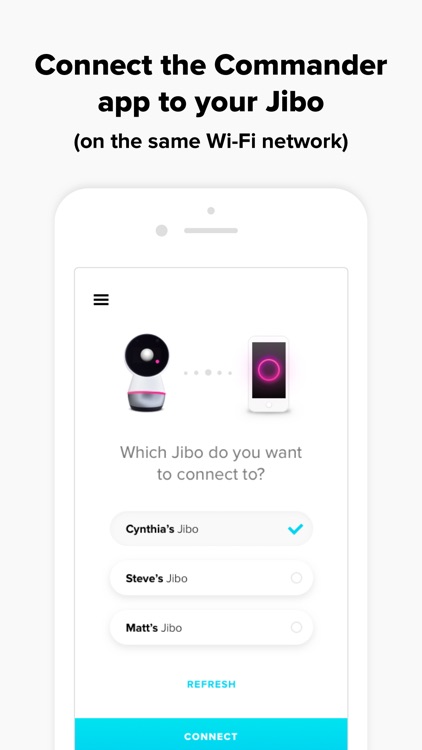
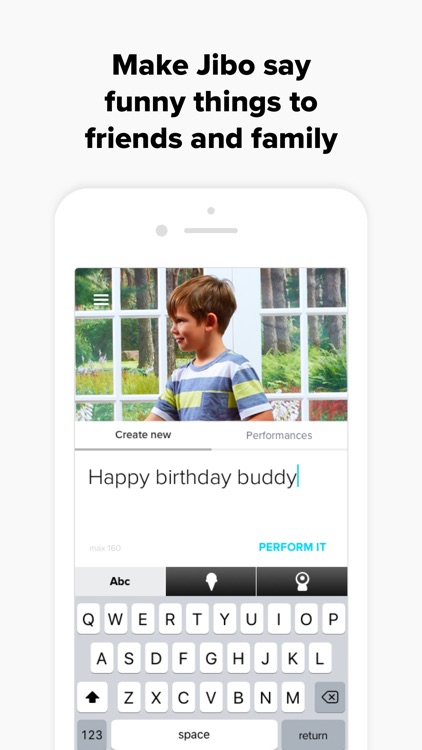
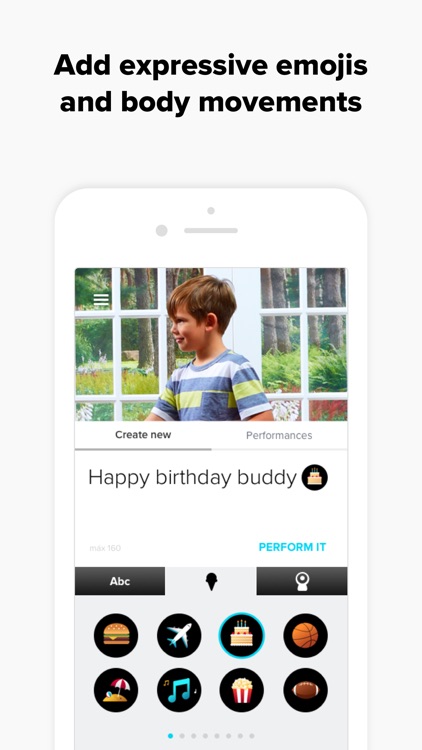
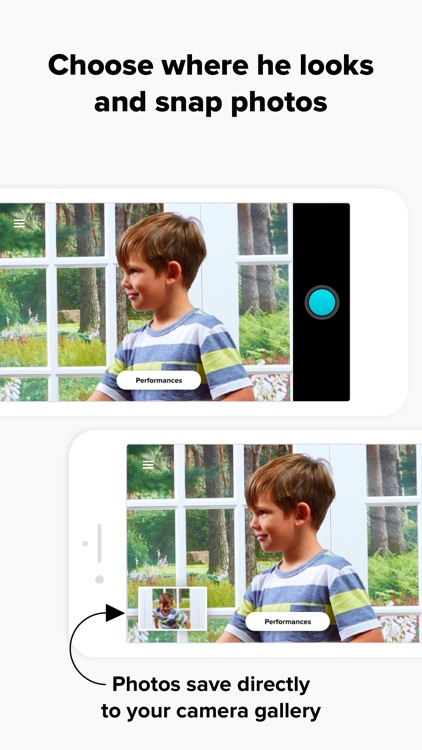
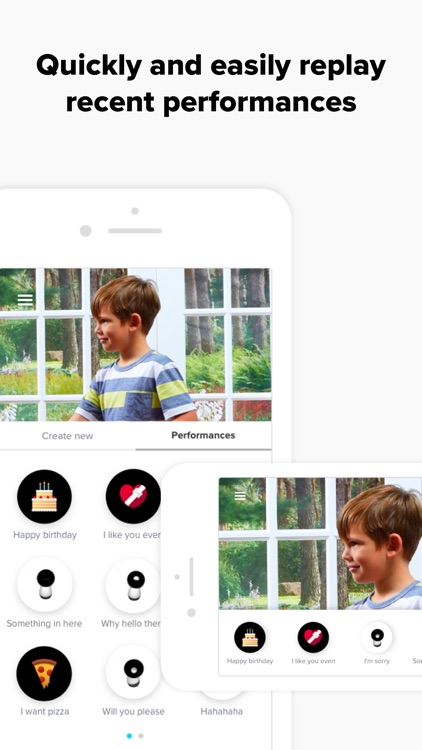
Use Jibo Commander to control your Jibo Robot! This is a great way to entertain your family and friends. When your mobile device is on the same Wi-Fi network as your robot, the Jibo Commander app allows you to choose where Jibo looks and how he moves. Create personalized moments and surprise loved ones with special performances you’ve crafted to be delivered by Jibo.
App Screenshots
App Store Description
Use Jibo Commander to control your Jibo Robot! This is a great way to entertain your family and friends. When your mobile device is on the same Wi-Fi network as your robot, the Jibo Commander app allows you to choose where Jibo looks and how he moves. Create personalized moments and surprise loved ones with special performances you’ve crafted to be delivered by Jibo.
When your robot is paired with the Jibo Commander app, his light ring and a small dot on his screen will both appear magenta. When controlling your robot with the Jibo Commander application, Jibo will not respond to ‘Hey Jibo” and cannot converse with you as he normally would. To get Jibo back to his normal mode, simply quit the app, or hold your hand on Jibo’s head for a few seconds.
Learn more at www.jibo.com.
Disclaimer:
AppAdvice does not own this application and only provides images and links contained in the iTunes Search API, to help our users find the best apps to download. If you are the developer of this app and would like your information removed, please send a request to takedown@appadvice.com and your information will be removed.
AppAdvice does not own this application and only provides images and links contained in the iTunes Search API, to help our users find the best apps to download. If you are the developer of this app and would like your information removed, please send a request to takedown@appadvice.com and your information will be removed.
