You are using an outdated browser. Please
upgrade your browser to improve your experience.
KanjiKey lets you type Japanese kanji by selecting their simpler components

KanjiKey Keyboard
by Serpenti Sei LLC
What is it about?
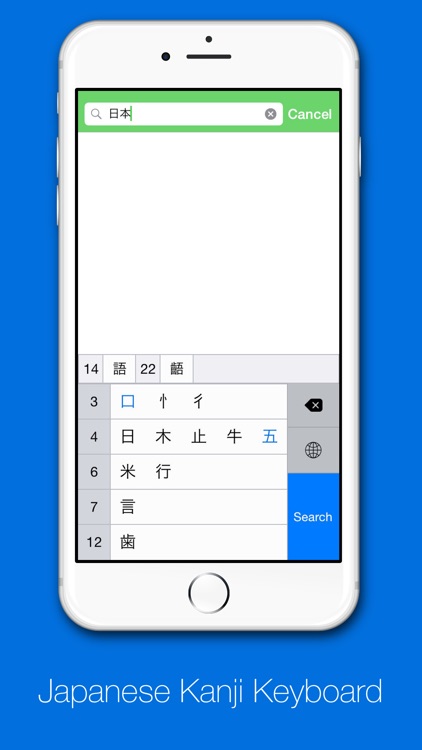
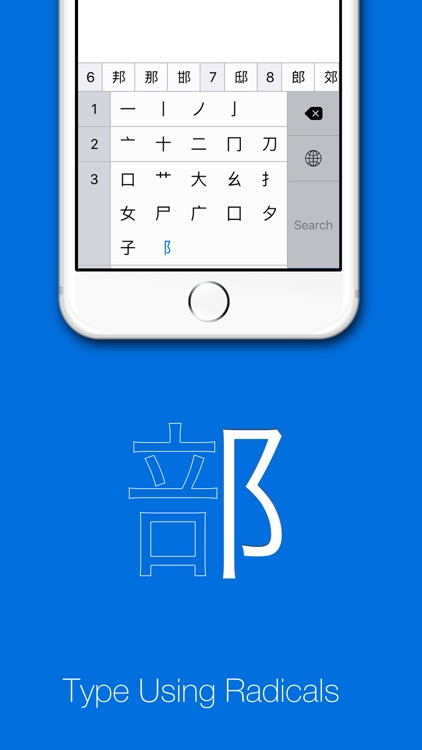
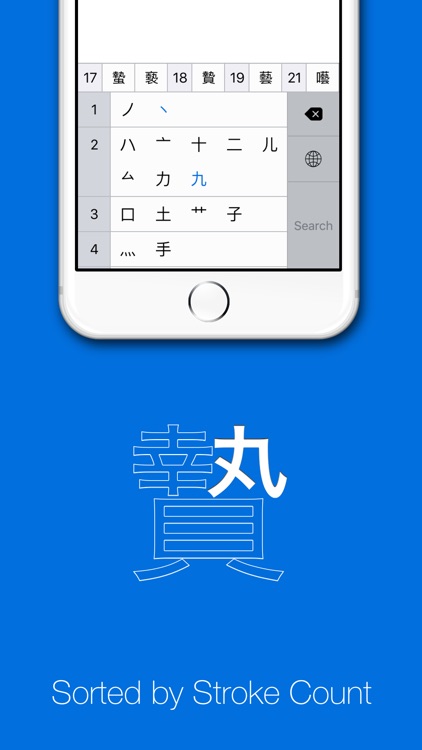
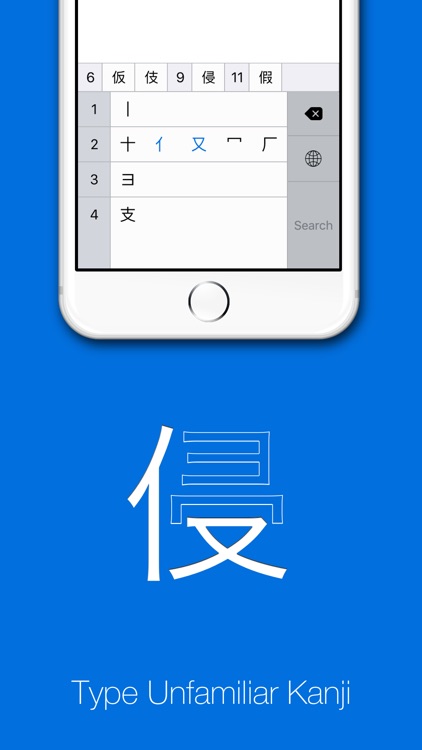
KanjiKey lets you type Japanese kanji by selecting their simpler components. Every kanji is made up of smaller pieces, and to type a kanji using KanjiKey, all you need to do is find a couple pieces that you recognize.
App Screenshots
App Store Description
KanjiKey lets you type Japanese kanji by selecting their simpler components. Every kanji is made up of smaller pieces, and to type a kanji using KanjiKey, all you need to do is find a couple pieces that you recognize.
Features
* Look up kanji visually, rather than by pronunciation.
* Find kanji when you only know part of what it looks like, or when you don't know the hiragana reading.
* Results sorted by stroke count to make finding the right kanji fast.
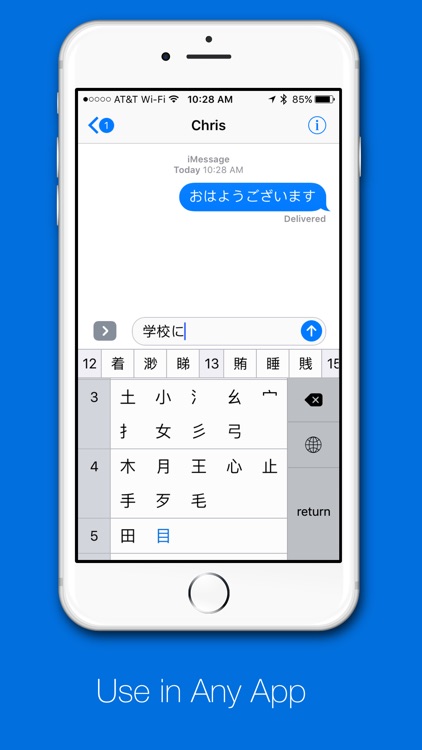
* Usable in any app on iOS.
* Safe to use - doesn't require Full Access. Nothing you type is visible to the developer, or anyone else.
Disclaimer:
AppAdvice does not own this application and only provides images and links contained in the iTunes Search API, to help our users find the best apps to download. If you are the developer of this app and would like your information removed, please send a request to takedown@appadvice.com and your information will be removed.
AppAdvice does not own this application and only provides images and links contained in the iTunes Search API, to help our users find the best apps to download. If you are the developer of this app and would like your information removed, please send a request to takedown@appadvice.com and your information will be removed.
