You are using an outdated browser. Please
upgrade your browser to improve your experience.
Connected to the KENWOOD smart headset to adjust noise cancellation, external sound capture and sound equalizer

KENWOOD Smart Headsets
by JVCKENWOOD Corporation


What is it about?
Connected to the KENWOOD smart headset to adjust noise cancellation, external sound capture and sound equalizer.
App Screenshots
App Store Description
Connected to the KENWOOD smart headset to adjust noise cancellation, external sound capture and sound equalizer.
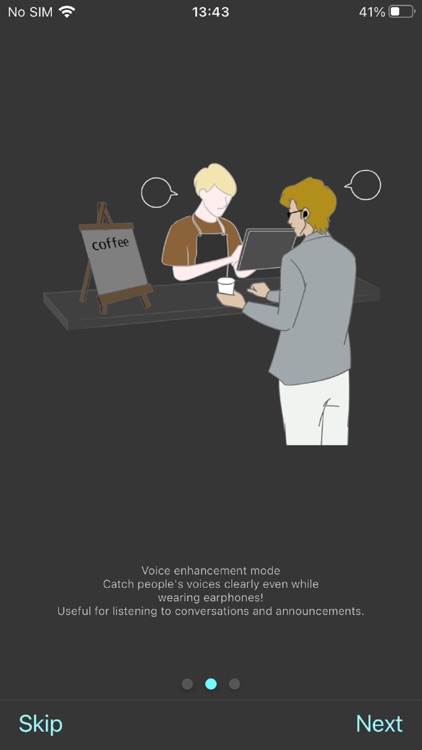
There are functions such as voice enhancement mode that can be enabled only with this app.
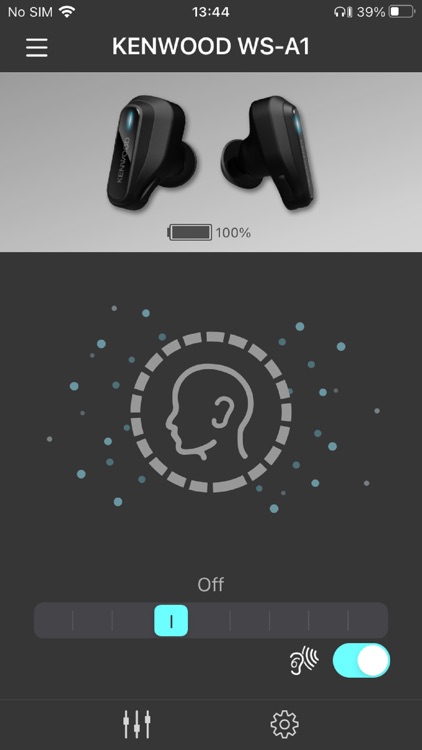
-Adjust the level Noise Canceling and Ambient Sound Capture .
The functions and levels are switched as follows in order from the leftmost of the slide
bar on the screen.
Noise Cancelling High
Noise Cancelling Medium
Noise Cancelling Low
Off
Transparency Low
Transparency Medium
Transparency HIgh
Voice enhancement mode Low
Voice enhancement mode High
(Voice enhancement mode is available when you turn on the feature in this app.)
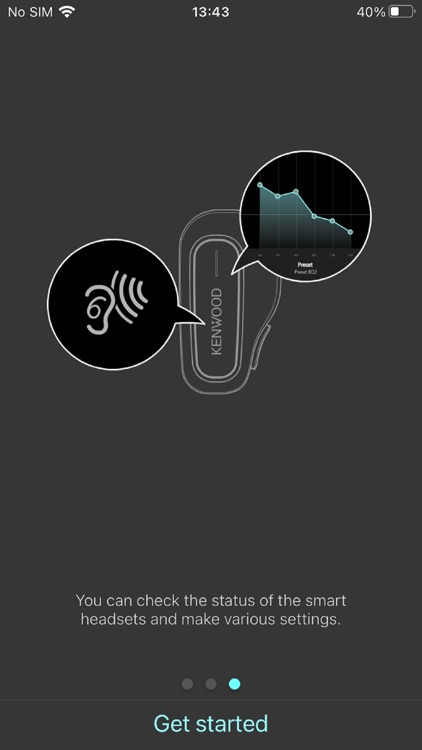
-Sound EQ
Set the equalizer for the music to be played.
Select from Bass, Classic, Flat, Jazz, Pop, and Rock presets, or use Custom to
adjust the sound to your liking.
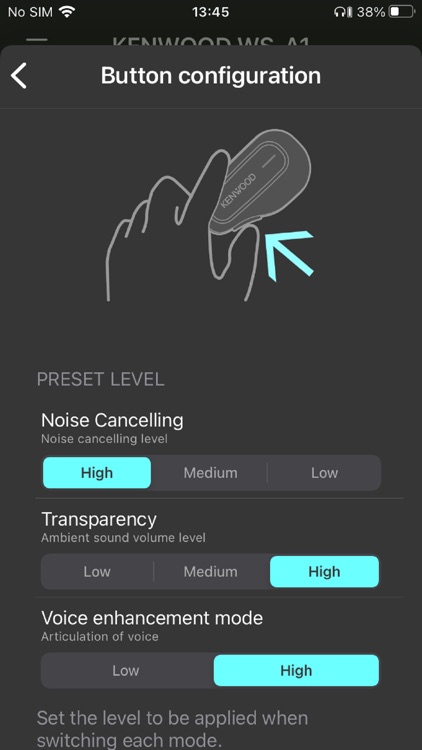
-Button configuration
You can set the level of the mode function to switch with the button on the L side of
the WS-A1 or WS-A1G main unit.
Noise cancellation High, Med, and Low.
Ambient sound capture Low, Med and High.
Voice enhancement mode Low and High.
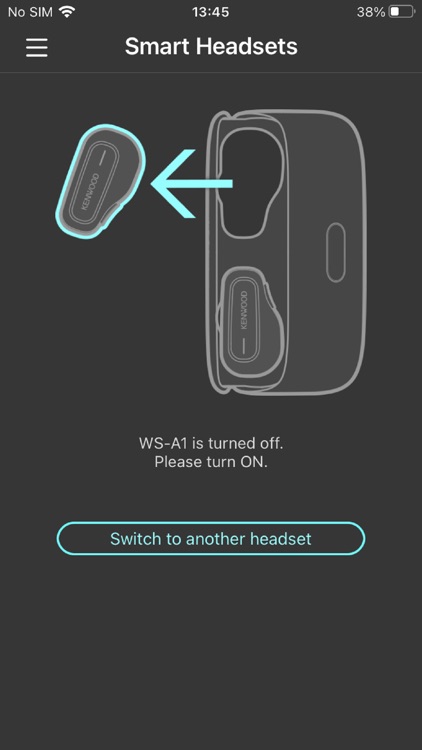
-Battery level display
The remaining battery level of the headset is displayed.
-Find a device
help find the headset by LED or sound.
-LED
Switch the LED display on and off of the headset.
When set to "OFF", the LED does not light during normal use.
Disclaimer:
AppAdvice does not own this application and only provides images and links contained in the iTunes Search API, to help our users find the best apps to download. If you are the developer of this app and would like your information removed, please send a request to takedown@appadvice.com and your information will be removed.
AppAdvice does not own this application and only provides images and links contained in the iTunes Search API, to help our users find the best apps to download. If you are the developer of this app and would like your information removed, please send a request to takedown@appadvice.com and your information will be removed.
