You are using an outdated browser. Please
upgrade your browser to improve your experience.

LanEx's Driver app is all set to respond to its passengers over a tap

LanEx's Partner
by George Saber
What is it about?
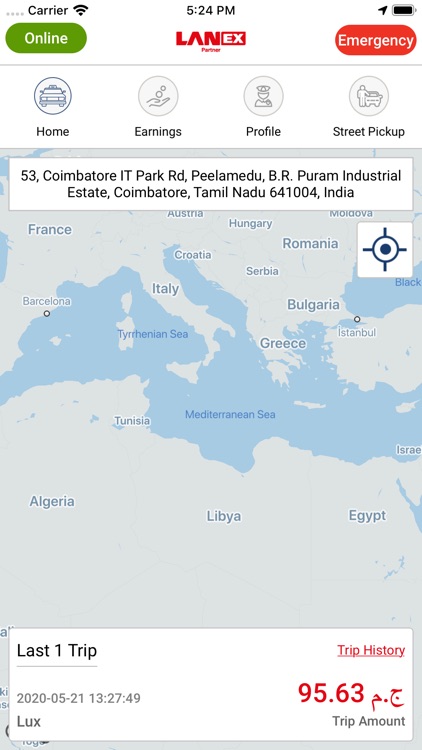
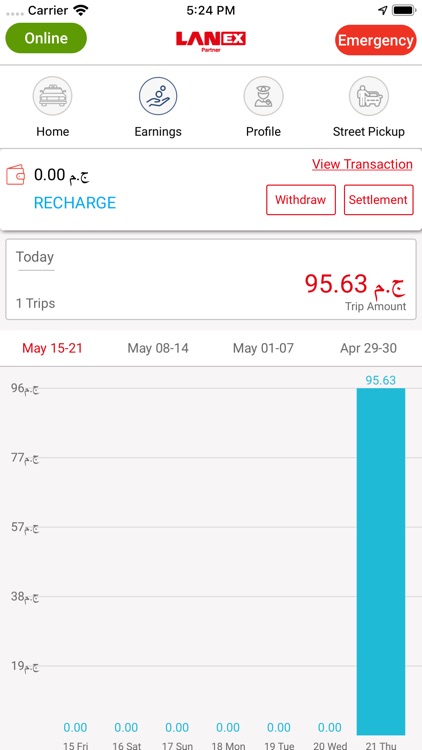
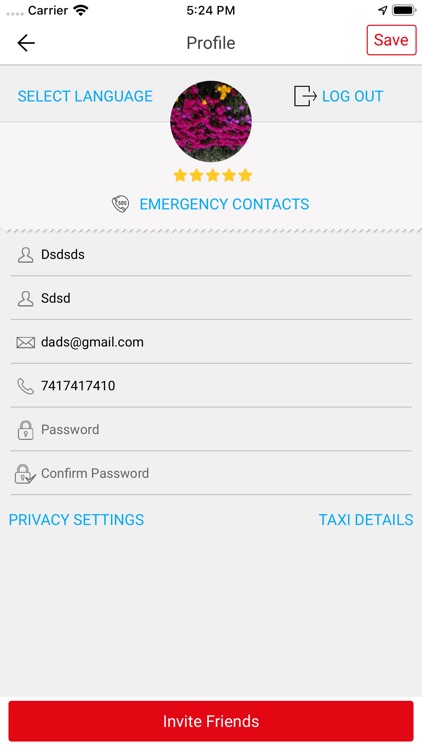
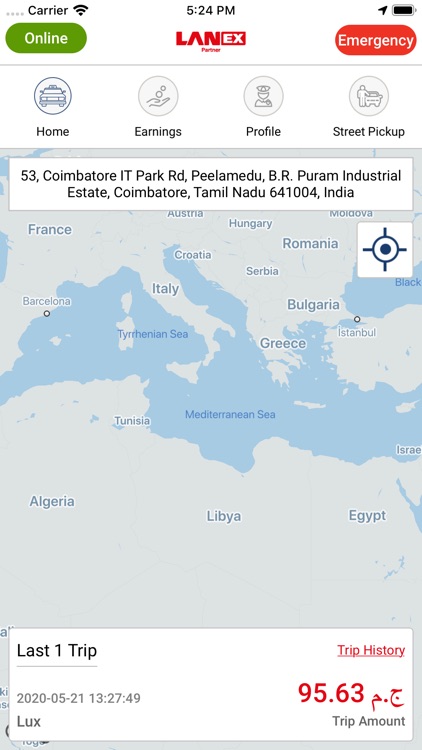
LanEx's Driver app is all set to respond to its passengers over a tap. Each driver has their own login credentials. Upon activating GPS over the driver app, passenger requests can be received, accepted, or rejected. The driver can keep track of the ongoing trip. He can manage his profile information. The details of the trip such as pick up and drop location, time, cabs type etc., are received from the passenger. The approximate fare is automatically calculated. The trip payments can be received via card or cash from passengers. The driver app allows us to saves the history of completed trips for future reference in the statistics tab.
App Screenshots

App Store Description
LanEx's Driver app is all set to respond to its passengers over a tap. Each driver has their own login credentials. Upon activating GPS over the driver app, passenger requests can be received, accepted, or rejected. The driver can keep track of the ongoing trip. He can manage his profile information. The details of the trip such as pick up and drop location, time, cabs type etc., are received from the passenger. The approximate fare is automatically calculated. The trip payments can be received via card or cash from passengers. The driver app allows us to saves the history of completed trips for future reference in the statistics tab.
Some of the features of LanEx's Driver app includes:
Secured individual Driver profile with image, Email Id, phone number, driving license, and cabs details.
Mandatory to activate GPS upon login.
Automatically receives passenger's trip request with trip details.
Detects passengers using GPS.
Google navigation for the ongoing trip.
Send notification upon arrival to pick up passengers.
Start the trip by clicking the "start trip" button.
Saves history of completed trips for future reference in statistics.
"Continued use of GPS running in the background can dramatically decrease battery life"
Usage of background mode location updation:
1. Background mode used to track the driver location and the driver will get passenger requests even the app is on background mode.
Disclaimer:
AppAdvice does not own this application and only provides images and links contained in the iTunes Search API, to help our users find the best apps to download. If you are the developer of this app and would like your information removed, please send a request to takedown@appadvice.com and your information will be removed.
AppAdvice does not own this application and only provides images and links contained in the iTunes Search API, to help our users find the best apps to download. If you are the developer of this app and would like your information removed, please send a request to takedown@appadvice.com and your information will be removed.
