You are using an outdated browser. Please
upgrade your browser to improve your experience.

Provides:

Learn Ps Tools
by Paulo Narra


What is it about?
Provides:
App Screenshots




App Store Description
Provides:
- Step by Step Demonstration
- Demo with videos (89 videos)
- Explanation for each tool, of the different options
. . . . . . . . . . . . . . . . . . . . . . . . . . . .
Shows all tools divided by categories:
- Move and Selection Tools (12 tools)
- Crop and Slice Tools (5 Tools)
- Retouching Tools (5 tools)
- Painting Tools (16 tools)
- Measuring Tools (9 tools)
- Drawing and Type Tools (18 tools)
- Navigation Tools (3 tools)
67 Tools available:
- Move
- Artboard
- Rectangular Marquee
- Elliptical Marquee
- Single Row Marquee
- Single Column Marquee
- Lasso
- Polygonal Lasso
- Magnetic Lasso
- Object Selection
- Quick Selection
- Magic Wand
- Crop
- Perspective Crop
- Slice
- Slice Select
- Frame
- Eyedropper
- Color Sample
- Ruler
- Note
- Count
- Spot Healing Brush
- Healing Brush
- Patch
- Content Aware
- Red Eye
- Clone Stamp
- Pattern Stamp
- Eraser
- Background Eraser
- Magic Eraser
- Blur
- Sharpen
- Smudge
- Dodge
- Burn
- Sponge
- Brush
- Pencil
- Color Replacement
- Mixer Brush
- History Brush
- Art History Brush
- Gradient
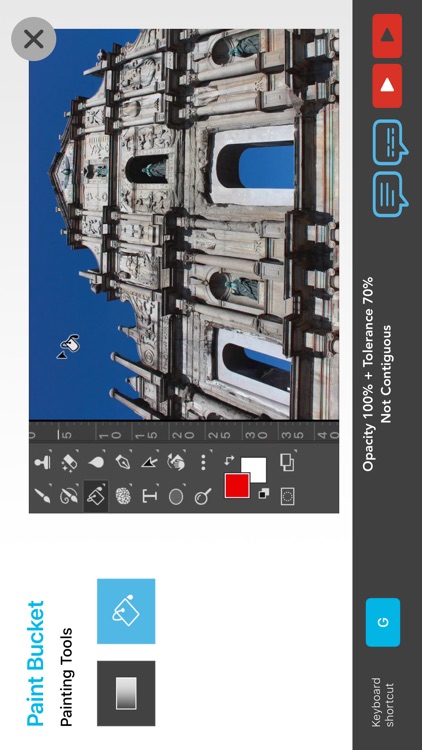
- Paint Bucket
- Pen
- Freeform Pen
- Curvature Pen
- Add Anchor Point
- Delete Anchor Point
- Convert Point
- Horizontal Type
- Vertical Type
- Horizontal Type Mask
- Vertical Type Mask
- Path Selection
- Direct Selection
- Rectangle
- Rounded Rectangle
- Ellipse
- Polygon
- Line
- Custom Shape
- Hand
- Rotate View
- Zoom
Disclaimer:
AppAdvice does not own this application and only provides images and links contained in the iTunes Search API, to help our users find the best apps to download. If you are the developer of this app and would like your information removed, please send a request to takedown@appadvice.com and your information will be removed.
AppAdvice does not own this application and only provides images and links contained in the iTunes Search API, to help our users find the best apps to download. If you are the developer of this app and would like your information removed, please send a request to takedown@appadvice.com and your information will be removed.
