You are using an outdated browser. Please
upgrade your browser to improve your experience.

How to Play

Lets Swipe
by Wuanshinobi LLC

What is it about?
How to Play?
App Screenshots
App Store Description
How to Play?
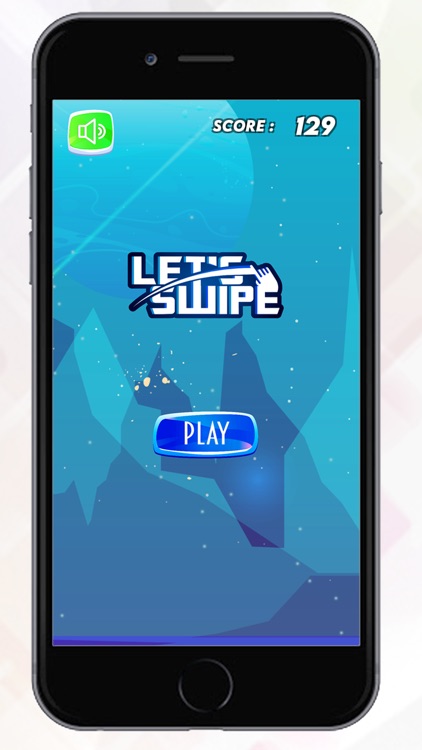
1. After Installing this game user will see Big Blue Button which says Play. User can click on that button to start the game.
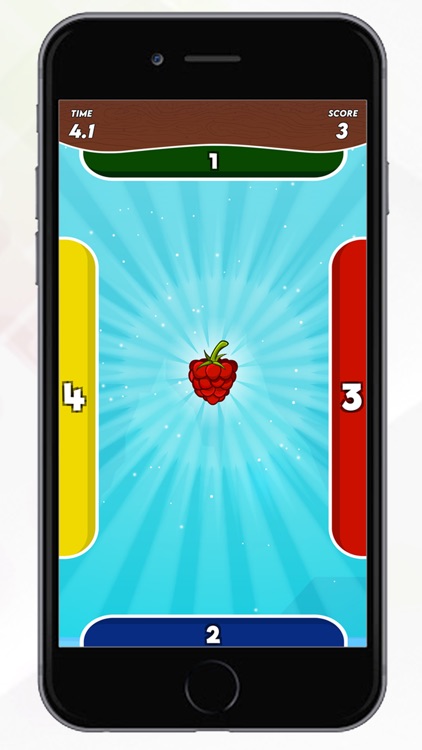
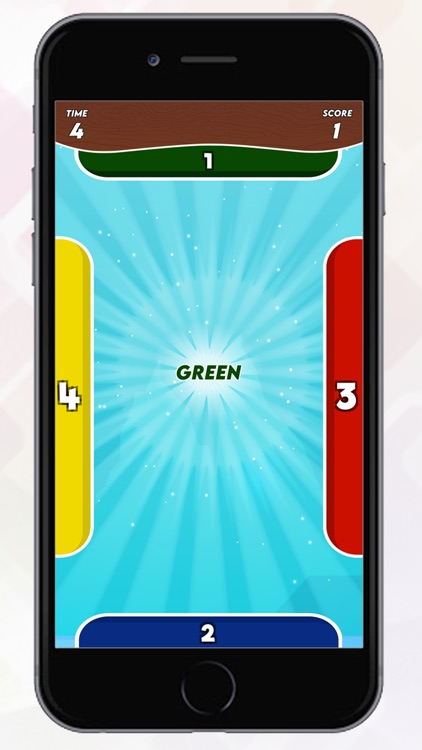
2. After clicking on Blue button user need to swipe middle object with matching colors. like If In the middle there is red fruit. user need to swipe to red block.
3. User may see simple math logic like 5+3? and user need to swipe that to correct answer's block.
That's pretty much about the game.
Once user do wrong swipe a game over screen will appear which will display a score which user made during the game play. User can share that score on social media platforms.
That's it. Play this amazing game and If you like it place a 5 star rating and let us know what you liked the most.
Disclaimer:
AppAdvice does not own this application and only provides images and links contained in the iTunes Search API, to help our users find the best apps to download. If you are the developer of this app and would like your information removed, please send a request to takedown@appadvice.com and your information will be removed.
AppAdvice does not own this application and only provides images and links contained in the iTunes Search API, to help our users find the best apps to download. If you are the developer of this app and would like your information removed, please send a request to takedown@appadvice.com and your information will be removed.
