You are using an outdated browser. Please
upgrade your browser to improve your experience.

Listee is a pomodoro based to do list app

Listee – A procrastinator’s to do list app for task and time management based on the Pomodoro Technique™
by Sibin Baby
What is it about?
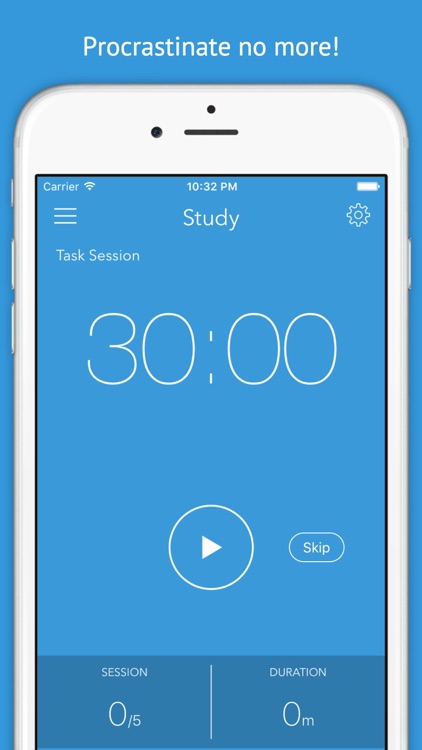
Listee is a pomodoro based to do list app. It is a powerful tool that helps you boost your productivity by avoiding burnout and improving time management using the Pomodoro Technique™. Using this application, you can manage your time better by creating tasks with breaks and tracking your progress along a custom period.
App Screenshots
App Store Description
Listee is a pomodoro based to do list app. It is a powerful tool that helps you boost your productivity by avoiding burnout and improving time management using the Pomodoro Technique™. Using this application, you can manage your time better by creating tasks with breaks and tracking your progress along a custom period.
Listee has all user defined tasks in one place. You can organizes these tasks such that you can work on a single task with breaks at predetermined intervals. Thereby, achieving greater focus.
Key features of Listee:
• Efficient task manager
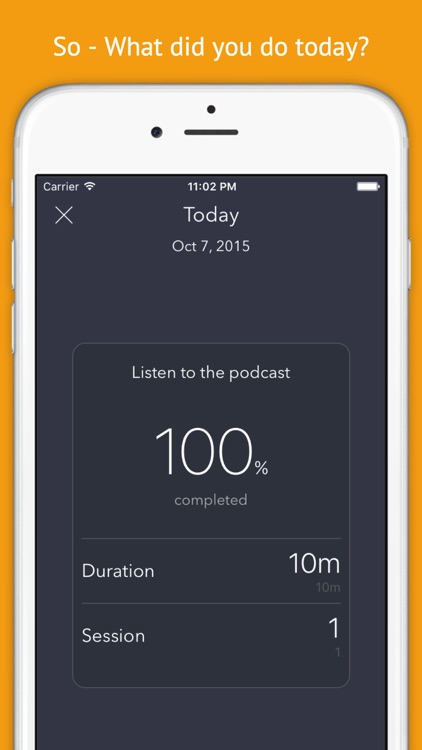
• Ability to track progress periodically
• Notifications even when app runs in background
• Multiple customisable tasks
• Progress monitor
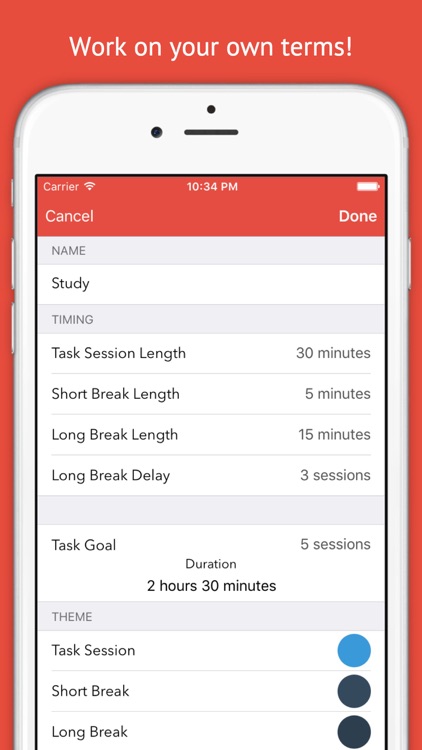
• Editable task session duration
• Editable long break duration
• Editable short break duration
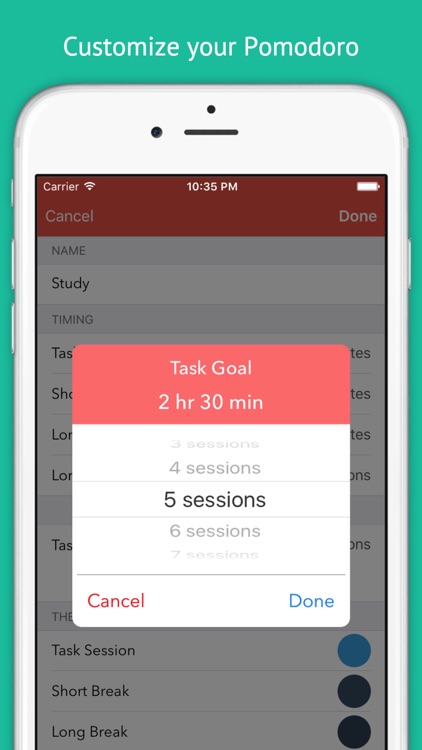
• User defined task sessions
• Start/Pause/Skip functionality
• Customizable skins
• Custom sounds
• Auto-screen lock prevention
• Task completion statics – intended vs actual
How to use Listee? You can use these basic steps to implement the Pomodoro technique for effectively managing your activity on Listee:
1) Decide on the task to be done. For example, a student’s homework that might take 2 hours.
2) Set the Pomodoro (each task session). - The student can set four Pomodoro (task sessions each of 30 minutes duration without interruptions)
3) Work on a single task session until Listee notifies to take a break – After a session of 30 minutes, the student will get a notification on Listee implying the end of the first task session
4 Short break (3-5 minutes) – For the break, the student can have a break for a pre-determined time (e.g. 5 minutes)
5) Resume work – After the short break, the student can resume his study session and this process is repeated till the entire task (the student’s homework) is completed
6) Longer break (15–30 minutes) – The student can take a longer break after every 3 task session (this is customisable)
*** LEGAL NOTICE ***
Pomodoro™ and The Pomodoro Technique™ are trademarks of Francesco Cirillo. This application is not affiliated or associated with or endorsed by Pomodoro™, The Pomodoro Technique™ or Francesco Cirillo.
THIS IS AN UNOFFICIAL POMODORO™ TIMER APPLICATION.
Disclaimer:
AppAdvice does not own this application and only provides images and links contained in the iTunes Search API, to help our users find the best apps to download. If you are the developer of this app and would like your information removed, please send a request to takedown@appadvice.com and your information will be removed.
AppAdvice does not own this application and only provides images and links contained in the iTunes Search API, to help our users find the best apps to download. If you are the developer of this app and would like your information removed, please send a request to takedown@appadvice.com and your information will be removed.
