You are using an outdated browser. Please
upgrade your browser to improve your experience.
Logo Draw uses aspects of the Logo Programming Language to introduce users to the fundamental concepts of software programming, computer graphics, geometry, and logical thinking

Logo Draw
by The Zonie, LLC

What is it about?
Logo Draw uses aspects of the Logo Programming Language to introduce users to the fundamental concepts of software programming, computer graphics, geometry, and logical thinking.
App Screenshots
App Store Description
Logo Draw uses aspects of the Logo Programming Language to introduce users to the fundamental concepts of software programming, computer graphics, geometry, and logical thinking.
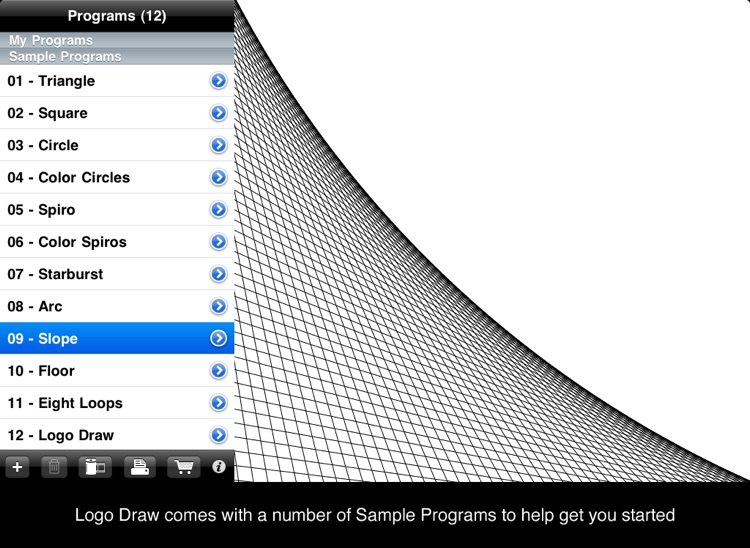
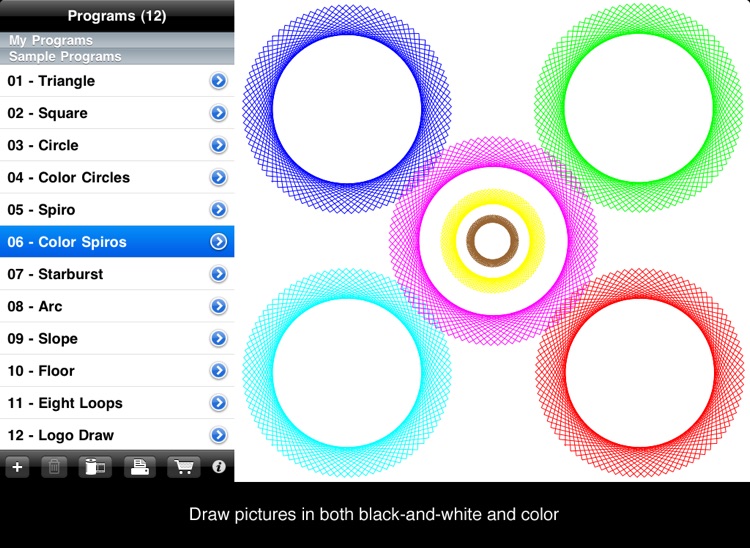
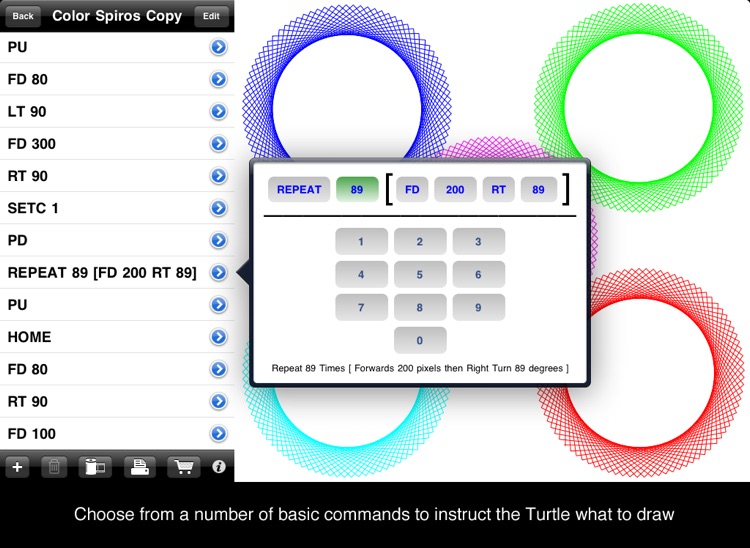
- The Programs List is on the left, and the Drawing Area is on the right.
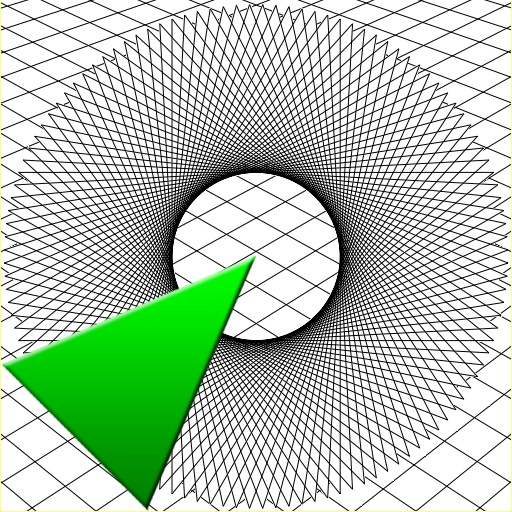
- The green triangle in the center of the Drawing Area is the Turtle. The turtle is what does all of the drawing for you. Tell the turtle where to go, and he will draw a line behind him.
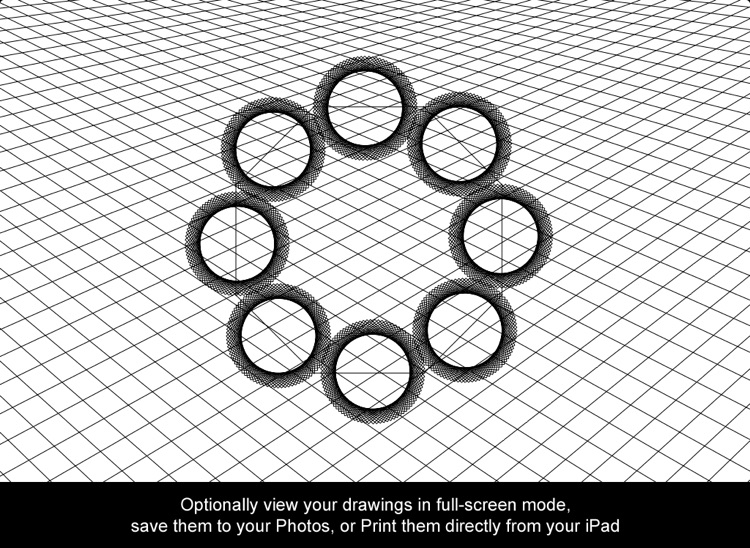
- Tap the Drawing Area to toggle full screen mode.
- Tap the Camera Roll icon to save your drawings to your iPad's Photos for later viewing or sharing with others.
- Tap the Print icon to print out your drawings directly from your iPad to any AirPrint-enabled printer on your network.
* Please visit http://www.apple.com/ipad/features/airprint.html for more information on AirPrint.
Visit http://thezonie.com/logodraw/ for more information and a video demonstration.
Disclaimer:
AppAdvice does not own this application and only provides images and links contained in the iTunes Search API, to help our users find the best apps to download. If you are the developer of this app and would like your information removed, please send a request to takedown@appadvice.com and your information will be removed.
AppAdvice does not own this application and only provides images and links contained in the iTunes Search API, to help our users find the best apps to download. If you are the developer of this app and would like your information removed, please send a request to takedown@appadvice.com and your information will be removed.
