You are using an outdated browser. Please
upgrade your browser to improve your experience.

LS Config App makes it possible for end-users and service personnel to operate and set-up a product or system using a mobile

LS Config
by LS Control AS

What is it about?
LS Config App makes it possible for end-users and service personnel to operate and set-up a product or system using a mobile.
App Screenshots

App Store Description
LS Config App makes it possible for end-users and service personnel to operate and set-up a product or system using a mobile.
To get started the QR-code on the product must be scanned using the camara of the mobile. The App will then collect product profile etc. from a server. At start-up the mobile must be connected to the internet and both Bluetooth and location must be active during collection of data.
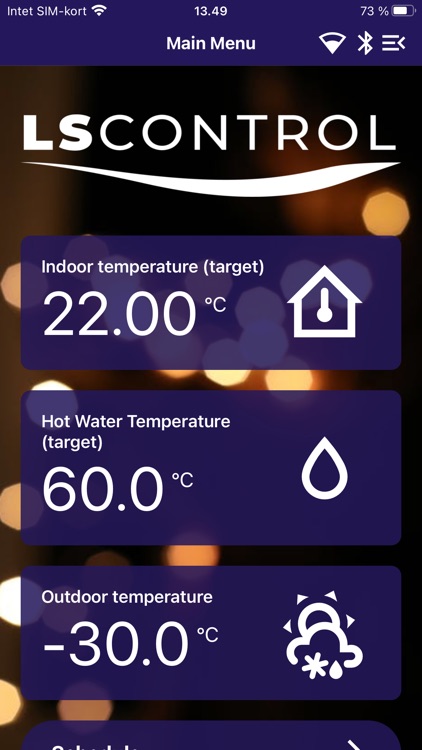
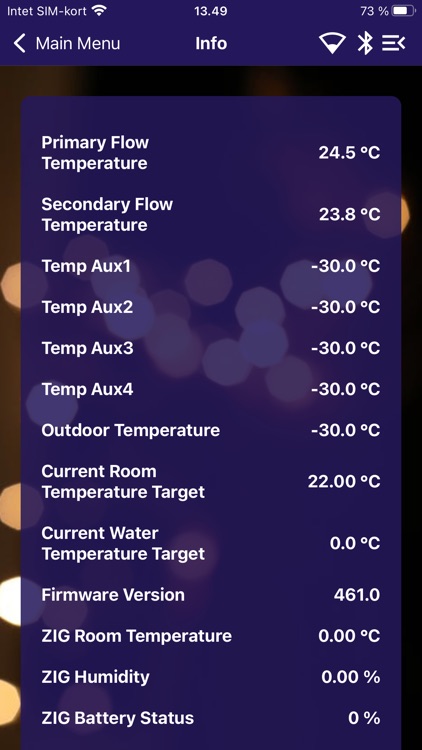
After this initial start up the LS Config App is ready to be used to get data points shown and enter/change set points for the connected product.
It is only necessary to be connected to the internet once a week when using the LS Config App to operate the connected product. LS Config App can be used to operate the connected product, even if mobile is offline, as long as it is within Bluetooth range.
You may select one of the following languages as you prefer: Danish, English, German or Swedish.
Part of the LS Config App is for service personnel only. This part of the App requires a special login provided by the product manufacturer.
Especially service personnel will benefit from the feature that the same app can connect to all products with the LS Config QR code applied – even when of very different usage and/or from different manufacturers. The App will recognize the product and load the correct profile from the server.
Disclaimer:
AppAdvice does not own this application and only provides images and links contained in the iTunes Search API, to help our users find the best apps to download. If you are the developer of this app and would like your information removed, please send a request to takedown@appadvice.com and your information will be removed.
AppAdvice does not own this application and only provides images and links contained in the iTunes Search API, to help our users find the best apps to download. If you are the developer of this app and would like your information removed, please send a request to takedown@appadvice.com and your information will be removed.
