You are using an outdated browser. Please
upgrade your browser to improve your experience.

CONNECT WITH YOUR MCINTOSH PRODUCTS

McIntosh Connect
by McIntosh Laboratory, Inc.

What is it about?
CONNECT WITH YOUR MCINTOSH PRODUCTS
App Screenshots

App Store Description
CONNECT WITH YOUR MCINTOSH PRODUCTS
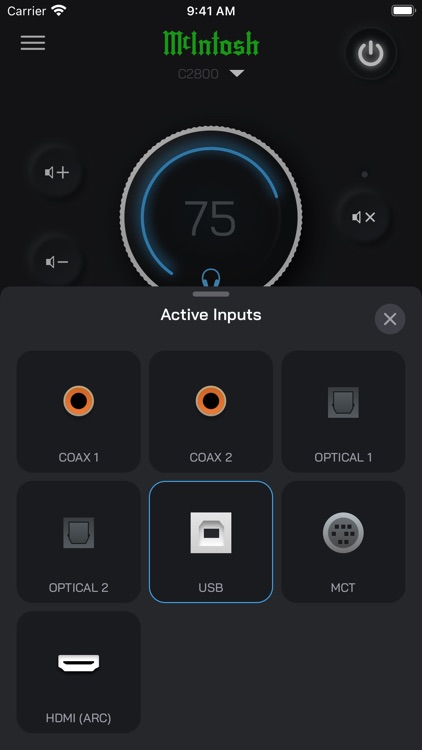
Each supported McIntosh product offers a tailored in-app experience that highlights and grants access to key features such as:
• Product Discovery and Onboarding
• Volume Control
• Input Selection
• Tone Control
• Output Switching
• Balance Adjustment
• Input Trim Level
• Network Setup and Configuration
• Firmware Updates
SUPPORTED PRODUCTS
C55 2-Channel Solid State Preamplifier
C2800 2-Channel Vacuum Tube Preamplifier
FIRMWARE UPDATES
Unlock your McIntosh product's latest features and improvements with automatic over-the-air updates. McIntosh Connect also lets you know when new firmware updates are available for your product, and can facilitate the installation process.
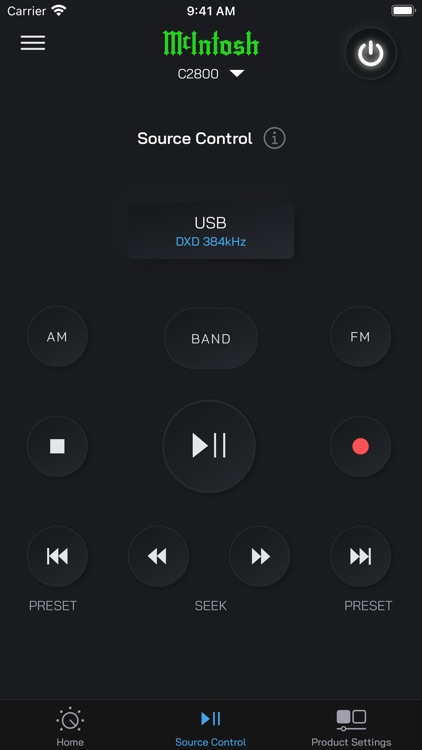
CONTROL OF CONNECTED SOURCE COMPONENTS
McIntosh Connect includes a dedicated interface for indirect control of other select McIntosh source components. The source component(s) must be connected to a Data Port on the Supported Product and properly configured in order to receive commands from the app. Please consult the Supported Product's Owner's Manual for additional information.
Disclaimer:
AppAdvice does not own this application and only provides images and links contained in the iTunes Search API, to help our users find the best apps to download. If you are the developer of this app and would like your information removed, please send a request to takedown@appadvice.com and your information will be removed.
AppAdvice does not own this application and only provides images and links contained in the iTunes Search API, to help our users find the best apps to download. If you are the developer of this app and would like your information removed, please send a request to takedown@appadvice.com and your information will be removed.
