You are using an outdated browser. Please
upgrade your browser to improve your experience.

HOW TO LOCATE THE WORD YOU WANT TO FIND

Memo Search
by 俊 姜

What is it about?
HOW TO LOCATE THE WORD YOU WANT TO FIND ?
App Screenshots
App Store Description
HOW TO LOCATE THE WORD YOU WANT TO FIND ?
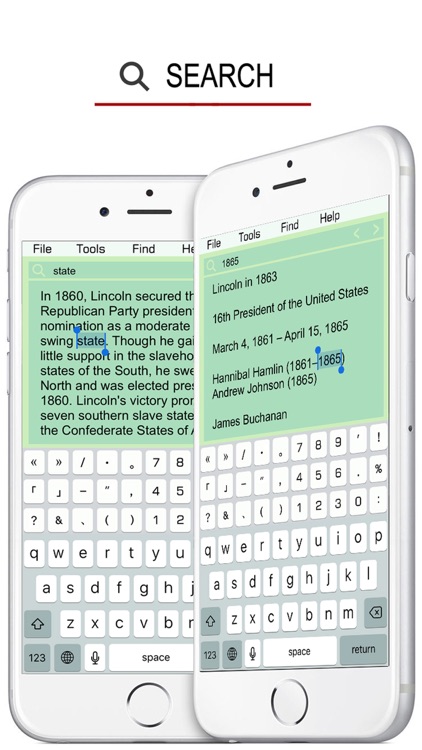
WELL, JUST ENTER IT AND GO ! EASY !
NO MATTER HOW BIG THE FILE IS ,
NO MATTER HOW MANY WORDS, IT WILL FIND IT !
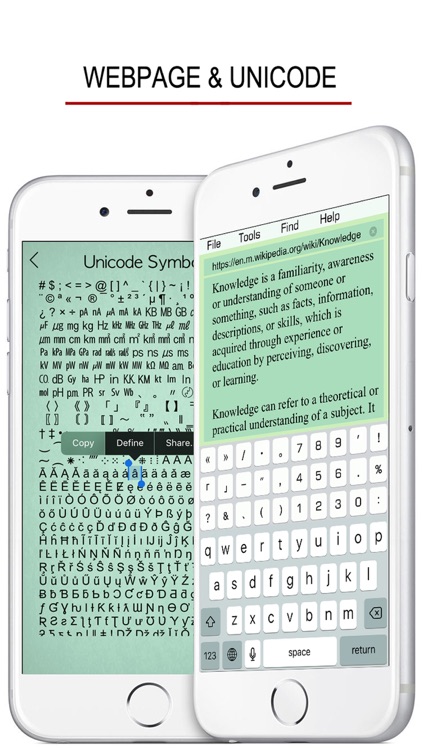
THE SAME WAY FOR SEARCHING WEBPAGES.
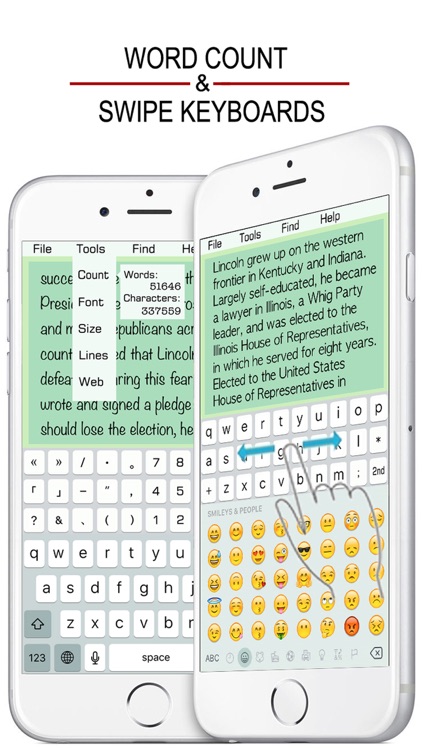
• IT FEATURES TWO KEYBOARDS !
- Upper one for letters and punctuation.
- Bottom one for your local language.
• SWIPE THE UPPER KEYBOARD TO CHANGE !
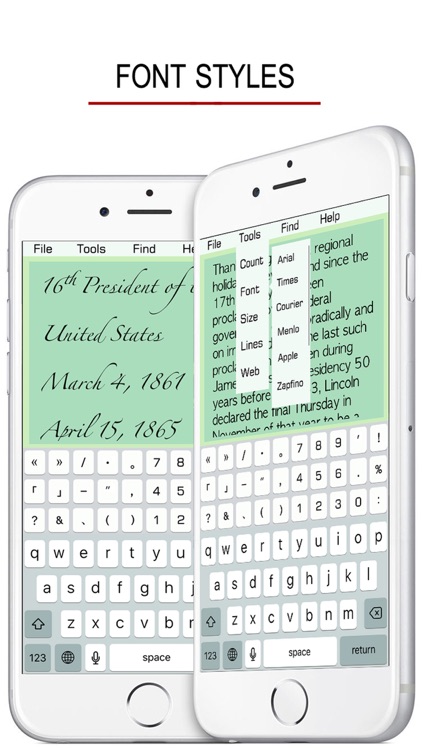
• IT FEATURES 9 FONTS!
- Arial
- Times
- Courier
- Menlo
- Apple
- Zapfino
- Noteworthy
- Trebuchet
- Typewriter
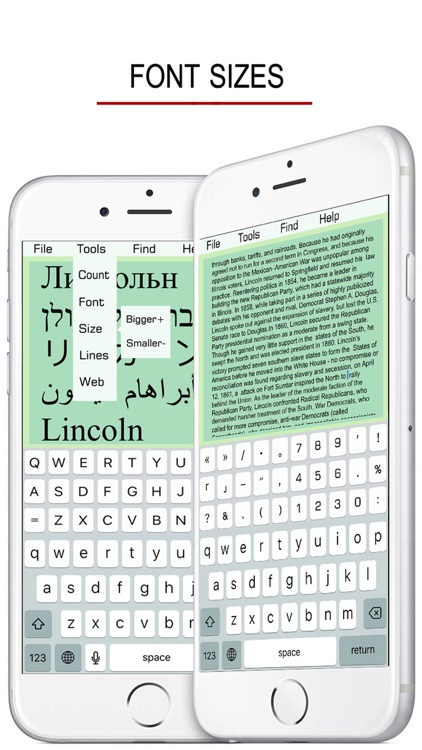
• FONT SIZE HAS NO LIMIT.
• IT SUPPORTS A WHOLE FILE MANAGEMENT !
- NEW
- SAVE
- OPEN
- DELETE
- TOTAL (lists all existing files)
• WORD COUNT
• TYPE IN OR COPY & PASTE AN ADDRESS TO OPEN A WEBPAGE(text only).
• 50,000+ UNICODE SYMBOLS
If you need a specific uncommon symbol, find the symbol you want, copy and paste onto your notes field.
• RULES FOR NAMING A FILE TO SAVE:
- Characters: A to Z, a to z, 0 to 9
- Punctuation: _$#@&*()[]~+=?!.-
• SOME TIPS:
- Undo & Redo typing on iPhone with a shake.
- Tap the empty space on the menu bar to go top.
Disclaimer:
AppAdvice does not own this application and only provides images and links contained in the iTunes Search API, to help our users find the best apps to download. If you are the developer of this app and would like your information removed, please send a request to takedown@appadvice.com and your information will be removed.
AppAdvice does not own this application and only provides images and links contained in the iTunes Search API, to help our users find the best apps to download. If you are the developer of this app and would like your information removed, please send a request to takedown@appadvice.com and your information will be removed.
