You are using an outdated browser. Please
upgrade your browser to improve your experience.
After the user answers four questions, the app sets calorie, protein, carbohydrate, and fat targets tailored to the user

Menu-Planner
by Mark WHITE

What is it about?
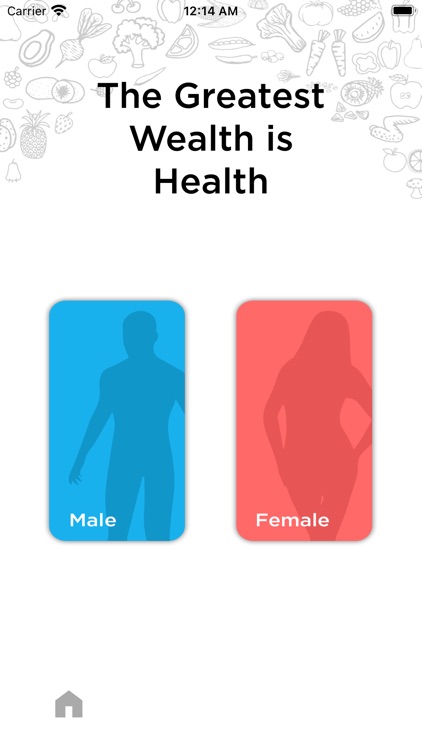
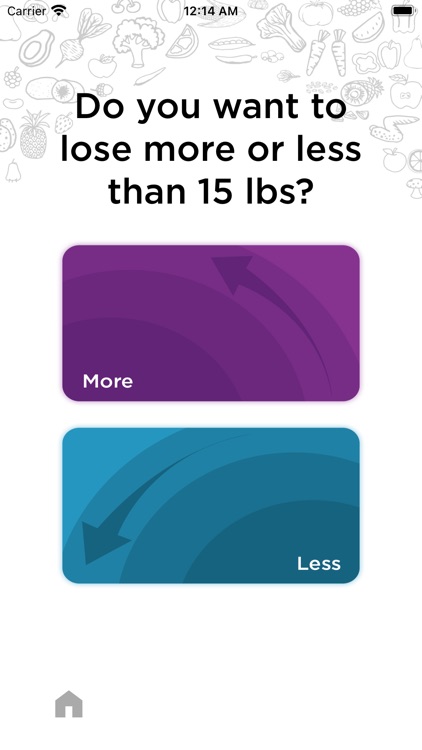
After the user answers four questions, the app sets calorie, protein, carbohydrate, and fat targets tailored to the user. The user is immediately shown a daily menu with calorie counts for each item on the menu. The menu completes three snack meals, breakfast, lunch, and dinner. The fun begins after the user is shown a suggested daily meal plan. If the user does not like the total calorie count for that day or they are not happy with most of the meals, they can click the refresh button to get a new meal plan. After the user finds a menu they are generally pleased with, they can refresh specific menu items. For example: a user likes a menu plan but they don’t have broccoli, they can click the refresh button by broccoli until they find a different vegetable. Another example might be that the user doesn’t like fish, they can refresh until they get a different protein option like chicken or steak.
App Screenshots


App Store Description
After the user answers four questions, the app sets calorie, protein, carbohydrate, and fat targets tailored to the user. The user is immediately shown a daily menu with calorie counts for each item on the menu. The menu completes three snack meals, breakfast, lunch, and dinner. The fun begins after the user is shown a suggested daily meal plan. If the user does not like the total calorie count for that day or they are not happy with most of the meals, they can click the refresh button to get a new meal plan. After the user finds a menu they are generally pleased with, they can refresh specific menu items. For example: a user likes a menu plan but they don’t have broccoli, they can click the refresh button by broccoli until they find a different vegetable. Another example might be that the user doesn’t like fish, they can refresh until they get a different protein option like chicken or steak.
After the user gets a menu they like, they can save it to their favorites.
The user learns about the calorie levels for all their favorite things to eat. The menus are designed for six meals per day to make it easier to manage poor snacking habits. The user can work with their trainer who provided them the app to create favorite meal plans that will help the user meet their own personal goals.
The app uses the answers from the four questions to determine the types and quantity of foods to suggest. For example, If the user was female and selected to tone muscles and to lose weight fast, they are given menu options that are popular for “Bikini-Prep Weeks.” The protein suggestions are high in white meat and fish protein. The breakfast menus will suggest egg whites rather than the entire egg. However, bikini preparation weeks are not meant to be used for more than two weeks. Most bodybuilders want to switch back to a more relaxed menu. When they do, they only need to retake the four question quiz.
The app is free so download it and start eating healthy with the foods you love.
Disclaimer:
AppAdvice does not own this application and only provides images and links contained in the iTunes Search API, to help our users find the best apps to download. If you are the developer of this app and would like your information removed, please send a request to takedown@appadvice.com and your information will be removed.
AppAdvice does not own this application and only provides images and links contained in the iTunes Search API, to help our users find the best apps to download. If you are the developer of this app and would like your information removed, please send a request to takedown@appadvice.com and your information will be removed.
