You are using an outdated browser. Please
upgrade your browser to improve your experience.

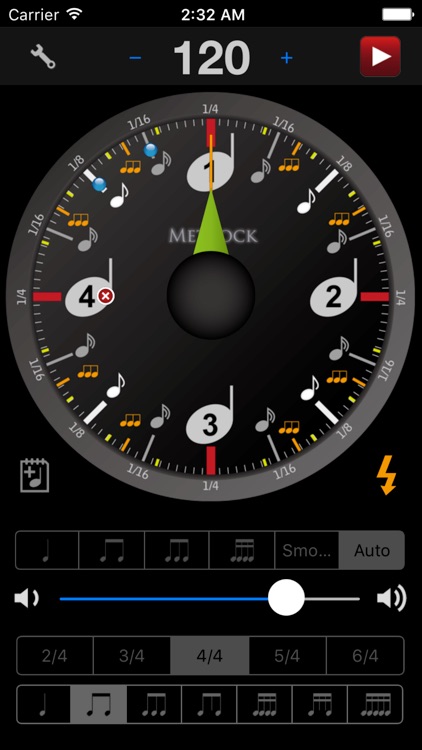
"Metrock" is an unique metronome application with a clock-style face

Metrock - metronome
by IEIRISOFTWARE LAB.
What is it about?
"Metrock" is an unique metronome application with a clock-style face. (Metrock = Metr-onome + Cl-ock)
App Screenshots
App Store Description
"Metrock" is an unique metronome application with a clock-style face. (Metrock = Metr-onome + Cl-ock)
Features:
- Flash feature. (First beat only option in Setting App)
- Very Precise Tempo(40-500BPM)
- Various beat(1/4 2/4 3/4 5/4)
- Clock-style unique face with two hands
- Accents on any timing by tapping note-mark
- Mute main-beat available individually
- Tap tempo detection
- Portrait (upside down) Mode
- Tuning Fork function. Pitch available A440 / 441 / 442 / 443Hz and Kammerton A415Hz. Tap and hold.
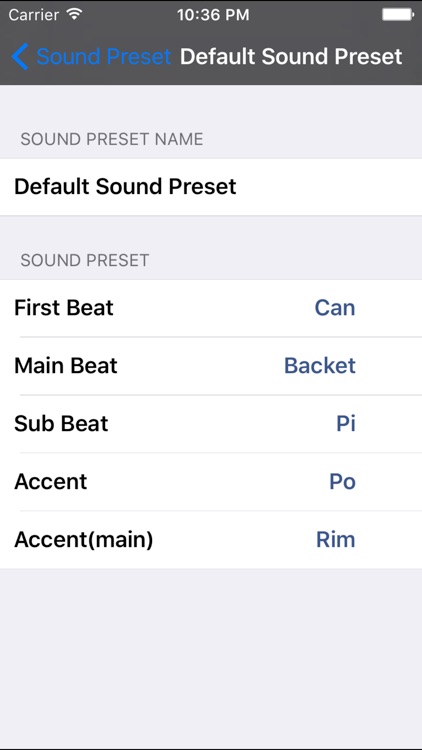
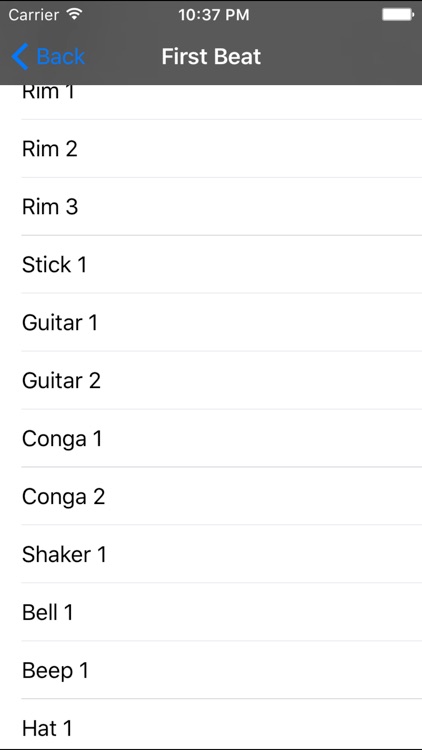
- Sound Preset feature. You can change the click sounds.
- Works with iPod. iPod control palette. (OS3.0 or later)
How to use:
1) To start or stop, tap center of Metrock. (Top-right button same function)
2) To change BPM, touch and jog around Metrock face.
3) To add/remove accents, tap inner outer case.
4) To add/remove mute main-beat, tap around big note mark.
5) To change volume, tap to-left tool button.
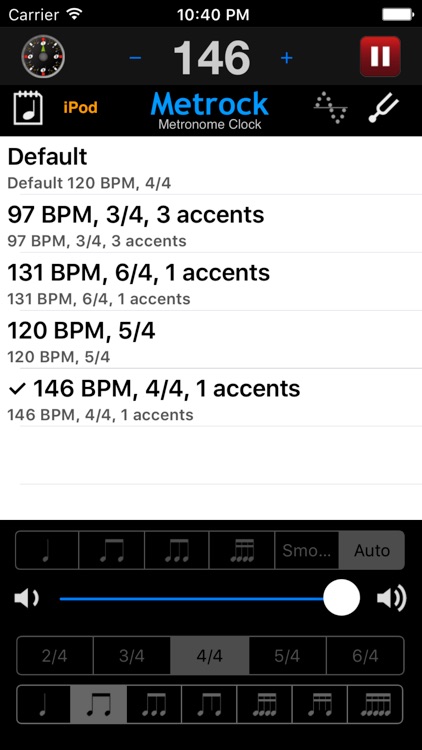
6) To Save/Load your pattern, tap table on tool screen. Action sheet will appear.
Enjoy music with "Metrock" !
(Demo video available. Visit Metrock Support link)
Disclaimer:
AppAdvice does not own this application and only provides images and links contained in the iTunes Search API, to help our users find the best apps to download. If you are the developer of this app and would like your information removed, please send a request to takedown@appadvice.com and your information will be removed.
AppAdvice does not own this application and only provides images and links contained in the iTunes Search API, to help our users find the best apps to download. If you are the developer of this app and would like your information removed, please send a request to takedown@appadvice.com and your information will be removed.
