You are using an outdated browser. Please
upgrade your browser to improve your experience.
Weights and Measures Computer: Provides four arithmetic operations and Taiwan's common measurement and measurement unit conversion, streamlined and compact

Metrology Computer
by WonWah Tang

What is it about?
Weights and Measures Computer: Provides four arithmetic operations and Taiwan's common measurement and measurement unit conversion, streamlined and compact.
App Screenshots
App Store Description
Weights and Measures Computer: Provides four arithmetic operations and Taiwan's common measurement and measurement unit conversion, streamlined and compact.
The types of weights and measures are:
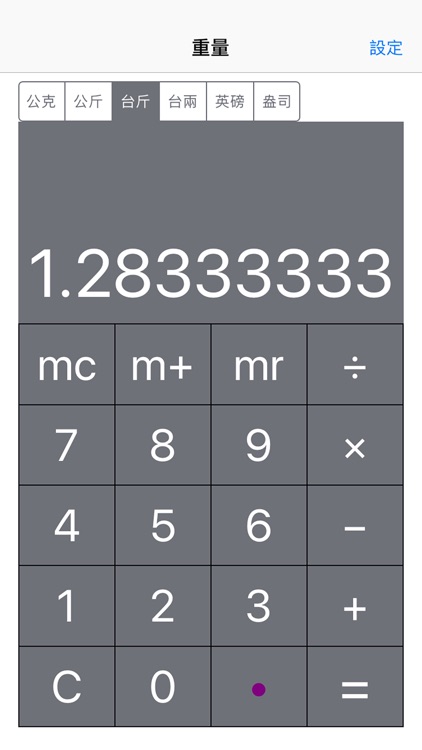
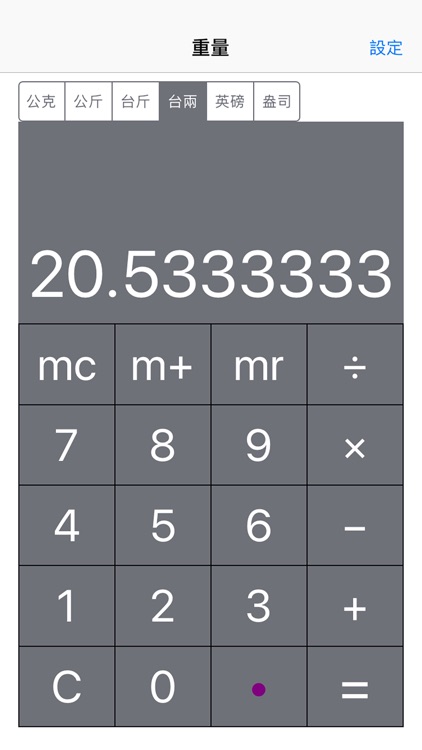
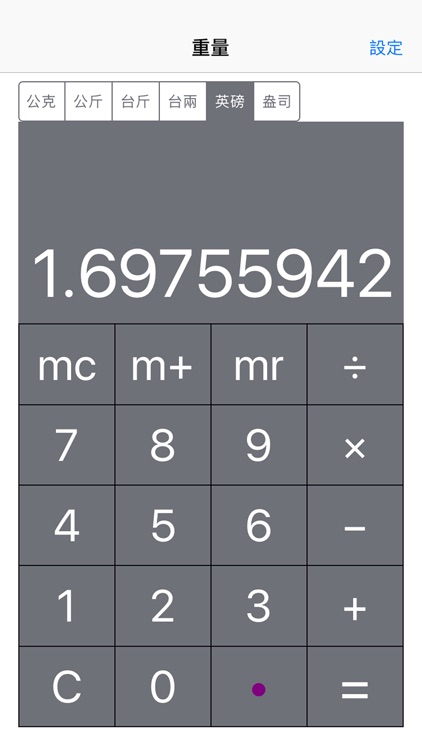
Weight: grams, kilograms, Taiwan pounds, Taiwan two, British pounds, ounces.
Length: meters, centimeters, table feet, desks, feet, inches.
Area: Taiping, Taimu, Taifen, Taijia, square meters, hectares, square feet.
Currency: Taiwan Dollar, US Dollar, Japanese Yen, Euro, British Pound, Vietnamese Dong, Hong Kong Dollar, Korean Won, and Renminbi.
Swipe left or right to switch the metric type, or "set" to switch.
If there are too many units of area or currency, the latter units will be visible when the screen is tapped.
Features:
1. Unit of measure conversion:
First select the gram and then enter 1 for 1 gram and switch to kilogram for 0.001 kg. This completes the conversion.
The currency conversion is based on the Taiwan dollar. For example, the US dollar for the Japanese yen is the exchange rate of the Taiwan dollar against the US dollar.
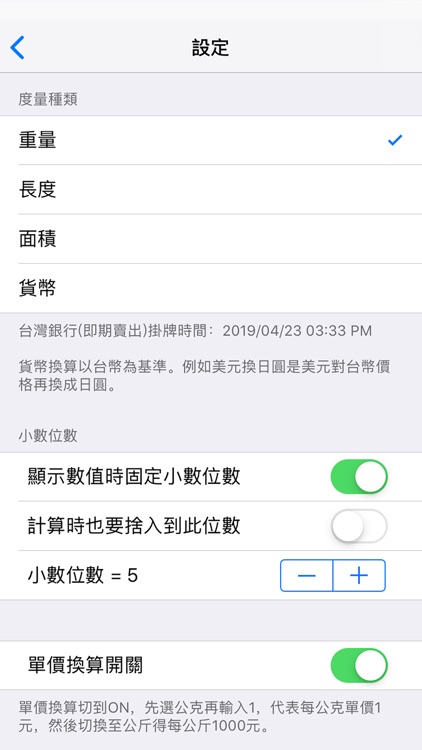
2. Specify the number of decimal places for the carry:
(1) The number of decimal places is fixed when the value is displayed, or it is rounded up to the calculation.
(2) Rounding off with your fingers: Use your finger to hold down and drag the number (pan) of the screen horizontally to directly adjust the number of decimal places.
3. Unit price conversion:
Switch the unit price conversion to ON, first select the gram and then input 1, which represents 1 yuan per gram, and then switch to kilograms to get 1000 yuan per kilogram.
4. Calculation history:
Show or hide the process of calculations. Use your finger to slide horizontally to scroll through its display range, and press C twice to clear all numbers and records.
5. Copy and paste:
Press the tap (tap) on your screen to display the “Copy” or “Paste” menu for other apps to use the calculation results or to get the source values from other apps.
**Use of unit price conversion:
The unit price conversion function is often used for market comparison. For example, two kinds of coffee, A package is 300 yuan for half a pound, and package B is 300 yuan for 300 grams. Which one is cheaper?
Then start the unit price conversion:
1. First specify the unit as pounds, calculate the unit price of a package is 300 divided by 0.5 to 600 yuan per pound.
2. The unit is replaced by a gram of 1 gram of 1.32 yuan, multiplied by 300 grams of 396.83 yuan.
Therefore, if the package is changed to 300 grams, it will be 397 yuan, which is 77 yuan more than the 320 yuan.
Disclaimer:
AppAdvice does not own this application and only provides images and links contained in the iTunes Search API, to help our users find the best apps to download. If you are the developer of this app and would like your information removed, please send a request to takedown@appadvice.com and your information will be removed.
AppAdvice does not own this application and only provides images and links contained in the iTunes Search API, to help our users find the best apps to download. If you are the developer of this app and would like your information removed, please send a request to takedown@appadvice.com and your information will be removed.
