You are using an outdated browser. Please
upgrade your browser to improve your experience.

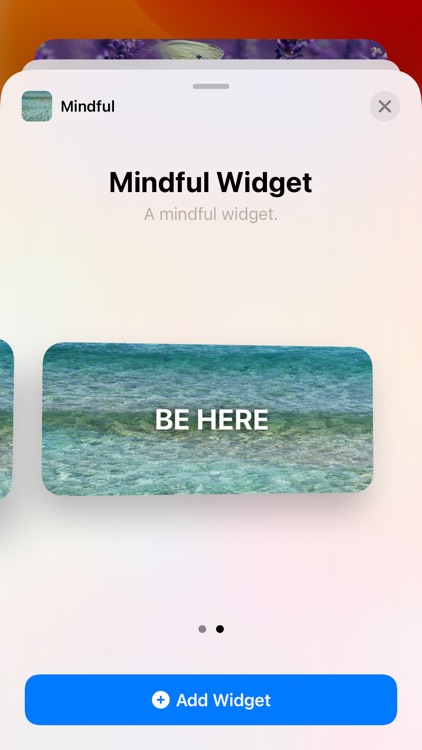
The Mindful Widget shows a beautiful picture with a mindful text in a widget on your home screen several times a day

Mindful Widget
by Lars Gregori
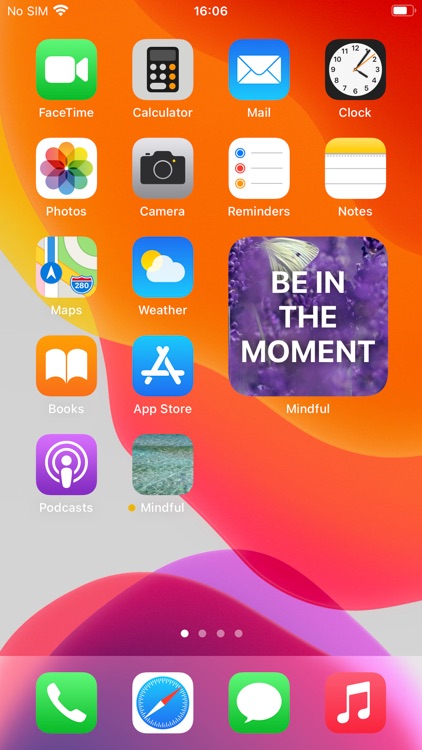


What is it about?
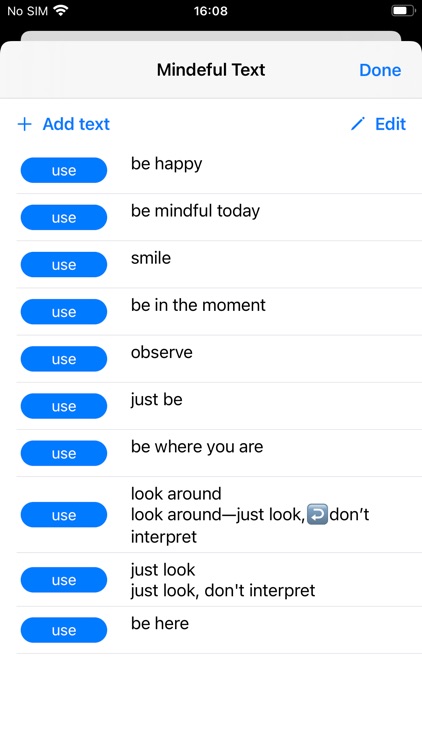
The Mindful Widget shows a beautiful picture with a mindful text in a widget on your home screen several times a day. Define how often the pictures and texts should change per day. Configure your own pictures, texts and choose your own photos. If you like, you can also have mindful reminders.
App Screenshots


App Store Description
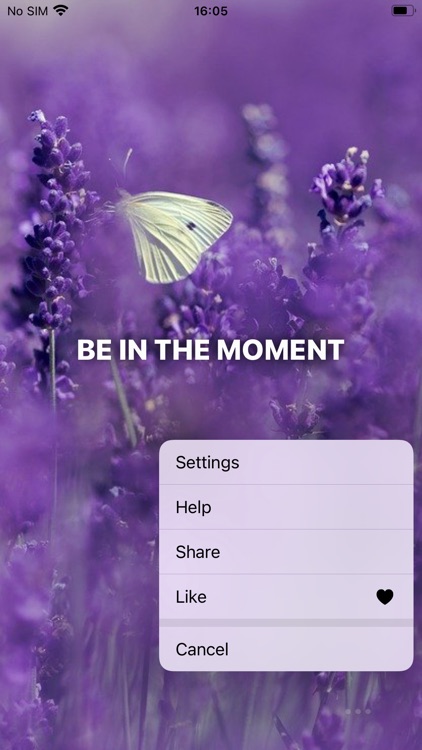
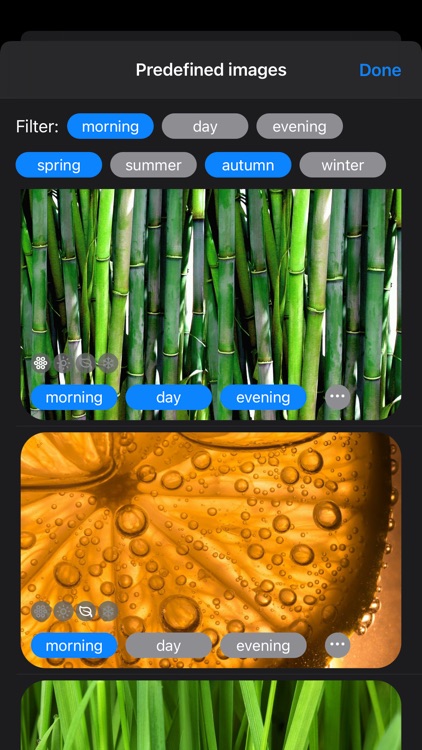
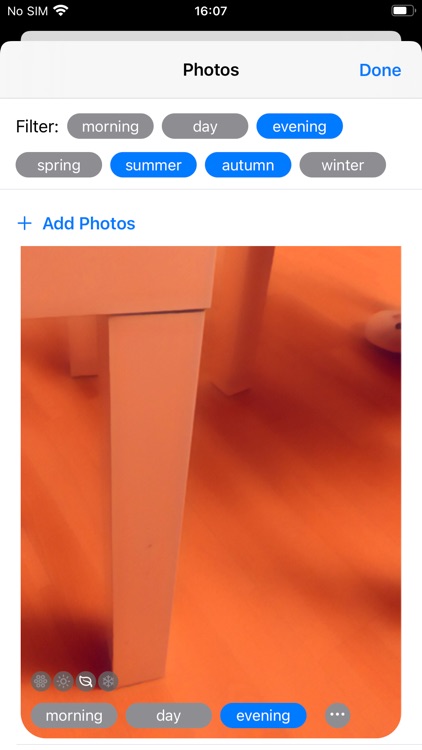
The Mindful Widget shows a beautiful picture with a mindful text in a widget on your home screen several times a day. Define how often the pictures and texts should change per day. Configure your own pictures, texts and choose your own photos. If you like, you can also have mindful reminders.
This app is mindful by itself. There is no tracking and all your data, photos and texts stay on your phone.
How to install the Mindful Widget?
- Long press on the home screen.
- Tap on the + icon on the top to see all widgets.
- Select the Mindful widget.
- Choose the size and tap on Add Widget.
- Place the Mindful widget on your home screen.
- Press Done or somewhere to finish.
Disclaimer:
AppAdvice does not own this application and only provides images and links contained in the iTunes Search API, to help our users find the best apps to download. If you are the developer of this app and would like your information removed, please send a request to takedown@appadvice.com and your information will be removed.
AppAdvice does not own this application and only provides images and links contained in the iTunes Search API, to help our users find the best apps to download. If you are the developer of this app and would like your information removed, please send a request to takedown@appadvice.com and your information will be removed.
