You are using an outdated browser. Please
upgrade your browser to improve your experience.

Draw on a massive canvas

Mindsketch – Big Notes
by Dynamic Type AB


What is it about?
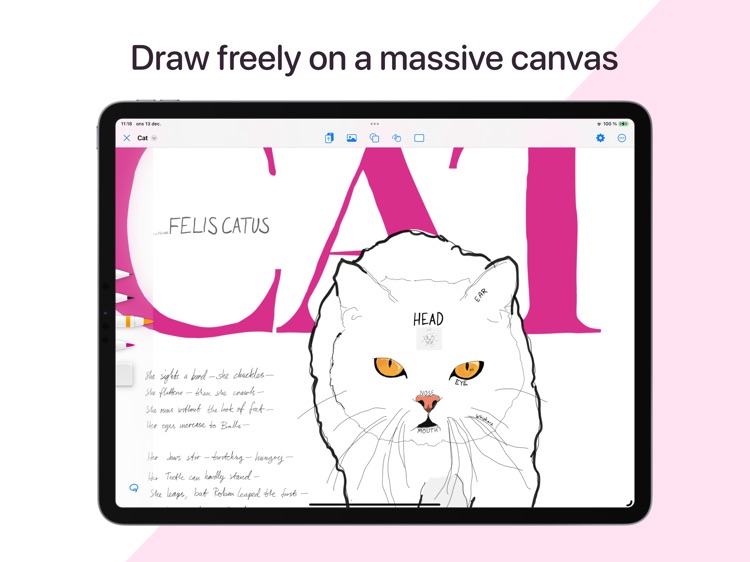
Draw on a massive canvas. Zoom in on details and zoom out again to get the big picture.
App Screenshots


App Store Description
Draw on a massive canvas. Zoom in on details and zoom out again to get the big picture.
With Mindsketch, you draw on canvases thousands of square kilometers wide. The massive canvas provides space to associate freely without running out of space.
Transcend beyond physical notebooks and embrace the possibilities with digital note-taking. Imagine all you can do with editable drawings on a massive canvas.
You can create a mind map of your life, constantly updating it to reflect what is important to you. Or dive into several complex subjects in the same document and find connections between them.
Mindsketch was created from the ground up to be easy to use. We have even tested it on small children. They love it! The freeform nature of Mindsketch is as natural as drawing on paper.
Key Features:
• Enormous canvas. Though not infinite, space will rarely limit your drawings.
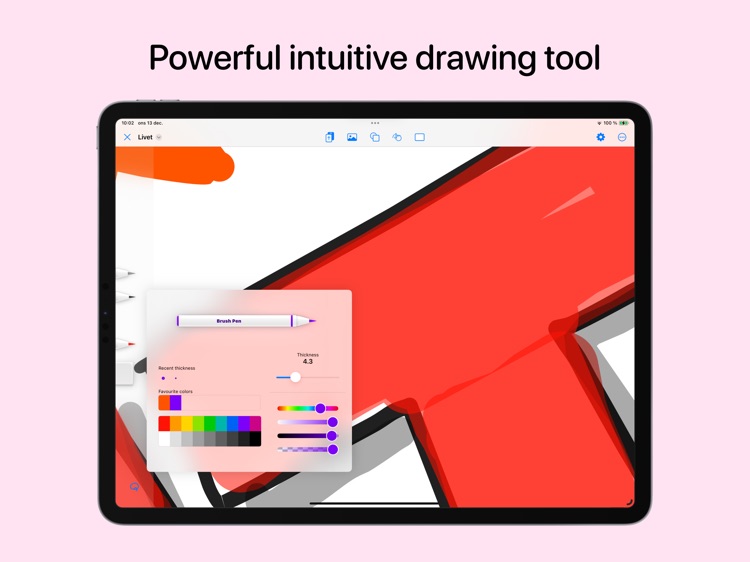
• Vector drawing brush. Use your finger or an Apple Pencil to draw vector shapes.
• Versatile selection. Use the lasso or pick an item directly for editing.
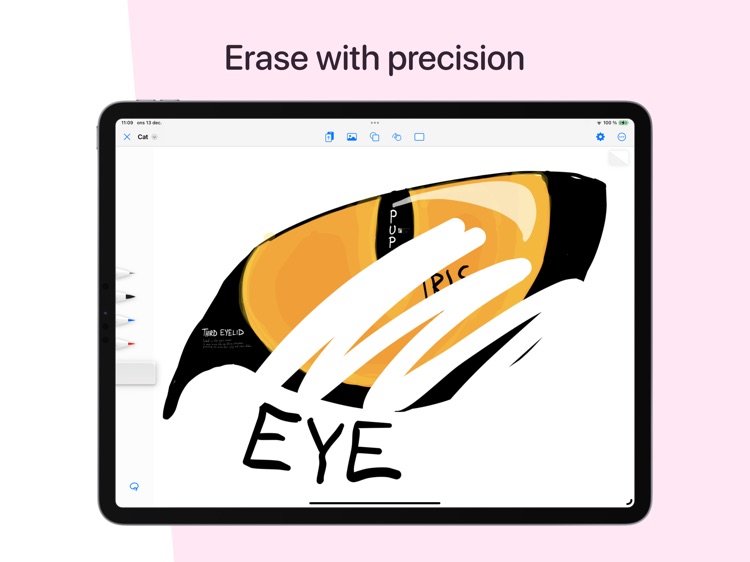
• Powerful precise eraser. Erase everything below the eraser, or use the Smart eraser to only erase from your selection.
• Intuitive Editing: All your creations are editable. Move, resize, rotate, recolor, cut, copy, and paste items as you wish.
• Move items above or behind.
• Save favorite colors for later use in the current or other documents.
• Image Integration: Import images from other apps directly into Zoom World.
• Quick Colors & Sizes: Save time with instant access to your four favorite colors and brush sizes.
• Undo/Redo: Swiftly undo or redo actions using the Undo Tap Menu.
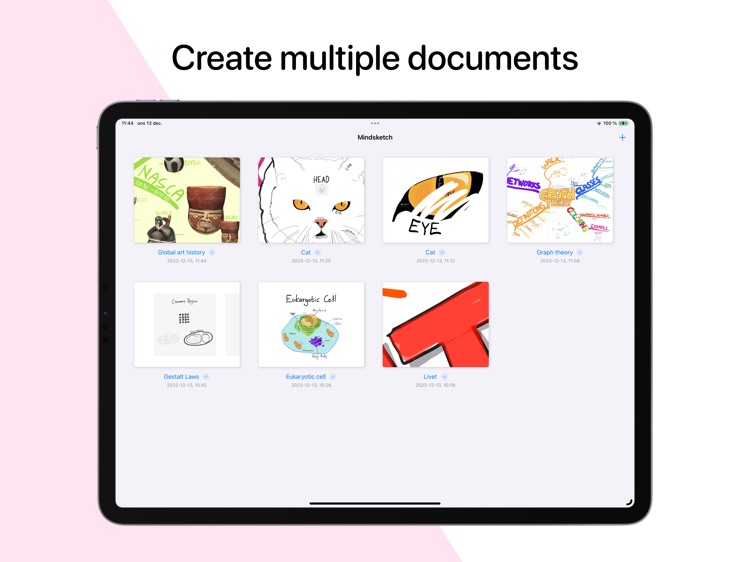
• Document Duplication: Create a backup or diverge your work by duplicating a document.
Disclaimer:
AppAdvice does not own this application and only provides images and links contained in the iTunes Search API, to help our users find the best apps to download. If you are the developer of this app and would like your information removed, please send a request to takedown@appadvice.com and your information will be removed.
AppAdvice does not own this application and only provides images and links contained in the iTunes Search API, to help our users find the best apps to download. If you are the developer of this app and would like your information removed, please send a request to takedown@appadvice.com and your information will be removed.
