You are using an outdated browser. Please
upgrade your browser to improve your experience.

MNP Visualiser allows mathematics teachers of young students to present lessons to their class in an engaging and innovative way

MNP Visualiser
by Fig Leaf Promotions Ltd.
What is it about?
MNP Visualiser allows mathematics teachers of young students to present lessons to their class in an engaging and innovative way. Teachers can create their own lessons ahead of time or choose from our pre-built library. We can’t wait to see what you do with the app!
App Screenshots
App Store Description
MNP Visualiser allows mathematics teachers of young students to present lessons to their class in an engaging and innovative way. Teachers can create their own lessons ahead of time or choose from our pre-built library. We can’t wait to see what you do with the app!
The perfect addition to your toolkit:
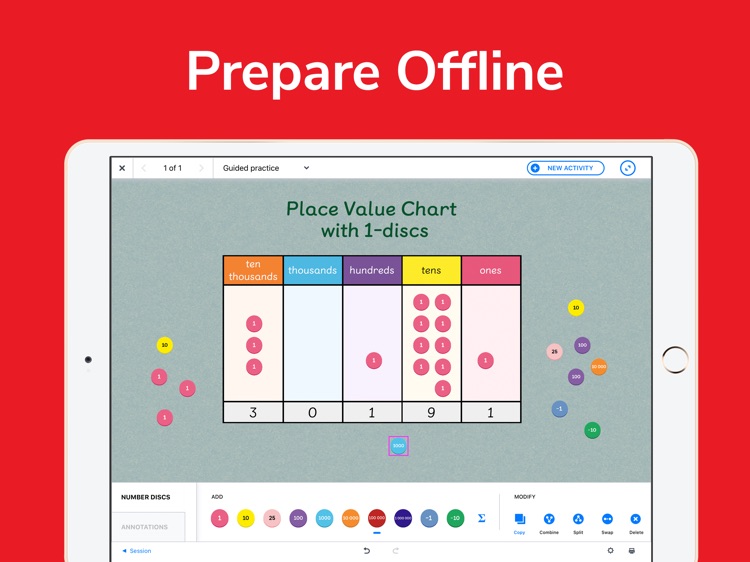
- Create lessons ahead of class
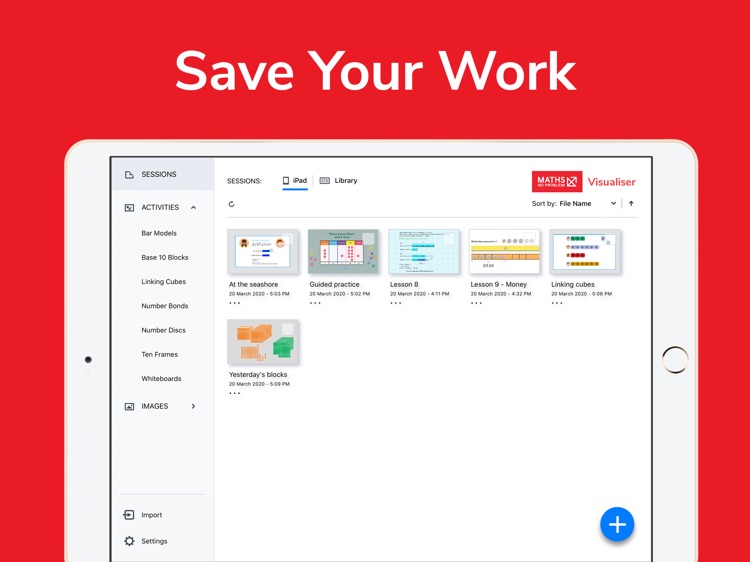
- Save sessions and pick up where you left off
- Deliver lessons in an engaging way
- Share lessons with colleagues
- An innovative take on the classic whiteboard
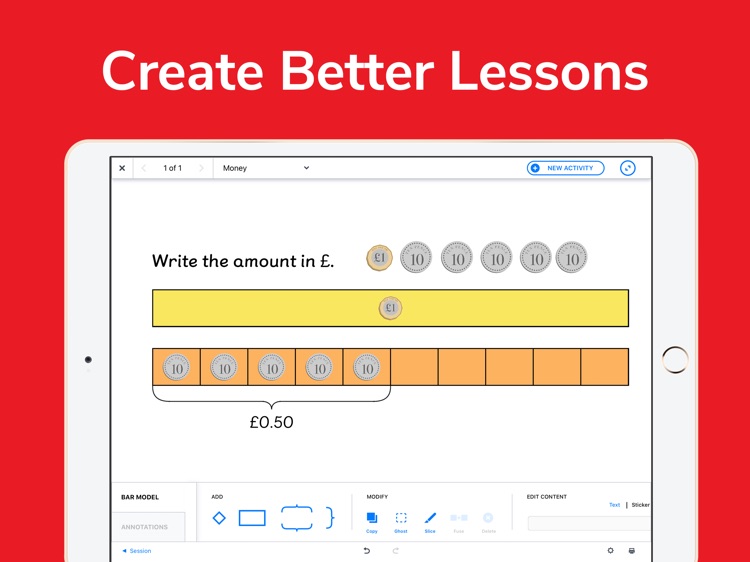
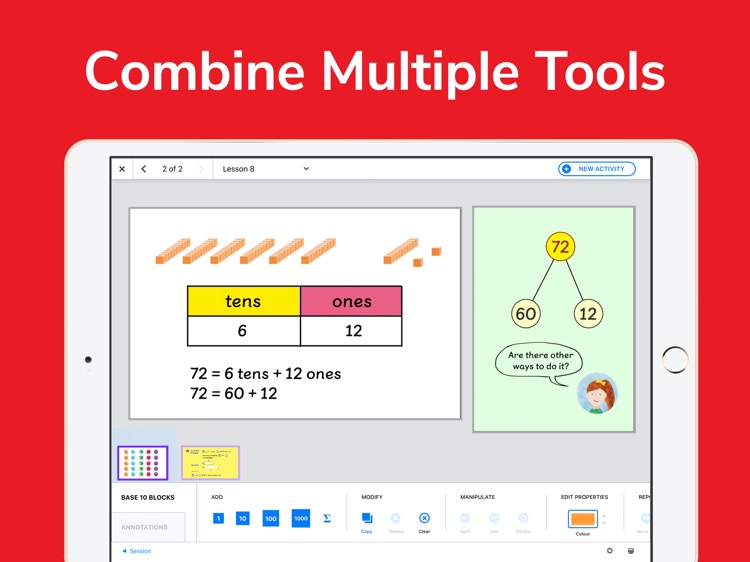
The MNP Visualiser app includes all the basic classroom tools you need to get started:
- Bar model
- Base 10 blocks
- Linking cubes
- Number bonds
- Number discs (with place value chart)
- Ten frame
- Whiteboard
MNP Visualiser also leverages all the latest benefits of Apple's mobile environment including:
- Full integration with Apple TV to enable screen-casting to a TV or interactive whiteboard
- Sharing of saved documents through AirDrop
- Importing and exporting of documents to your device or to iCloud
- Access to all the standard Apple drawing and markup tools from within the app
And there's even more:
- Full undo/redo history within all tools
- Work with activities either in full-screen or floating window mode
- A Maths - No Problem! library of stickers which can be used to brighten up your presentations
- Personalise activities with coloured backgrounds, lined and grid paper, and imported images
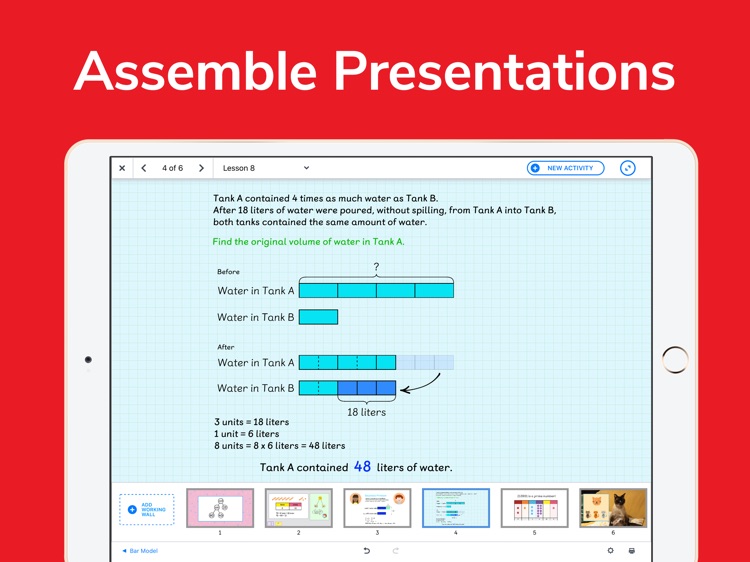
- Create single screen documents or assemble presentations as slideshows and swipe forward and backward between the screens
- Print out your individual screens or whole slideshows using any AirPrint compatible printer
Disclaimer:
AppAdvice does not own this application and only provides images and links contained in the iTunes Search API, to help our users find the best apps to download. If you are the developer of this app and would like your information removed, please send a request to takedown@appadvice.com and your information will be removed.
AppAdvice does not own this application and only provides images and links contained in the iTunes Search API, to help our users find the best apps to download. If you are the developer of this app and would like your information removed, please send a request to takedown@appadvice.com and your information will be removed.
