You are using an outdated browser. Please
upgrade your browser to improve your experience.

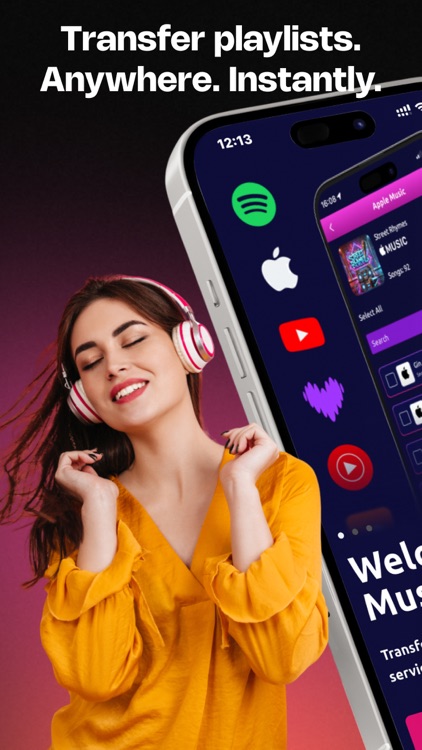
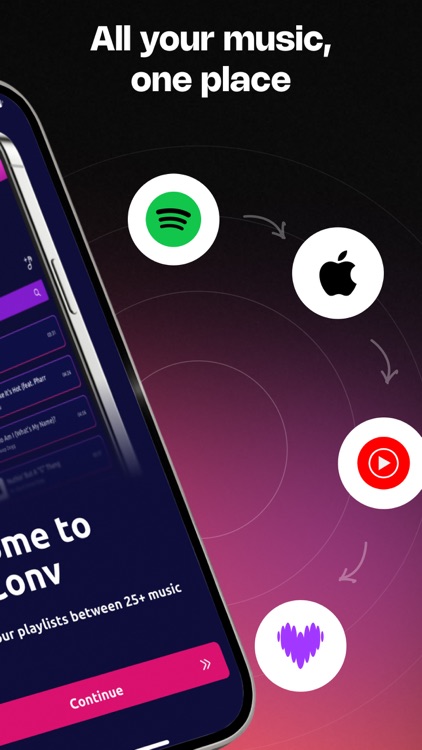
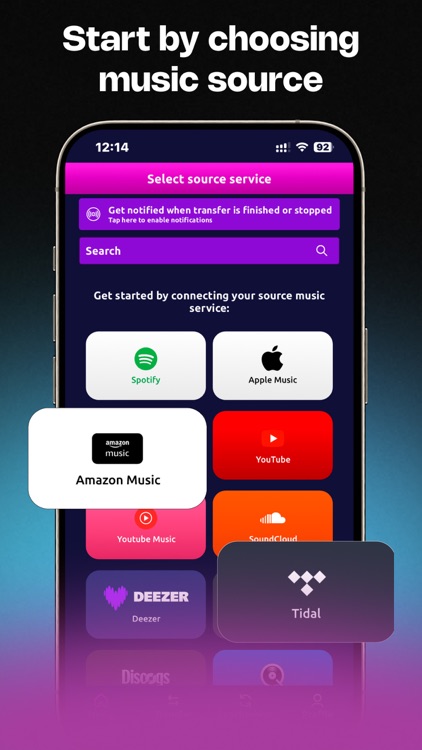
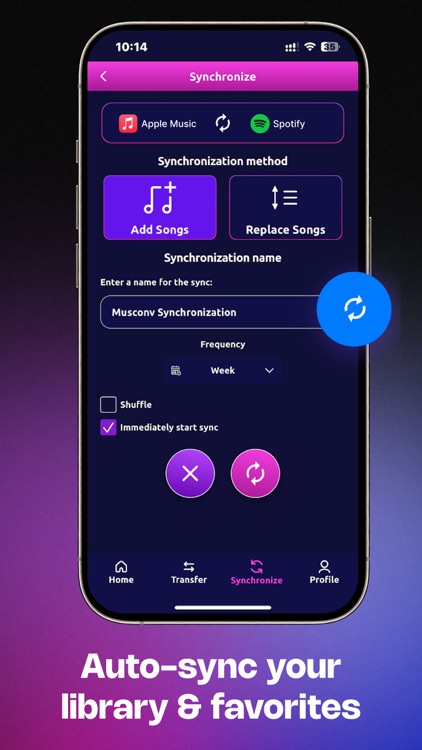
MusConv transfers playlists, albums and liked songs between 28 music services: Spotify, Apple Music, Amazon Music, YouTube, YouTube Music, Deezer, Tidal, SoundCloud, Pandora, Yandex Music and others

MusConv: Playlist Transfer
by Roman Panas
What is it about?
MusConv transfers playlists, albums and liked songs between 28 music services: Spotify, Apple Music, Amazon Music, YouTube, YouTube Music, Deezer, Tidal, SoundCloud, Pandora, Yandex Music and others!
App Screenshots
App Store Description
MusConv transfers playlists, albums and liked songs between 28 music services: Spotify, Apple Music, Amazon Music, YouTube, YouTube Music, Deezer, Tidal, SoundCloud, Pandora, Yandex Music and others!
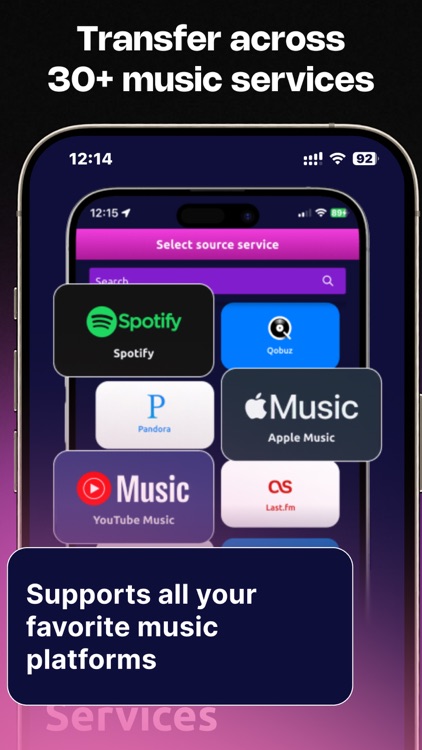
Current Supported Music Services:
● Spotify
● Apple Music
● YouTube
● YouTube Music
● Amazon Music
● Tidal
● Deezer
● SoundCloud
● Pandora
● Qobuz
● Yandex Music
● Anghami
● Napster
● VK Music (VKontakte Music)
● Last.fm
● VirtualDJ
● JioSaavn
● Beatport
● Beatsource
● Bandcamp
● Gaana
● Mixcloud
● iBroadcast
● Shazam
● Musi
● Emby
● Plex
Also you can transfer playlists from public Web URLs
How it works:
1. Select your source music service.
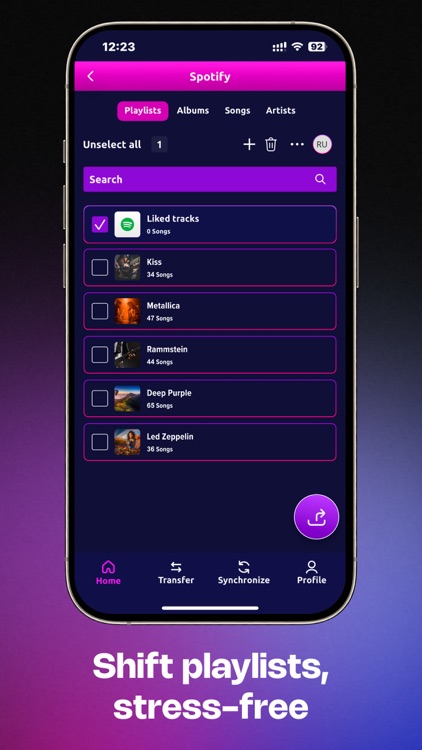
2. Pick which playlists you would like to transfer.
3. Select your destination music service and click "Transfer"
4. Take a coffee and wait till we move songs for you ;)
In free trial you can transfer up to 30 songs for free between any of the supported services. When you see how well it really works, upgrade your account and move as many songs as you want!
***
If you have any issues with MusConv, please let us know at support@musconv.com. We'll be happy to assist in any way we can.
Privacy policy: https://musconv.com/privacy-policy/
Disclaimer:
AppAdvice does not own this application and only provides images and links contained in the iTunes Search API, to help our users find the best apps to download. If you are the developer of this app and would like your information removed, please send a request to takedown@appadvice.com and your information will be removed.
AppAdvice does not own this application and only provides images and links contained in the iTunes Search API, to help our users find the best apps to download. If you are the developer of this app and would like your information removed, please send a request to takedown@appadvice.com and your information will be removed.
