You are using an outdated browser. Please
upgrade your browser to improve your experience.

CLEANUP YOUR PHONE IN NO TIME

My Cleaner Pro-Storage Cleanup
by Taiah Network
What is it about?
CLEANUP YOUR PHONE IN NO TIME
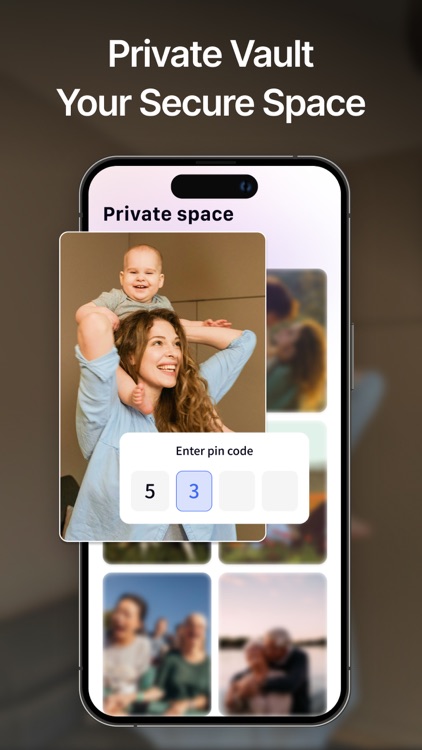
App Screenshots


App Store Description
CLEANUP YOUR PHONE IN NO TIME
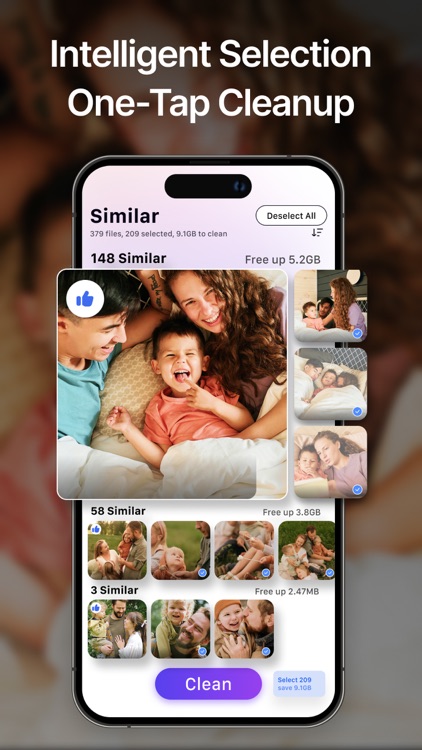
Do you have too many similar photos and files on your phone, and don't have time to cleanup them?
My Cleaner Pro is here to help!
Rated 5 stars for its smart cleanup technology, this cleaner app protects your privacy while making your phone faster than ever.
WHY CHOOSE MY CLEANER PRO?
-Smart Cleaner for Duplicates
Find and remove duplicate photos, blurry shots, and screenshots.
Clean up useless files.
-Deep Cleanup for Hidden Junk
Clean app caches, residual files, and system junk by one-tap.
-Storage Cleaner for Large Files
Sort videos & documents by size - delete the biggest space hogs first.
HOW IT WORKS
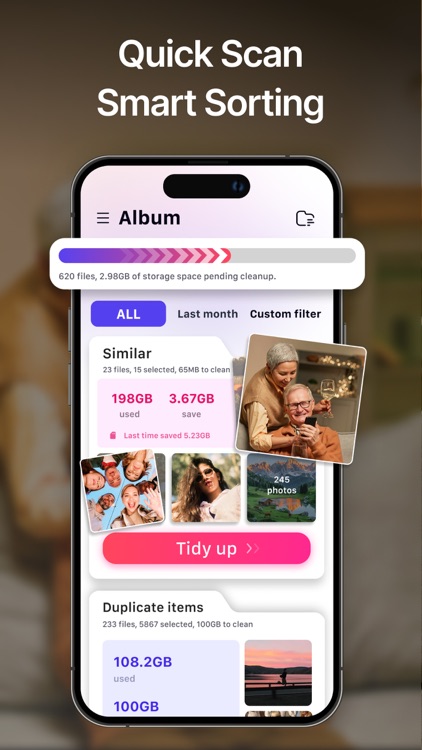
Intelligent scanning- Let the cleaner find hidden junk.
Repeated confirmation - avoiding wrong cleaning and avoiding risks.
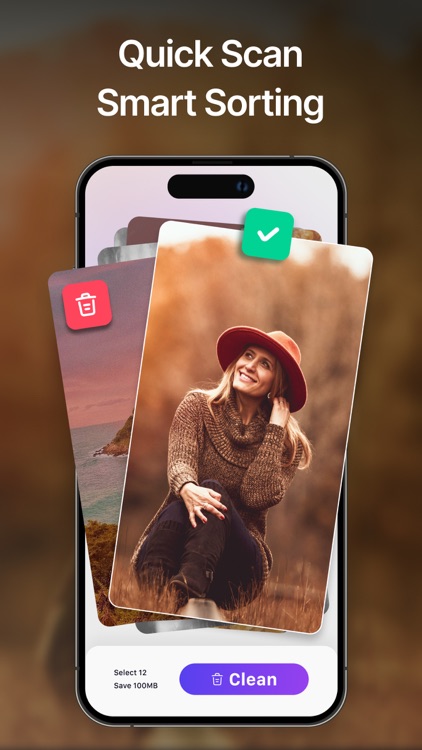
Swipe to delete - Experience your phone's renewed vitality
NO NEED TO BUY A NEW PHONE!
My Cleaner Pro helps you:
Clean up 2GB+ storage instantly.
Boost speed by 40%
Extend your iPhone’s lifespan.
YOUR PRIVACY, OUR PROMISE
Unlike other cleanup apps, My Cleaner Pro works 100% offline.
No one, apart from yourself, can access the content.
-This is the most basic guarantee that it can provide.
READY TO FEEL THE DIFFERENCE?
Join thousands of happy users who trust My Cleaner Pro for smarter cleanup.
You deserve a fresh start here.
PAYMENT AND SUBSCRIPTION TERMS:
You can choose from the following subscription options for unlimited access to all features:-Weekly -Annual -Lifetime
-3-Day Free Trial: The free trial period for Storage Cleaner lasts 3 days, during which you can unlock all features without limitations. Your account will automatically renew under the weekly subscription plan within 24 hours before the free trial ends.
You can cancel auto-renewal at any time, but this must be done at least 24 hours before the end of the current subscription period. If you purchase an auto-renewing subscription, any unused portion of the free trial will be considered forfeited.
Managing Subscriptions on iPhone
You can manage your subscriptions or close auto-renewal on your iPhone by following these steps:
-Open the “Settings” app
-Tap “your name”.
-Tap “Subscriptions.”
-Select the subscription you wish to manage.
Privacy Policy: https://docs.google.com/document/d/1r5YS1eC8PJRSYGOLN4ALXfqXVPRwXnyZ3mMMZ39dFb0/edit?usp=sharing
Terms of Use: https://docs.google.com/document/d/1ITNhmc7JJnhUIGP2yO-PmwcL1-ZQ5HPAFbkBUgR2a8Y/edit?usp=sharing
Disclaimer:
AppAdvice does not own this application and only provides images and links contained in the iTunes Search API, to help our users find the best apps to download. If you are the developer of this app and would like your information removed, please send a request to takedown@appadvice.com and your information will be removed.
AppAdvice does not own this application and only provides images and links contained in the iTunes Search API, to help our users find the best apps to download. If you are the developer of this app and would like your information removed, please send a request to takedown@appadvice.com and your information will be removed.
