You are using an outdated browser. Please
upgrade your browser to improve your experience.
My Talking Times Tables is the application for kids to master the multiplication skills with Times Tables

My Talking Times Tables
by Narmathan Thanabalasingam


What is it about?
My Talking Times Tables is the application for kids to master the multiplication skills with Times Tables. The voice option also helps the younger kids learning the Times Tables in a fun way.
App Screenshots
App Store Description
My Talking Times Tables is the application for kids to master the multiplication skills with Times Tables. The voice option also helps the younger kids learning the Times Tables in a fun way.
There are three options on the home screen on the application
1 - Learn Times Tables
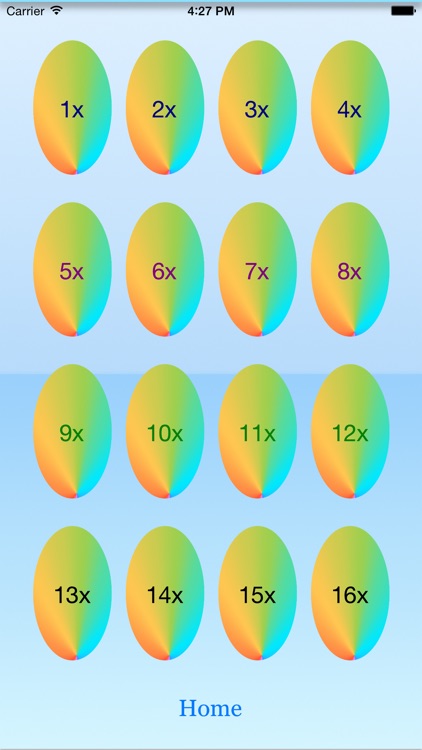
Times Tables start from 1x to 12x. You can pick any Times Tables you like to learn and it will take you to the next screen where you can study the Times Tables you already selected and also can hear the Times Tables by taping the Music Icon.
2 - Practice Times Tables
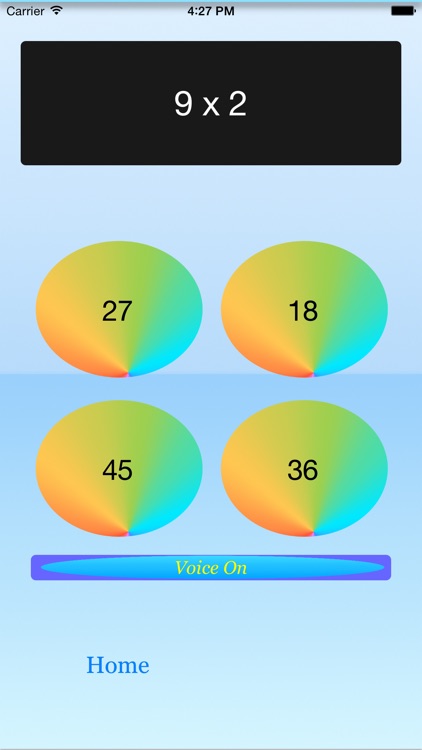
Times Tables start from 1x to 12x. You can pick any Times Tables you like to practice and it will take you to the next screen where you can practice unlimited times with the Times Tables you selected on the previous screen.
You have an option to turn on or off the voice during the practice.
3 - Challenge Times Tables
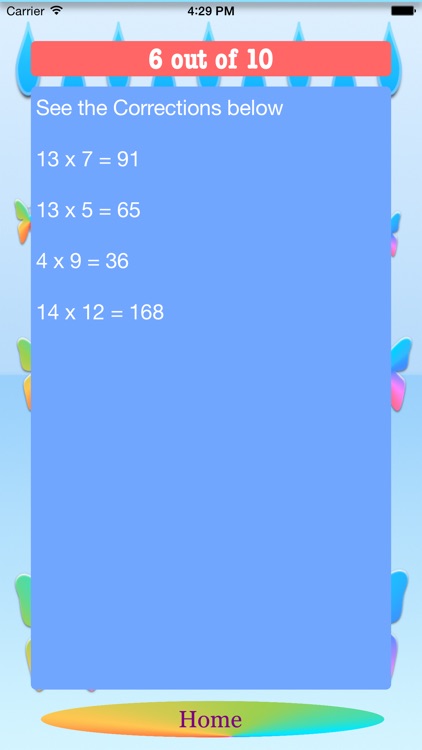
Random questions from Times Tables from 2x to 12x. Answer the question and tap the "Go" button to get the feed back for your answer. You hear "Excellent" if you answer it correctly and Red sign for the wrong answer. Then click "Next" to go to the next question. After answering the 10th question click "Next" to see your results. The results screen will show you how many questions you answered correctly out of 10 questions. If you made any mistakes it will show you the correct answers. You must answer all 10 questions to see the results on the results screen.
Good Luck for your Times Tables practice.
Disclaimer:
AppAdvice does not own this application and only provides images and links contained in the iTunes Search API, to help our users find the best apps to download. If you are the developer of this app and would like your information removed, please send a request to takedown@appadvice.com and your information will be removed.
AppAdvice does not own this application and only provides images and links contained in the iTunes Search API, to help our users find the best apps to download. If you are the developer of this app and would like your information removed, please send a request to takedown@appadvice.com and your information will be removed.
