You are using an outdated browser. Please
upgrade your browser to improve your experience.

This application is used to reserve places and rooms in a church in order to avoid conflicts in meetings and services in the church

Nayrozna
by Sherif Guirguis
What is it about?
This application is used to reserve places and rooms in a church in order to avoid conflicts in meetings and services in the church.
App Screenshots
App Store Description
This application is used to reserve places and rooms in a church in order to avoid conflicts in meetings and services in the church.
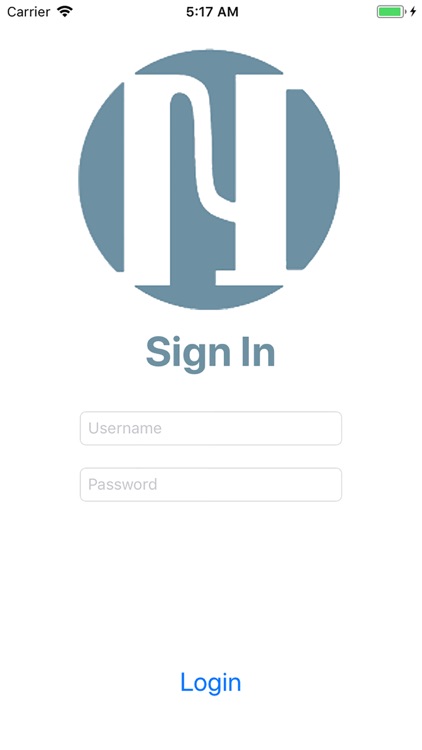
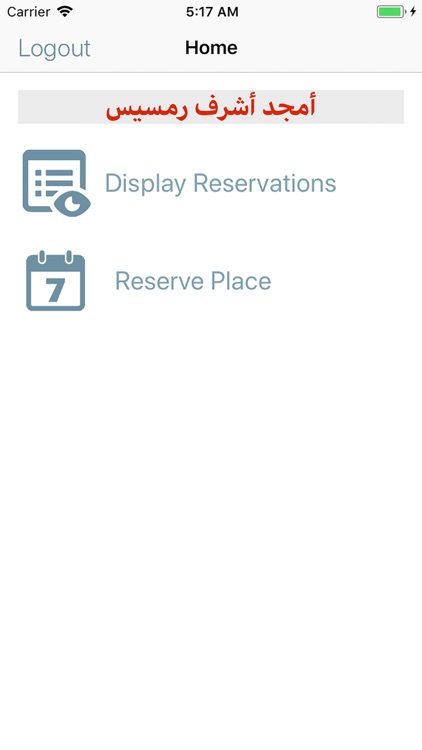
First, the user is required to sign in to the application, then, if the sign in is successful, he will be redirected to the home screen. In the home screen the user has 3 options, either to logout, reserve a place or display available reservations.
1) Logout: The user will be redirected to the login screen.
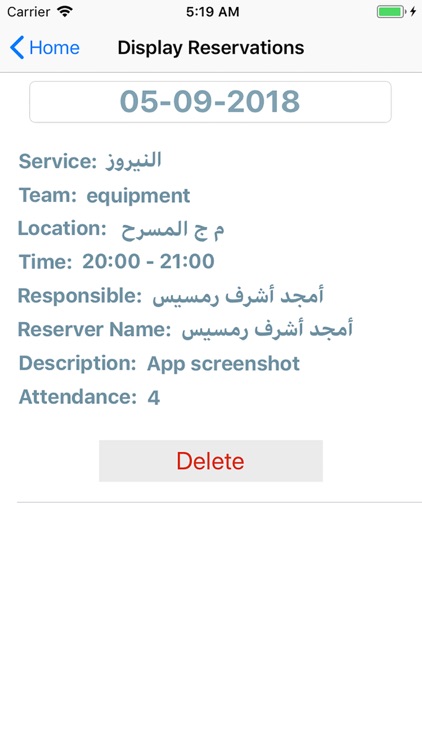
2) Display Reservations: The user can choose to display all available reservations in a specific date that can be chosen from the top of the Display Reservations Screen. The default date is the current date. A reservation has several attributes, service name, team name, location, time from, time to, responsible name, reserver name, number of attendance and general notes. The normal user can only delete reservations that he did reserve. There are another type of users (admins) who can delete any reservation.
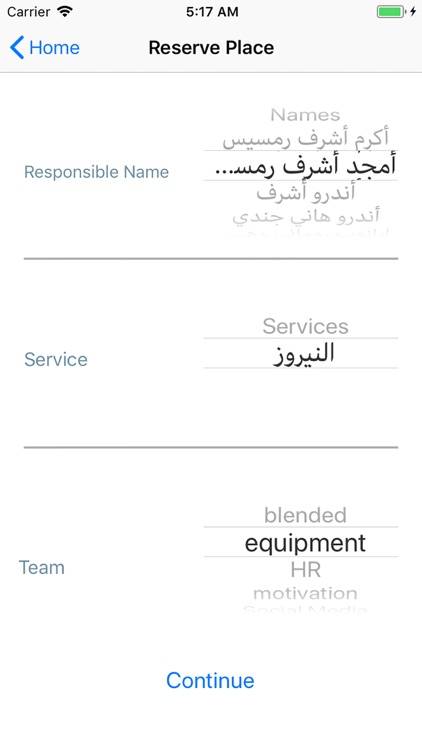
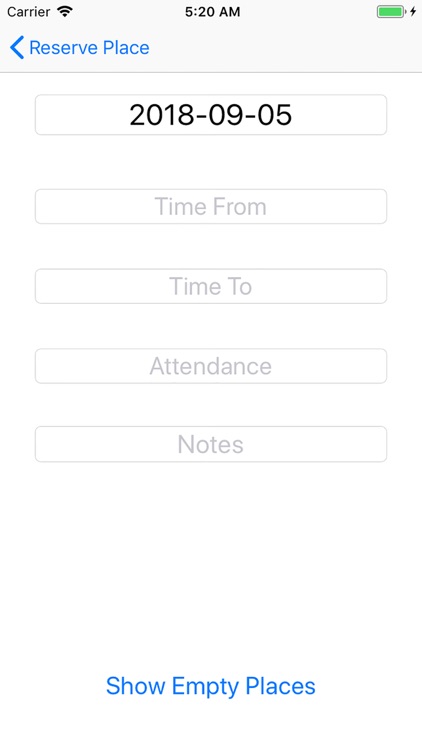
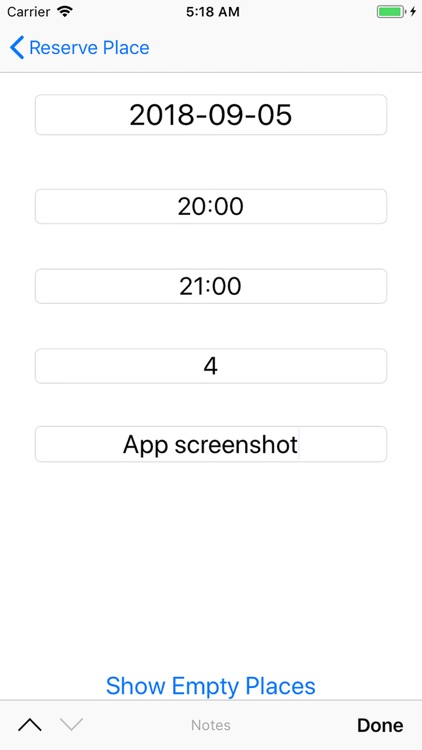
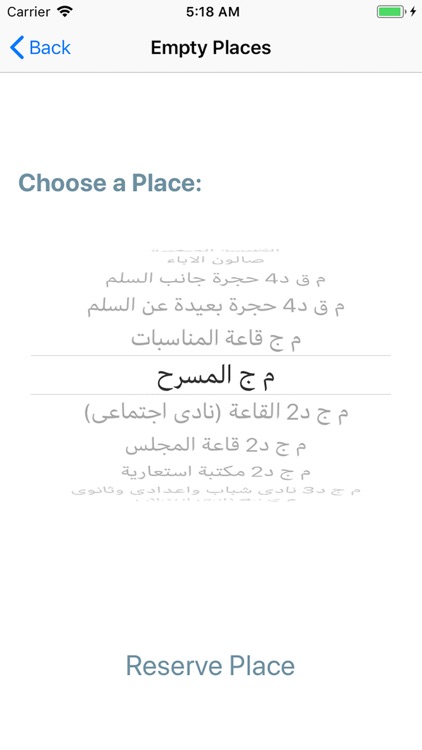
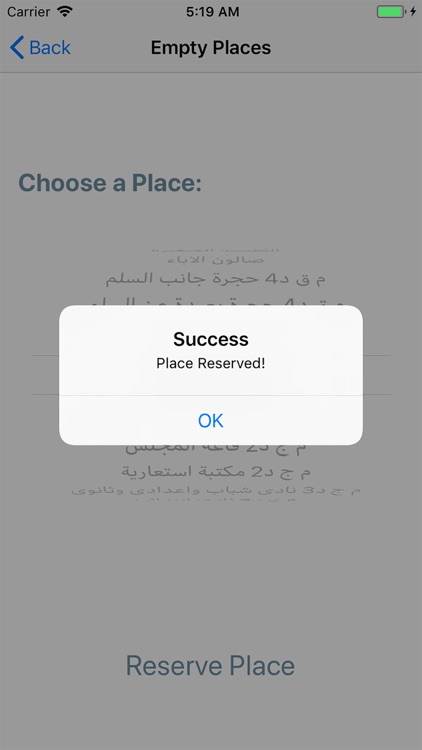
3) Reserve Place: The user here can reserve a place based on his needs, first screen he must choose the responsible name, service name and the team name, then press the button continue to choose the date of the reservation, time from, time to, number of attendance and general notes, then the user will press the show empty places button to redirect him to the final screen of the application where he can choose a place from the available empty places at the specified date and timings.
Note: There is a type of reservation that can only be carried by certain users called a General Reservation. When a general reservation is reserved in a time interval, no any other reservations can be reserved. This is useful when there is the need to prevent people from reserving places in the church during certain times.
All application inputs are validated and checked
Disclaimer:
AppAdvice does not own this application and only provides images and links contained in the iTunes Search API, to help our users find the best apps to download. If you are the developer of this app and would like your information removed, please send a request to takedown@appadvice.com and your information will be removed.
AppAdvice does not own this application and only provides images and links contained in the iTunes Search API, to help our users find the best apps to download. If you are the developer of this app and would like your information removed, please send a request to takedown@appadvice.com and your information will be removed.
