You are using an outdated browser. Please
upgrade your browser to improve your experience.

To take advantage of all the functions of the NCP-DVR3CH ,you will need to connect it via WiFi with the NCP-DVR3CH App on your smartphone

NCP-VIEW
by Directed Electronics Australia


What is it about?
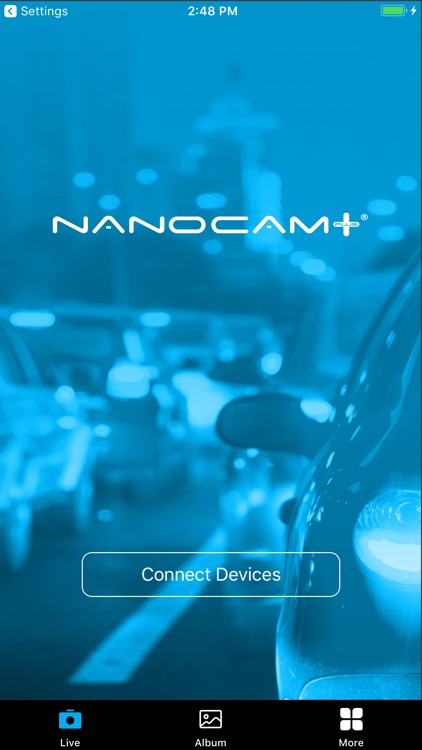
To take advantage of all the functions of the NCP-DVR3CH ,you will need to connect it via WiFi with the NCP-DVR3CH App on your smartphone .Your smartphone (via the App) can also function as a screen where you can monitor and review driving footage .
App Store Description
To take advantage of all the functions of the NCP-DVR3CH ,you will need to connect it via WiFi with the NCP-DVR3CH App on your smartphone .Your smartphone (via the App) can also function as a screen where you can monitor and review driving footage .
Connect first to your NCP-DVR3CH with your smartphone , Your dash Camera WiFi name would be NCP-DVR3CH_XXXXXX ,last 6 digits are unique to each dash cam ,then open the app to access your dash camera ,through the NCP-DVR3CH app, you can:
1. Watch all footage live view as it records
2. Browse, download, and manage your photos and videos
3. Share the footage to social media
4. Change the settings of your NCP-DVR3CH
5. Format SD card and reset to factory settings
Disclaimer:
AppAdvice does not own this application and only provides images and links contained in the iTunes Search API, to help our users find the best apps to download. If you are the developer of this app and would like your information removed, please send a request to takedown@appadvice.com and your information will be removed.
AppAdvice does not own this application and only provides images and links contained in the iTunes Search API, to help our users find the best apps to download. If you are the developer of this app and would like your information removed, please send a request to takedown@appadvice.com and your information will be removed.
