You are using an outdated browser. Please
upgrade your browser to improve your experience.
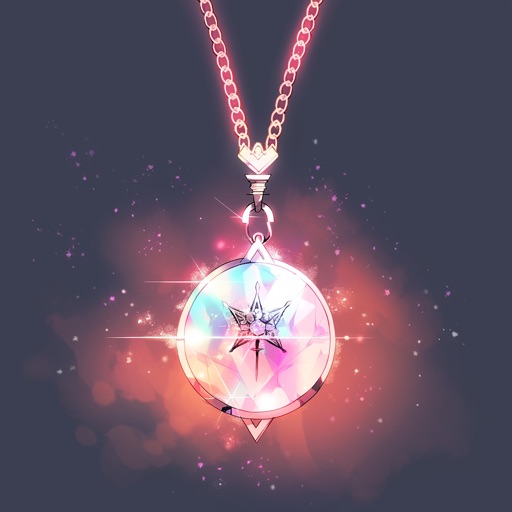
Welcome to NecklacePad - Your specialized keyboard for jewelry enthusiasts

NecklacePad
by 层 高
What is it about?
Welcome to NecklacePad - Your specialized keyboard for jewelry enthusiasts!
App Store Description
Welcome to NecklacePad - Your specialized keyboard for jewelry enthusiasts!
How to enable the keyboard:
1. Go to Settings on your iPhone
2. Tap on General > Keyboard > Keyboards
3. Tap "Add New Keyboard..."
4. Find "NecklacePad" in the list and tap on it
Once enabled, you can switch to NecklacePad keyboard in any app by tapping the globe icon on your keyboard.
Features:
• Over 40 jewelry-related terms at your fingertips
• Quick access to common necklace terminology
• Perfect for jewelers, designers, and enthusiasts
• Simple, elegant design
Tap the button below to see a preview of your new keyboard!
Disclaimer:
AppAdvice does not own this application and only provides images and links contained in the iTunes Search API, to help our users find the best apps to download. If you are the developer of this app and would like your information removed, please send a request to takedown@appadvice.com and your information will be removed.
AppAdvice does not own this application and only provides images and links contained in the iTunes Search API, to help our users find the best apps to download. If you are the developer of this app and would like your information removed, please send a request to takedown@appadvice.com and your information will be removed.
