You are using an outdated browser. Please
upgrade your browser to improve your experience.

New Emoji Keyboard for iPhone & iPad

New Emoji - Extra Emojis Keyboard
by Aaron Kwok
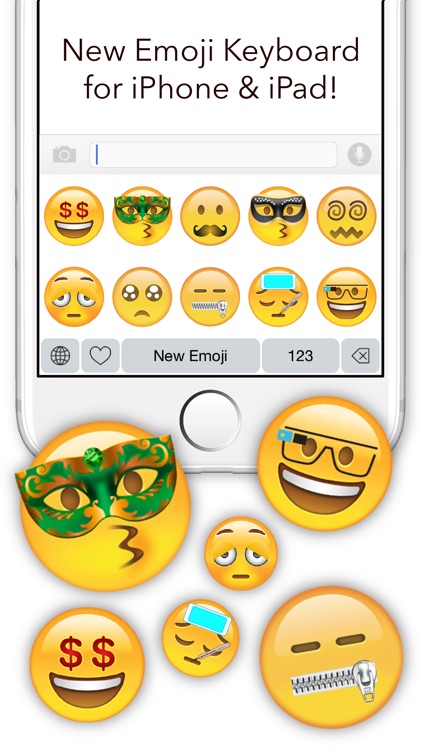

What is it about?
New Emoji Keyboard for iPhone & iPad
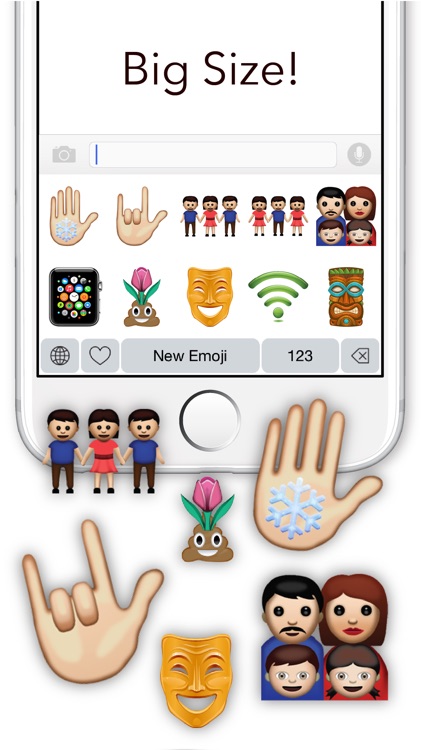
App Screenshots

App Store Description
New Emoji Keyboard for iPhone & iPad
- Guide for Enabling New Emoji Keyboard -
1. Go to System Setting -> General -> Keyboard -> Keyboards -> Add New Keyboard and choose New Emoji from Third-Party Keyboards.
2. Click “New Emoji - New Emoji” Allow Full Access.
3. Go to your keyboard and hold down “Globe with Meridians” and then choose New Emoji - New Emoji.
- Tips -
Please make sure to enable “Allow Full Access”. We won’t collect any of your information.
Your New Emoji Keyboard, will not operate properly if the access is off.
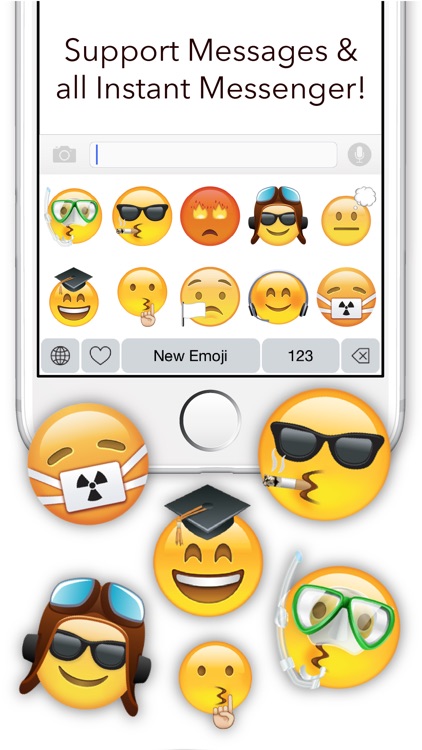
You can paste are Emoji to Messages, WhatsApp, WeChat, Telegram, Facebook Messenger & more Instant Messenger
Downlaod Now
Enjoy it!
Disclaimer:
AppAdvice does not own this application and only provides images and links contained in the iTunes Search API, to help our users find the best apps to download. If you are the developer of this app and would like your information removed, please send a request to takedown@appadvice.com and your information will be removed.
AppAdvice does not own this application and only provides images and links contained in the iTunes Search API, to help our users find the best apps to download. If you are the developer of this app and would like your information removed, please send a request to takedown@appadvice.com and your information will be removed.
