You are using an outdated browser. Please
upgrade your browser to improve your experience.
Photo filters and effects

Notebook Photo Editor
by Reima Kirvesniemi
What is it about?
Photo filters and effects
App Screenshots
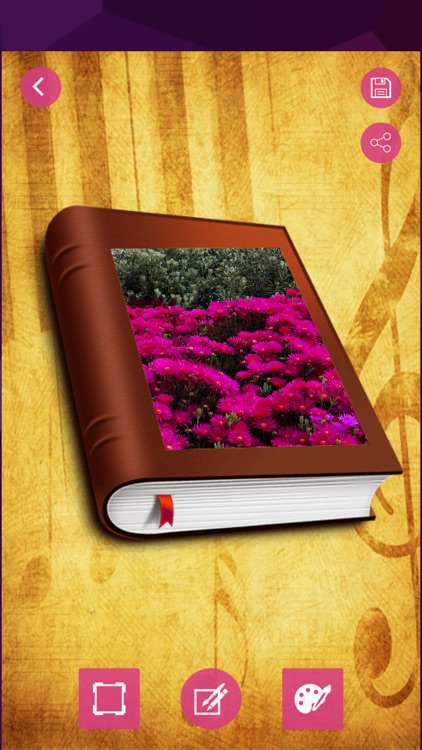
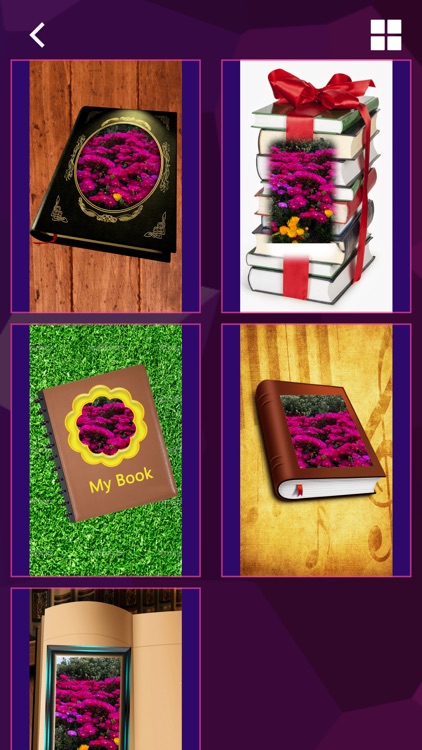
App Store Description
Photo filters and effects
Use a variety of "appearance" categories to perfect wonderful moments: black and white, portraits, nature and two-tone.
Use new blending effects to improve the appearance of photographs.
Explore color temperature, natural saturation and other color effects by simply adjusting sliders.
Use the defogging function to present a clear, beautiful and meticulous view.
A stunning Collage
Create professional photo collages to add background, gradient and layout effects.
Applying the "Style Conversion" function, it is easy to apply the same appearance to all the pictures in the collage.
Use "popular color tools" to highlight color themes and create amazing effects.
Use the unique effects of collage software to create unique artistic effects.
Add borders and text
Self-defined personality stickers, Meme and notes highlight distinct personality.
Use a variety of fonts, colors and opacity controls to design your own message style.
Use a border that matches the color of the photo, or choose a unique custom border to create a bright effect.
Use translation, scaling and rotation settings to fine-tune text positions.
Add custom text or logo to make watermarking.
Rapid Repair
Cut, trim, rotate and flip photos to create eye-catching masterpieces.
Use the "Auto Repair" option to adjust contrast, exposure and white balance with one click.
Remove red and green eyes from photos.
Use simple shadows to highlight the subject.
Application of Fuzzy Effect
Use "radial blurring" to shift the focus to specific elements and dilute the background.
Use various blurring functions to enhance the texture of photos and create a dynamic atmosphere.
Disclaimer:
AppAdvice does not own this application and only provides images and links contained in the iTunes Search API, to help our users find the best apps to download. If you are the developer of this app and would like your information removed, please send a request to takedown@appadvice.com and your information will be removed.
AppAdvice does not own this application and only provides images and links contained in the iTunes Search API, to help our users find the best apps to download. If you are the developer of this app and would like your information removed, please send a request to takedown@appadvice.com and your information will be removed.
