You are using an outdated browser. Please
upgrade your browser to improve your experience.

Collect and organise information big & small with OctoForm

OctoForm - Ceate and Analyse Questionnaires
by ELEOS WEB PTE LTD

What is it about?
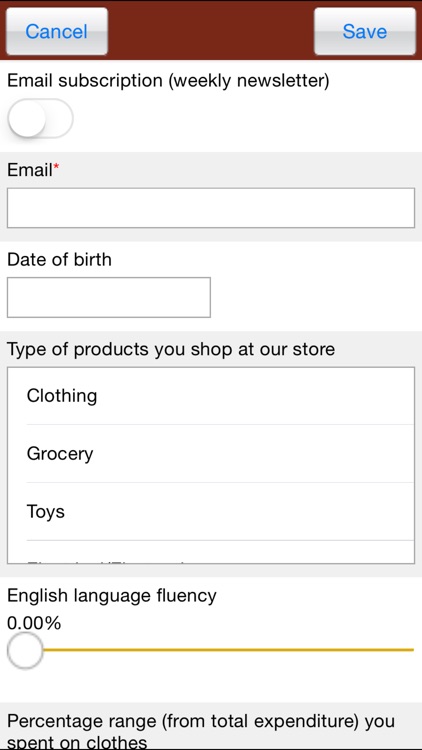
Collect and organise information big & small with OctoForm. Ideal for your restaurant or retail shop to collect customer feedback and/or for registration.
App Details
Version
1.0
Rating
NA
Size
5Mb
Genre
Business Productivity
Last updated
March 7, 2016
Release date
March 7, 2016
More info
App Screenshots
App Store Description
Collect and organise information big & small with OctoForm. Ideal for your restaurant or retail shop to collect customer feedback and/or for registration.
Features
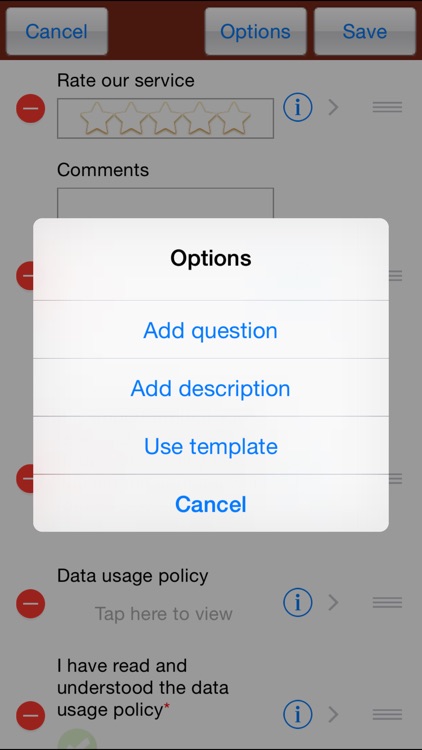
- Intuitive question types
- Slides and list arrangement of questions
- Unlimited number of questions
- Unlimited number of questionnaires
- Unlimited number of answers
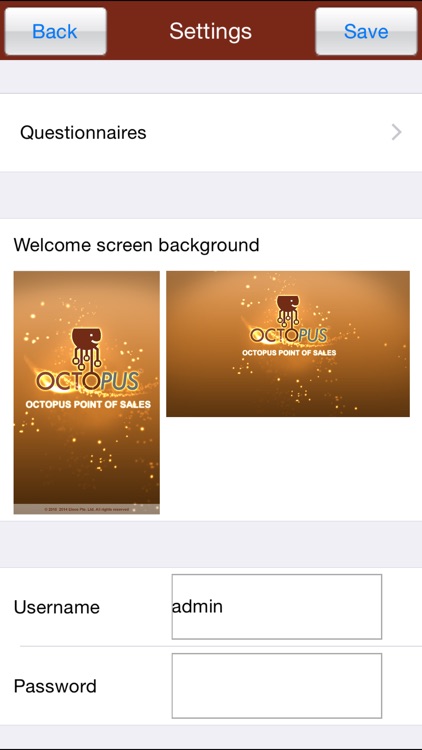
- Ability to use your own photos, retail shop/restaurant logos to create your own unique form
- Question templates for easy setup
- Responses to your surveys are neatly and automatically collected in OctoForm
- Ability to collect images (e.g. photograph of a customer upon self registration)
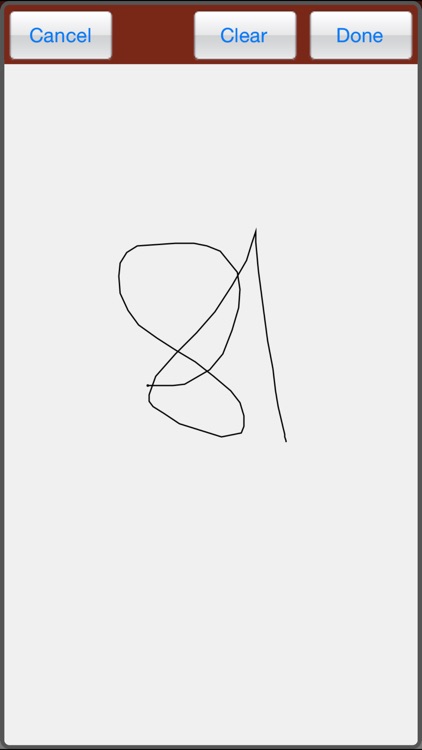
- Ability capture handwritten signature
- Export answers to Microsoft excel, email or to any other app which supports file sharing
- Print answers
- Portrait and landscape orientation support
You can use this to,
- Collect customer feedback
- Allow self registration (restaurant, retail shop, social event)
- Whip up a quick poll
- Collect email addresses for a newsletter
Settings/Admin
Do a long tap on the welcome screen to enter settings. Use the username 'admin' and password 'admin' to login. You can later change the password of the admin user.
Ready to build your first survey? It’s easy with OctoForm
Disclaimer:
AppAdvice does not own this application and only provides images and links contained in the iTunes Search API, to help our users find the best apps to download. If you are the developer of this app and would like your information removed, please send a request to takedown@appadvice.com and your information will be removed.
AppAdvice does not own this application and only provides images and links contained in the iTunes Search API, to help our users find the best apps to download. If you are the developer of this app and would like your information removed, please send a request to takedown@appadvice.com and your information will be removed.
