You are using an outdated browser. Please
upgrade your browser to improve your experience.

OmniDocs mobile manages content on OmniDocs Server through a smart UI and secure connection for your phone and tab device

OmniDocs
by Newgen

What is it about?
OmniDocs mobile manages content on OmniDocs Server through a smart UI and secure connection for your phone and tab device. For bustling users, activities like browse, document capture, upload, view, download, and advance searching seems easy with the mobile app.
App Screenshots



App Store Description
OmniDocs mobile manages content on OmniDocs Server through a smart UI and secure connection for your phone and tab device. For bustling users, activities like browse, document capture, upload, view, download, and advance searching seems easy with the mobile app.
OmniDocs mobile offers the following functionalities:
• Capturing capability with desired image quality.
• Tagging different meta-data with multiple document upload.
• Adding folders and sub-folders on the fly.
• Filtering and sorting of folders and documents.
• Viewing and editing folder and document properties.
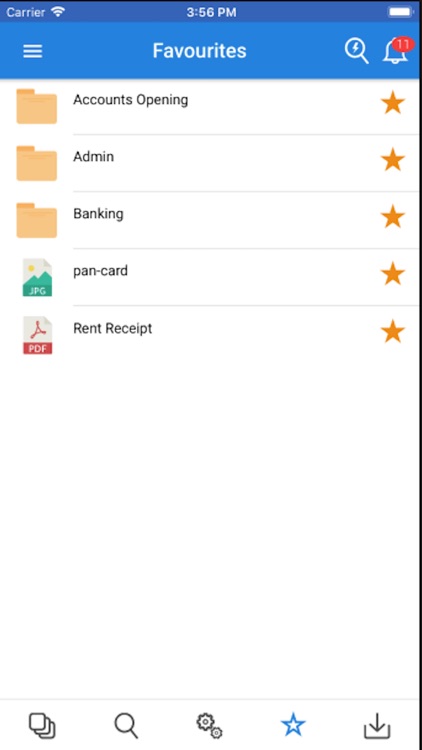
• Marking folders and documents as favorite for quick access.
• Image preview for documents.
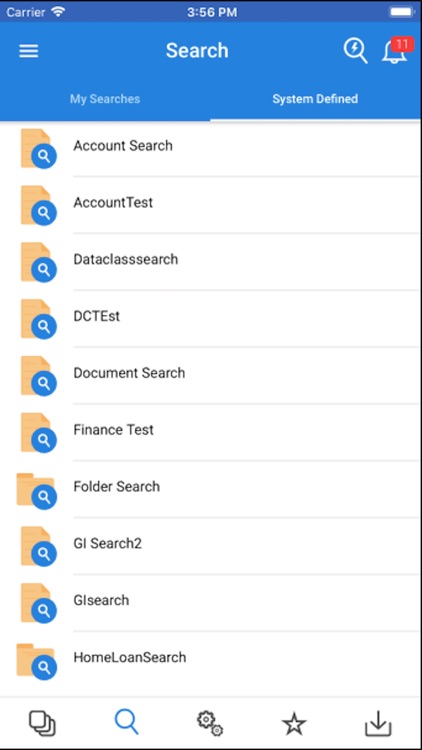
• Advanced searches on folders and documents (with Full Text Search).
• Sharing documents as link or as attachments.
• Adding and viewing notes attached to the documents.
• Checker functionality in workflow to take suitable action on documents.
• Notifications for alarms and reminders.
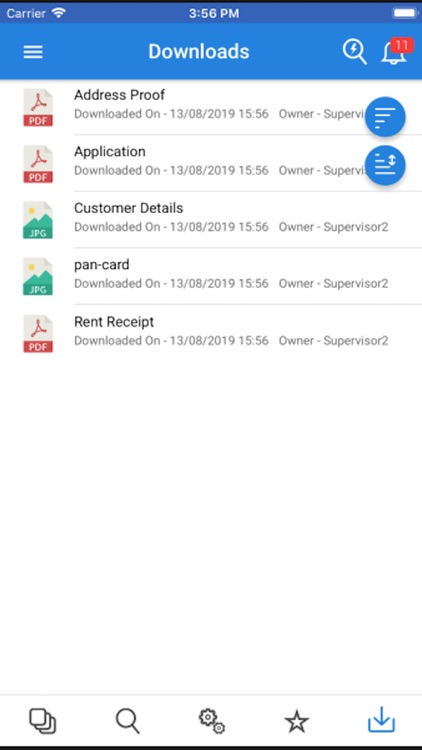
• Designated download tab for easy access to downloads.
• Document sharing through channels, such as email, Bluetooth, social media etc.
• Easy Search Support.
• Saving the searches and exporting the search results in the form of XLS or PDF.
Disclaimer:
AppAdvice does not own this application and only provides images and links contained in the iTunes Search API, to help our users find the best apps to download. If you are the developer of this app and would like your information removed, please send a request to takedown@appadvice.com and your information will be removed.
AppAdvice does not own this application and only provides images and links contained in the iTunes Search API, to help our users find the best apps to download. If you are the developer of this app and would like your information removed, please send a request to takedown@appadvice.com and your information will be removed.
