You are using an outdated browser. Please
upgrade your browser to improve your experience.
ON1 Photo®

ON1 Photo
by onOne Software

What is it about?
ON1 Photo®
App Screenshots
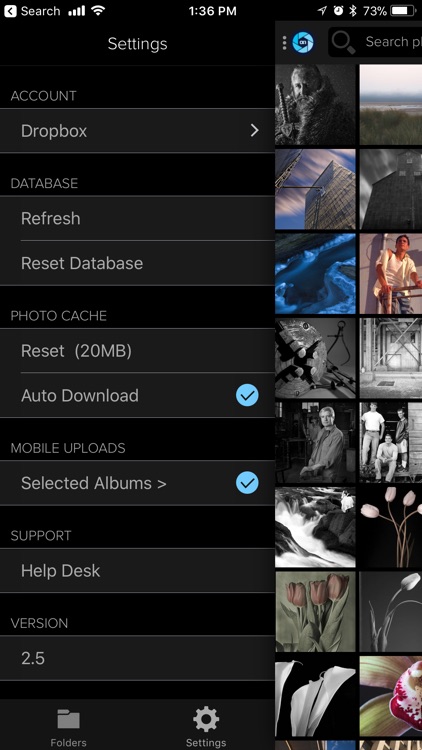
App Store Description
ON1 Photo®
Your photos. Anywhere.
With ON1 Photo, your ON1 Photo RAW® photos go with you anywhere. Show and share your photos from your iOS® devices. Formally ON1 Photo Via.
NOTES
• Setting up ON1 Photo requires ON1 Photo RAW as well as either a Google® Drive® or Dropbox® account.
Sync Your Photos to Your iPhone or iPad
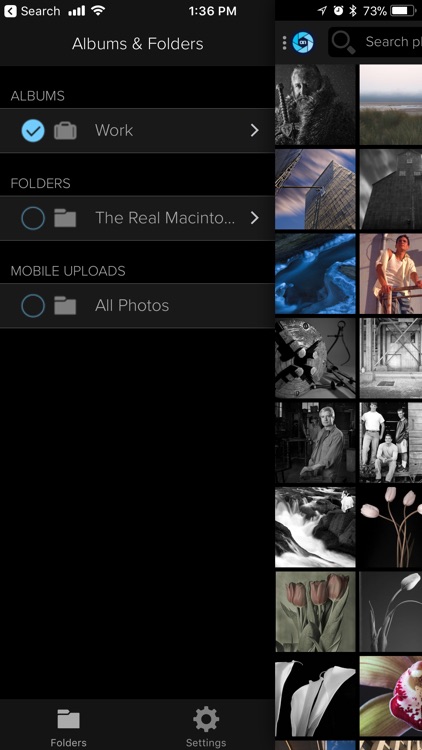
Sync your ON1 Photo RAW albums, smart albums or cataloged folders. You have control over which photos to sync.
Explore Your Photos
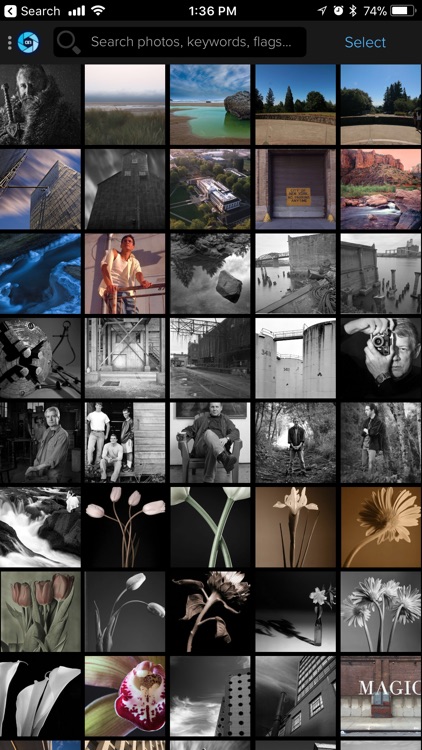
Browse your photos by your ON1 smart albums, cataloged folders, keywords, ratings and likes.
Upload Your Mobile Photos to Your Desktop
Automatically upload new photos taken on your iPhone or iPad. You choose which albums to upload. Make changes on either your mobile device or desktop and they stay in-sync.
Sync Your Ratings and Likes
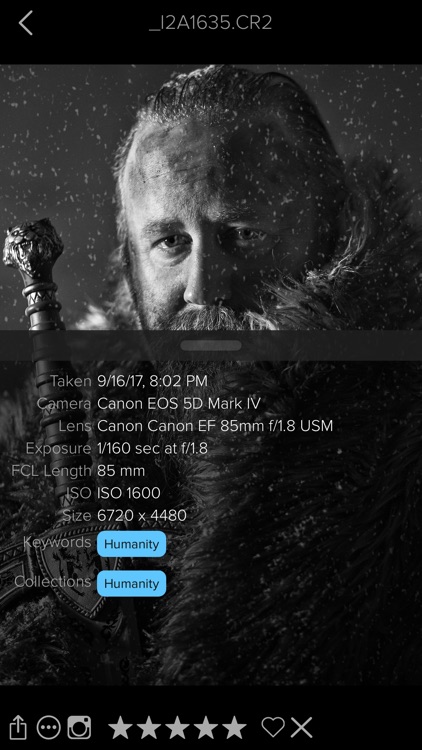
Like and rate your photos, right on your iPad or iPhone. The changes will automatically sync back to ON1 Photo RAW.
Sync by Metadata
Automatically publish your photos by using ON1 Photo RAW Smart Albums. Your photos stay in sync across your devices.
Storage with Google Drive or Dropbox
ON1 Photo uses Google Drive to store versions of your ON1 Photo RAW photos. Both services offer storage for free up to a certain amount. No need for another account or service.
Publish from Multiple Computers
ON1 Photo allows you to publish from multiple computers.
Disclaimer:
AppAdvice does not own this application and only provides images and links contained in the iTunes Search API, to help our users find the best apps to download. If you are the developer of this app and would like your information removed, please send a request to takedown@appadvice.com and your information will be removed.
AppAdvice does not own this application and only provides images and links contained in the iTunes Search API, to help our users find the best apps to download. If you are the developer of this app and would like your information removed, please send a request to takedown@appadvice.com and your information will be removed.
