You are using an outdated browser. Please
upgrade your browser to improve your experience.
OneScreen - Make Custom Mockup

OneMockup - Make Custom Mockup
by Chengdu Reinvent Technology Co., Ltd.
What is it about?
OneScreen - Make Custom Mockup
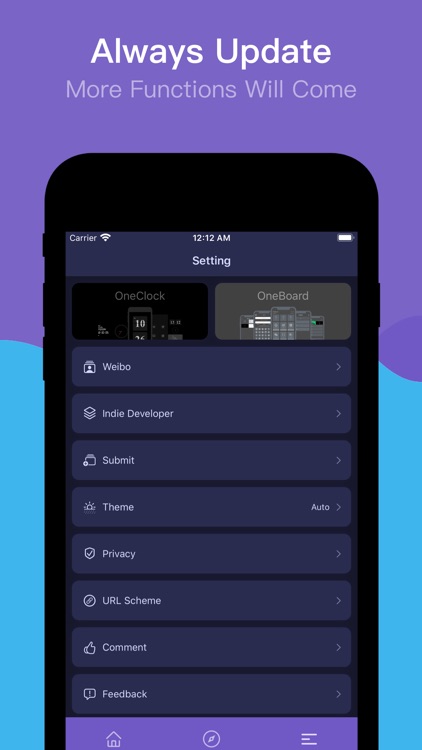
App Screenshots

App Store Description
OneScreen - Make Custom Mockup
This is a new mockup app.
OneScreen is a excellent iOS Design Tool to create attractive mobile mockups. Create custom mockup images from over a dozen popular devices using your own uploaded screen captures.
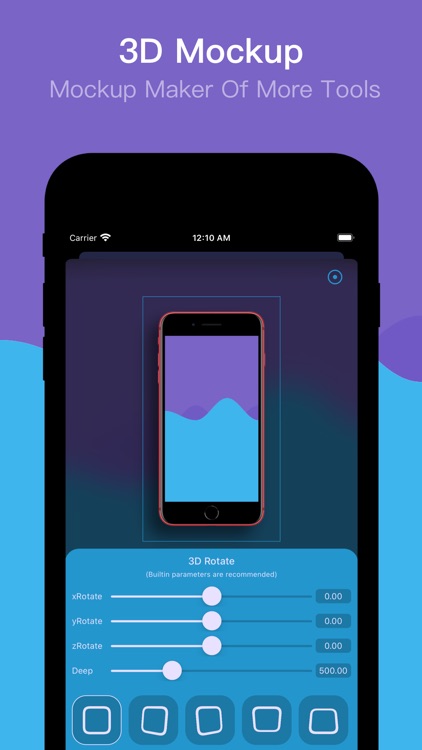
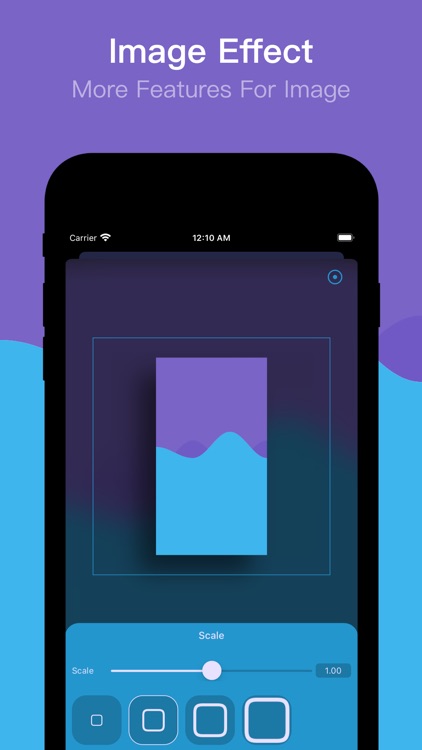
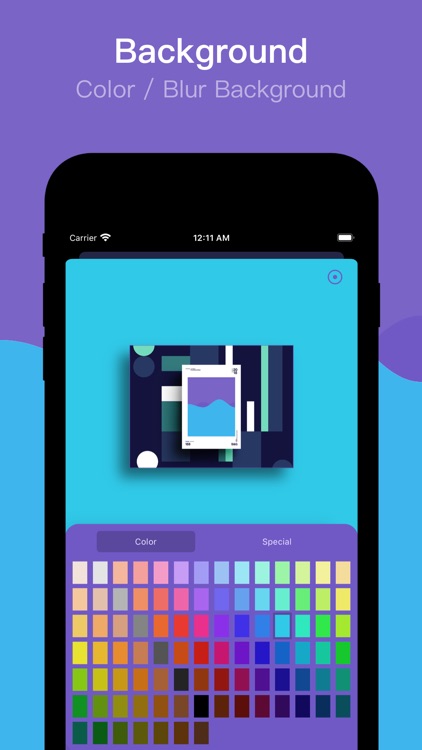
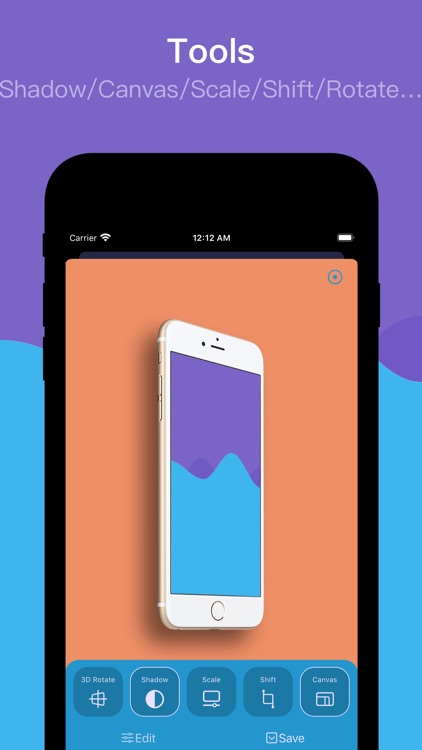
With OneScreen, you can choose suitable device mockup or template, add 3D Rotate、background、shadow、shift、scale、canvas... and other custom features.No Photoshop、No Sketch,Just OneScreen.
You can chose different models,different angles,different backgrounds to start.
#New Way#
There are many ways to make your work:
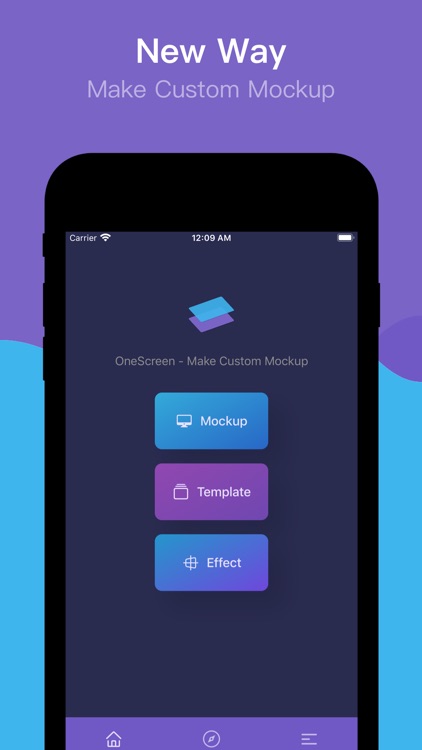
The Standard Mode/The Template Modem/The Effect Mode
#Mockup Maker#
1. Select any pictures in the album.
2. Support multiple models including X.
3. There are three types of common models.
4. Support 30 custom background colors.
5. Fast share to WeChat or save to album.
6.iPhone/iPad/iWatch Templates
7.Action Extension
8.Today Extension
9.Support URL Scheme
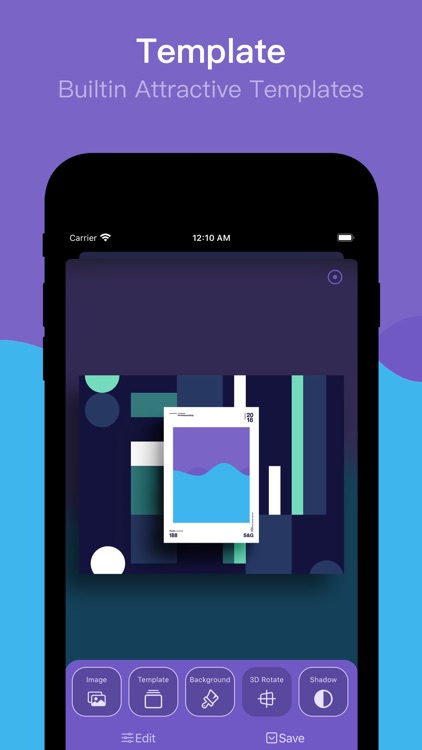
#From Templates#
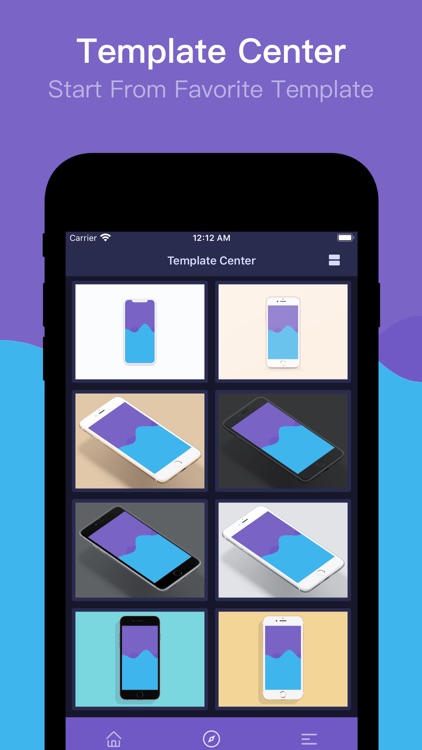
1. Take two steps to create the mockup.
2. Browse the favorite templates in two ways.
3. Support common screen size.
4. The production process can quickly switch the template.
#New Features
1.Add Twitter Entry
2.Add Notch Template
3.Add Automatic Identification
4.Add Animation to Editing Buttons
5.Add Animation to Editing Process
6.Displays Two Columns by Default
7. Redesign the Mockup mode
8. Redesign the Template mode
9. Add pure picture effect mode
10. Add customization of 3D rotation, shadow, canvas, displacement, zoom, image filling, image rotation and image rounded corners
11. You can customize parameters,or adjusted using built-in parameters
#Upcoming#
1. All colors of all models support three angles.
2. Support multiple languages.
3. Add a variety of template sizes.
4. Optimize page dynamics and logic.
5. Sharing of new social platforms.
…
OneScreen offers yearly subscriptions. The subscription prices are:
$0.99/Year
-You can subscribe to yearly plan. The prices are in US dollars. Pricing in other countries may vary and actual charges may be converted to your local currency depending on the country of residence.
-Payment will be charged to iTunes Account at confirmation of purchase.
-Subscriptions automatically renew unless auto-renew is turned off at least 24-hours before the end of the period.
-Account will be charged for renewal within 24-hours prior to the end of the current period, and identify the cost of the renewal.
-Subscriptions may be managed by the user and auto-renewal may be turned off by going to the user's Account Settings after purchase.
-Any unused portion of a free trial period, if offered, will be forfeited when the user purchases a subscription to that publication, where applicable.
Privacy Policy: http://docs.onexkit.com/#/OneScreen/privacy
Terms of Service: http://docs.onexkit.com/#/OneScreen/terms
Contact us: hi@onexkit.com
Advanced version is available free for users of version 3.7.0 and earlier
"OneNice" Products :
"OneDay" - calculate the countdown list of days
"OneClock" - turn off the screen clock
"OneMockup" - versatile tool with shell screenshots
"OneBoard" - plug-in extensions with a shortcut phrase keyboard
"OneList" - wish list
Look forward to your your comments,sharing,suggestions.
Twitter: @onexdavis
Email: xdehang@gmail.com
Disclaimer:
AppAdvice does not own this application and only provides images and links contained in the iTunes Search API, to help our users find the best apps to download. If you are the developer of this app and would like your information removed, please send a request to takedown@appadvice.com and your information will be removed.
AppAdvice does not own this application and only provides images and links contained in the iTunes Search API, to help our users find the best apps to download. If you are the developer of this app and would like your information removed, please send a request to takedown@appadvice.com and your information will be removed.
