You are using an outdated browser. Please
upgrade your browser to improve your experience.

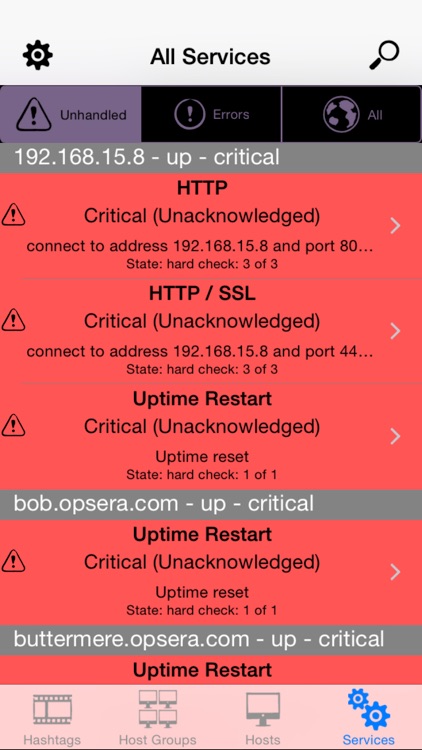
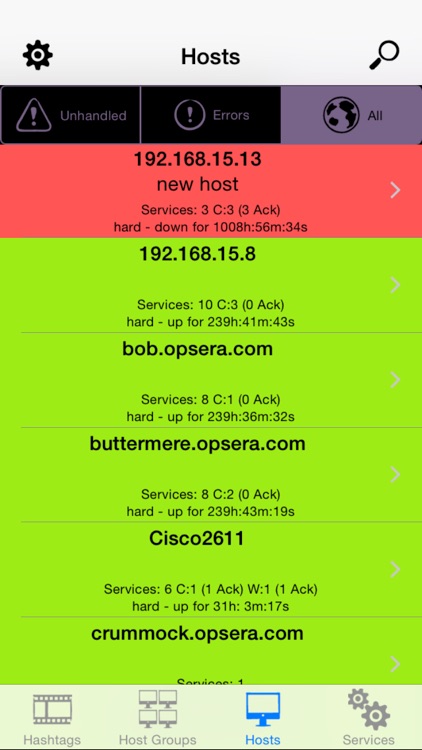
Opsview Monitor Mobile is an easy way for Opsview Monitor users to check the health of physical, virtual and cloud-based systems

Opsview Monitor Mobile
by Opsview

What is it about?
Opsview Monitor Mobile is an easy way for Opsview Monitor users to check the health of physical, virtual and cloud-based systems. It even supports multi-tenancy allowing MSP’s to provide Opsview Mobile directly to their customers.
App Screenshots
App Store Description
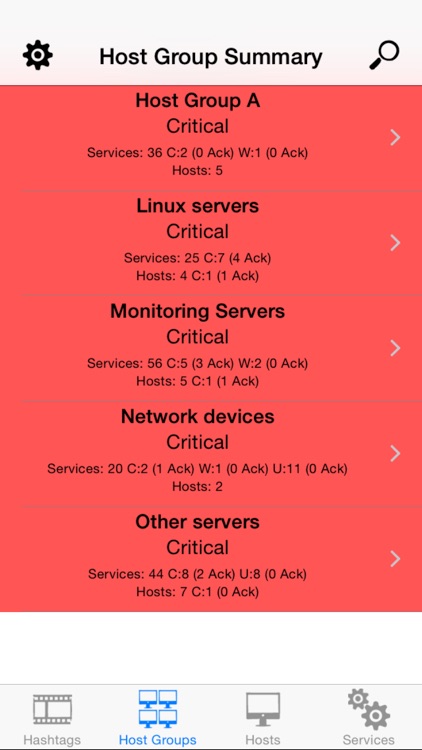
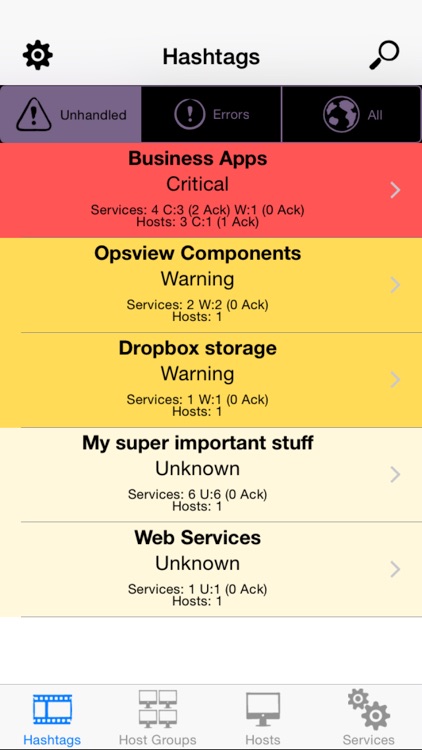
Opsview Monitor Mobile is an easy way for Opsview Monitor users to check the health of physical, virtual and cloud-based systems. It even supports multi-tenancy allowing MSP’s to provide Opsview Mobile directly to their customers.
KEY FEATURES
* Opsview Monitor for iOS enables you to review your host and business service status on your iPhone or iPad
* Opsview alerts can be pushed straight to your apple device giving you instant notifications wherever you are
* Analyze service availability over time with rapid graphing – take your device with you to datacenters, meetings or client sites for instant, real-time reporting
* Intuitive ‘one-tap’ alert acknowledgement and drill-down for rapid issue diagnosis
* Free to all Opsview Monitor Atom, Opsview Monitor Pro and Opsview Monitor Enterprise users
MORE ON PUSH NOTIFICATIONS
Push notifications help make Opsview Monitor for iOS a truly pro-active monitoring tool. Even if the Opsview Monitor App isn’t running users can be notified that an alert or notification is available. You can launch the app to see the detail of the alert or ignore the notification and leave the app dormant. Push notifications can display an alert message or add a badge to the app icon, along with a notification sound.
Disclaimer:
AppAdvice does not own this application and only provides images and links contained in the iTunes Search API, to help our users find the best apps to download. If you are the developer of this app and would like your information removed, please send a request to takedown@appadvice.com and your information will be removed.
AppAdvice does not own this application and only provides images and links contained in the iTunes Search API, to help our users find the best apps to download. If you are the developer of this app and would like your information removed, please send a request to takedown@appadvice.com and your information will be removed.
