You are using an outdated browser. Please
upgrade your browser to improve your experience.

The OptimiDoc Mobile application brings an OptimiDoc user interface directly to a smartphone or tablet

OptimiDoc Mobile
by OptimiDoc s. r. o.
What is it about?
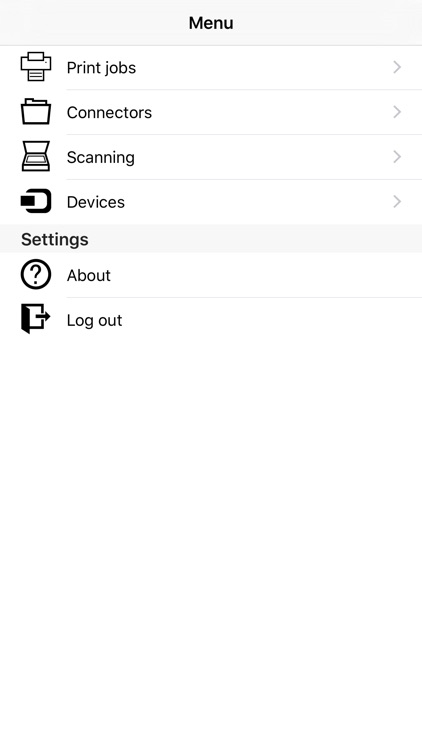
The OptimiDoc Mobile application brings an OptimiDoc user interface directly to a smartphone or tablet. Users may benefit from a full scan and print functionality and authentication.
App Screenshots
App Store Description
The OptimiDoc Mobile application brings an OptimiDoc user interface directly to a smartphone or tablet. Users may benefit from a full scan and print functionality and authentication.
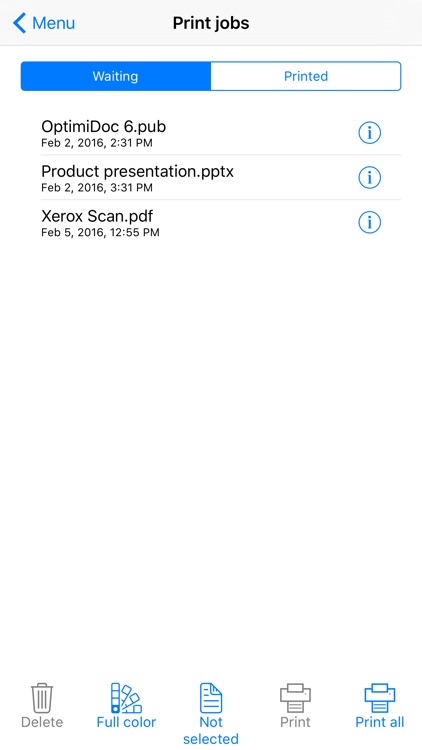
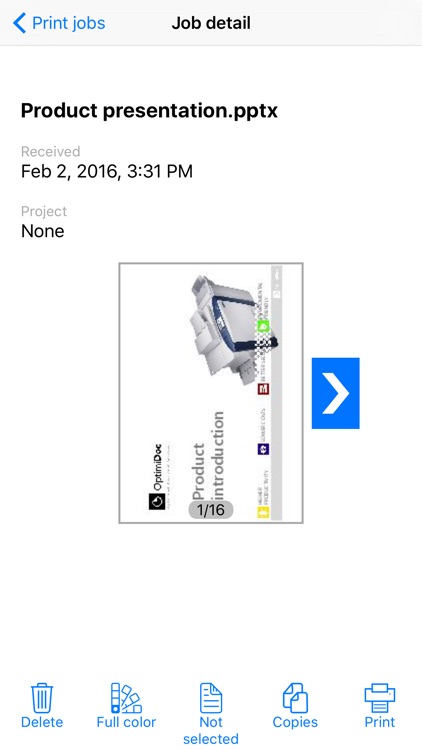
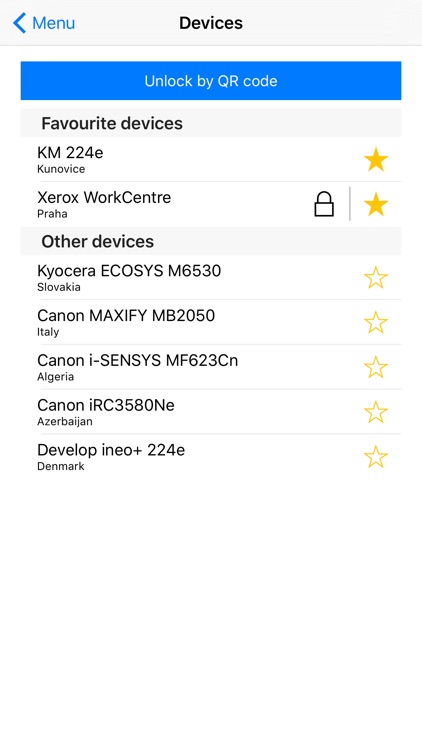
The Print application allows users to browse and manage documents stored on an OptimiDoc server and print them on a device selected from a list of available devices or loaded from a QR code.
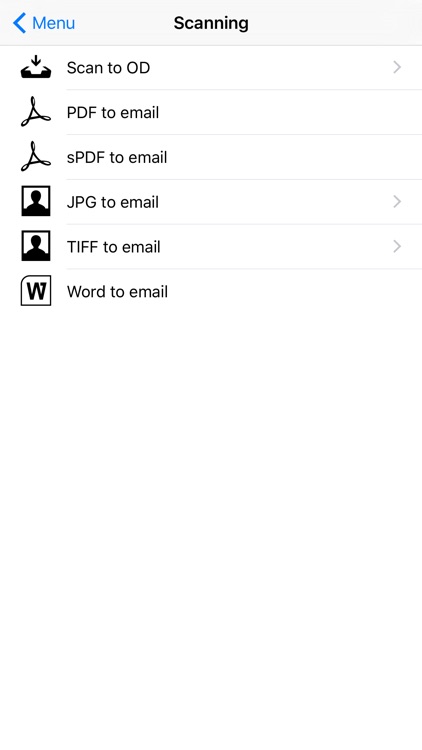
Users can also use the camera on their phone to scan documents and send them to the company processes through the OptimiDoc Scan Templates.
Using the application, users are able to login in on an MFP via their smartphone in just one tap (only available for Xerox devices). This makes the complete implementation much cheaper because the customer does not need any expensive card readers for fast authentication on a device.
OptimiDoc Mobile requires installed OptimiDoc Server.
Disclaimer:
AppAdvice does not own this application and only provides images and links contained in the iTunes Search API, to help our users find the best apps to download. If you are the developer of this app and would like your information removed, please send a request to takedown@appadvice.com and your information will be removed.
AppAdvice does not own this application and only provides images and links contained in the iTunes Search API, to help our users find the best apps to download. If you are the developer of this app and would like your information removed, please send a request to takedown@appadvice.com and your information will be removed.
