You are using an outdated browser. Please
upgrade your browser to improve your experience.
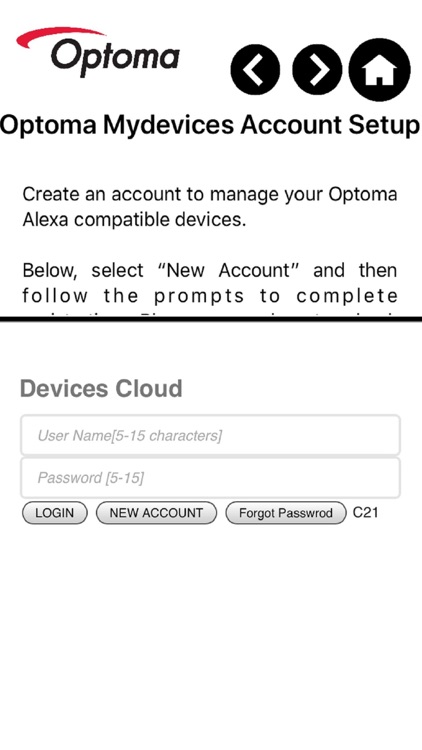
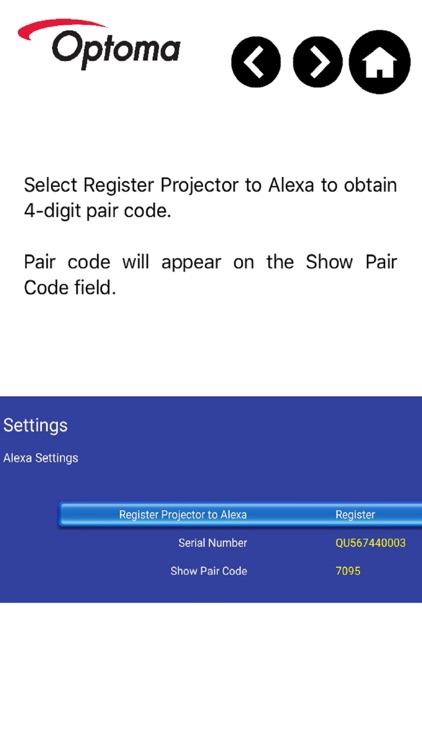
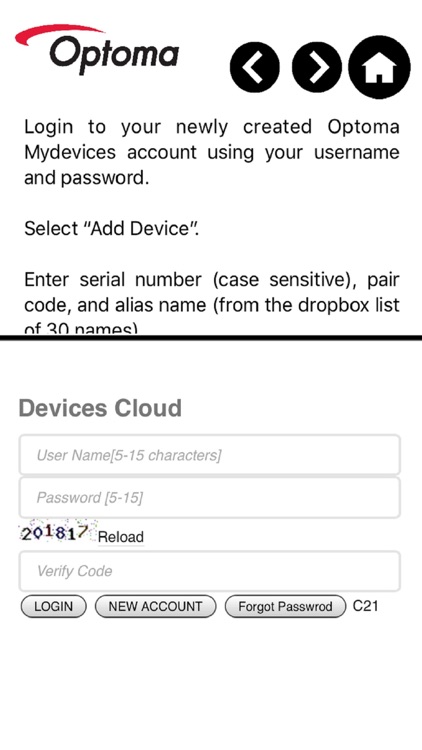
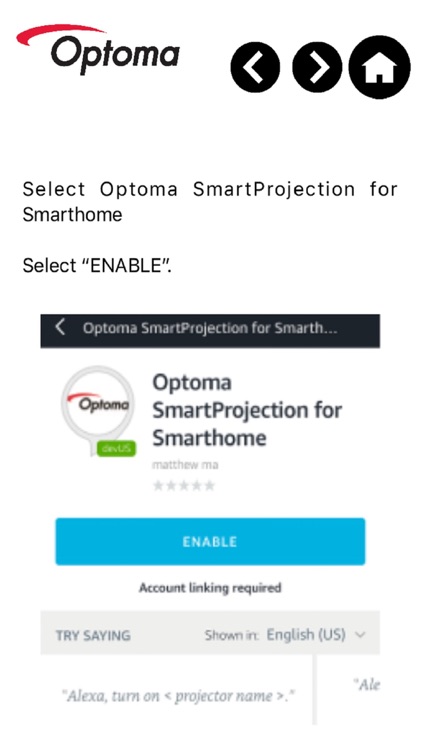
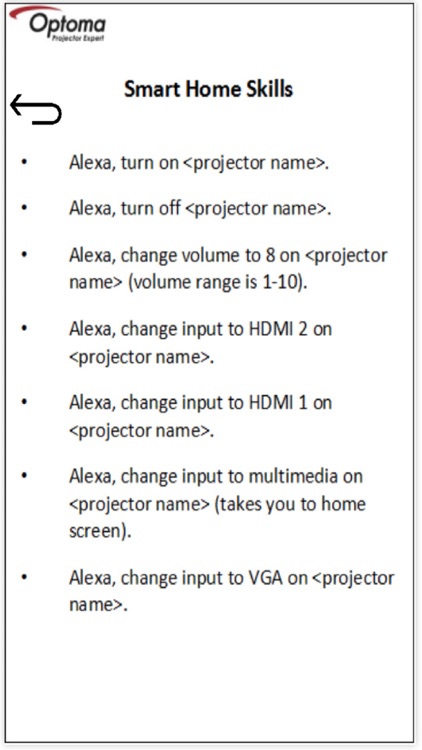
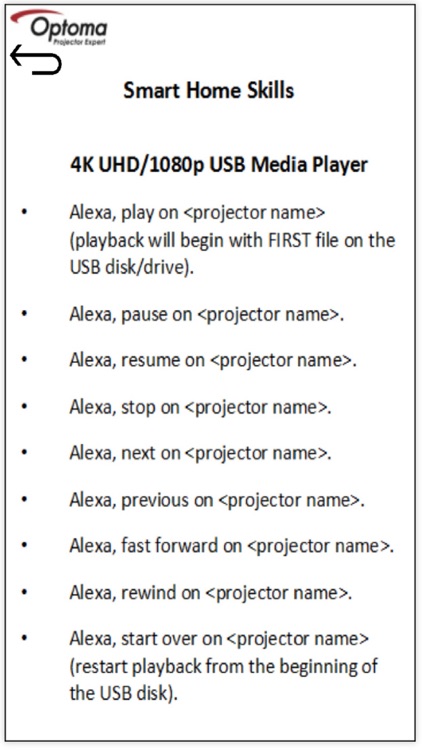
The Optoma SmartProjection app features a step-by-step Alexa Setup Guide, SmartProjection for Smart Home command list and direct access to the Mydevices Cloud for registration and management of Optoma Alexa Enabled Projectors

Optoma - SmartProjection
by Optoma Corporation
What is it about?
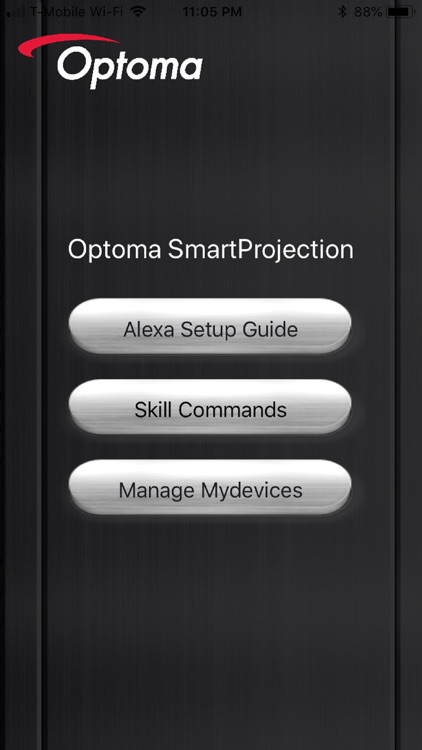
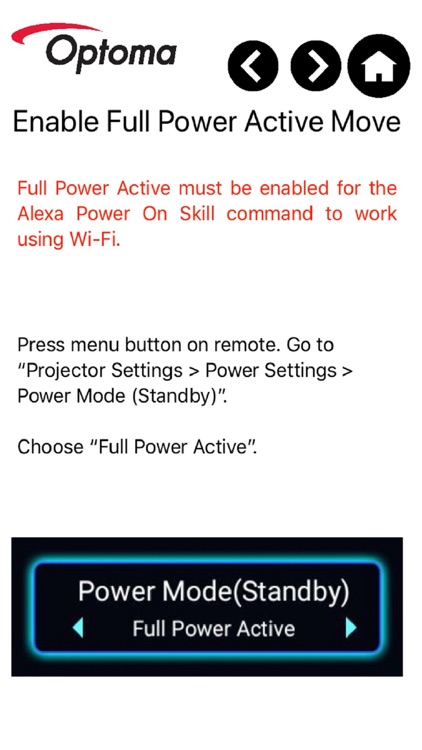
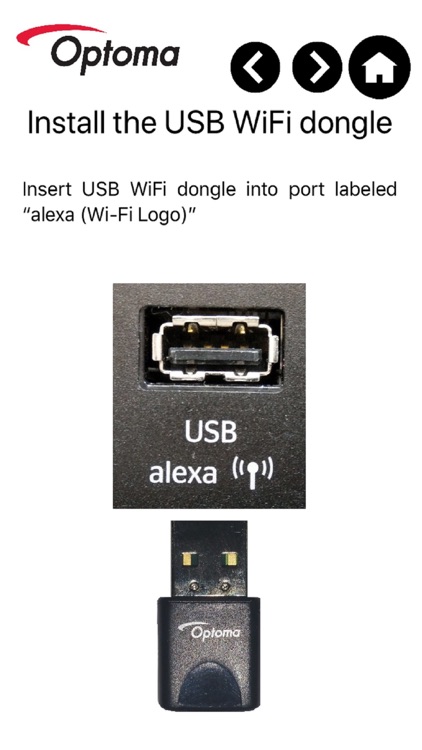
The Optoma SmartProjection app features a step-by-step Alexa Setup Guide, SmartProjection for Smart Home command list and direct access to the Mydevices Cloud for registration and management of Optoma Alexa Enabled Projectors.
App Screenshots
App Store Description
The Optoma SmartProjection app features a step-by-step Alexa Setup Guide, SmartProjection for Smart Home command list and direct access to the Mydevices Cloud for registration and management of Optoma Alexa Enabled Projectors.
Note: You must own an Optoma Alexa Enabled Projector and have an internet connection to use this App. Projector registration is "required" to link and use the Optoma SmartProjection for Smart Home Skill with Amazon's Alexa Digital Assistant.
To view the PDF version of the complete Optoma Alexa Setup Guide please visit: https://www.optoma.com/support/download/
Supported Projectors:
- UHD51A
- UHD400X
- SUHD66A
- UHC556A
Features
- Alexa Setup Guide
- SmartProjection for Smart Home command list
- Account creation (necessary to manage Optoma Alexa enabled projectors)
- Projector Management such as add/remove projector
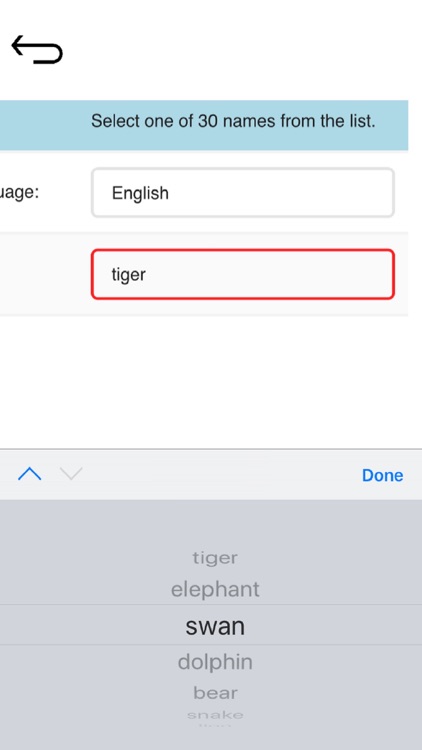
- Alias (device name) assignment.
For assistance with or questions regarding this app, please contact us below.
Americas: https://www.optomausa.com/us/tech-support/contact-us-americas.aspx
EMEA: https://www.optoma.co.uk/support
http://www.optoma.com.cn/contact-us/
Disclaimer:
AppAdvice does not own this application and only provides images and links contained in the iTunes Search API, to help our users find the best apps to download. If you are the developer of this app and would like your information removed, please send a request to takedown@appadvice.com and your information will be removed.
AppAdvice does not own this application and only provides images and links contained in the iTunes Search API, to help our users find the best apps to download. If you are the developer of this app and would like your information removed, please send a request to takedown@appadvice.com and your information will be removed.
