You are using an outdated browser. Please
upgrade your browser to improve your experience.

Remote control for Avolites Titan lighting consoles and USB T2 interface

OsiMIDI Consoles Remote
by REVERS3D SOFTWARE SL
What is it about?
Remote control for Avolites Titan lighting consoles and USB T2 interface. Supports all Web API versions from 12.x to 17.x.
App Screenshots



App Store Description
Remote control for Avolites Titan lighting consoles and USB T2 interface. Supports all Web API versions from 12.x to 17.x.
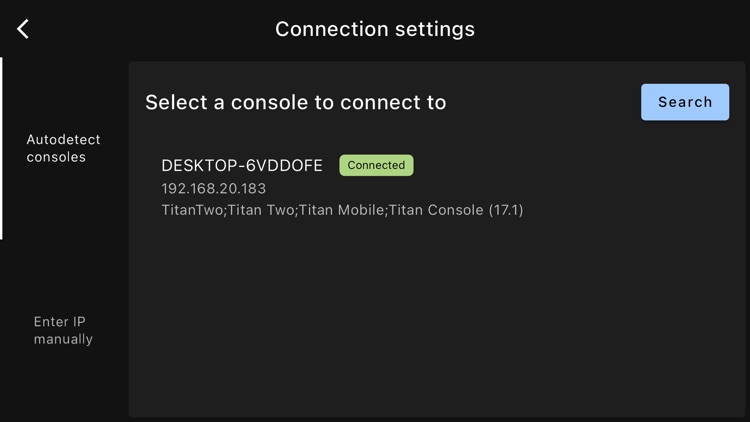
Communication between the app and the consoles is carried out using the Web API that Avolites makes available to programmers for application development.
This app allows you to control the following functions of Avolites consoles:
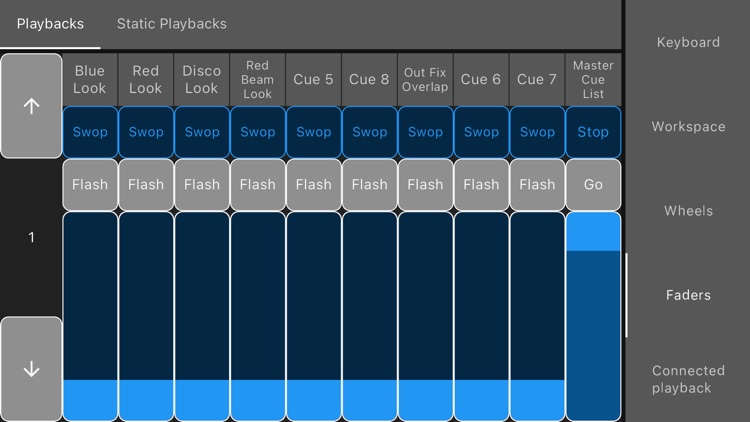
• Faders. It allows you to control the main faders, as well as the virtual faders and static playbacks. The title of each of the faders is displayed.
• Fader’s swop, flash, stop and go buttons.
• Fader pagination. It allows you to raise or lower the fader page or jump to a specific page.
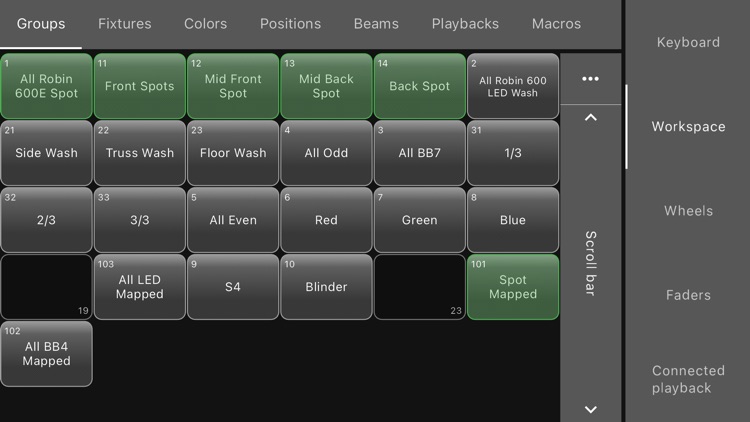
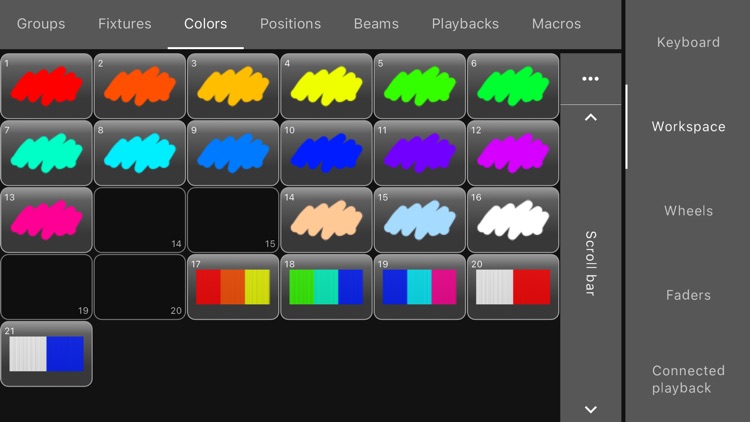
• Buttons in the workspace windows: Groups, Positions, Colours, Beams, Playbacks and Macros. Images and texts of buttons are automatically downloaded, and the status of the selections is always displayed. If there are buttons on more than one page, tabs are displayed to allow you to switch pages.
• Macro execution. Web API only allows the execution of certain macros, specifically those that do not include the pressing of buttons on the user interface.
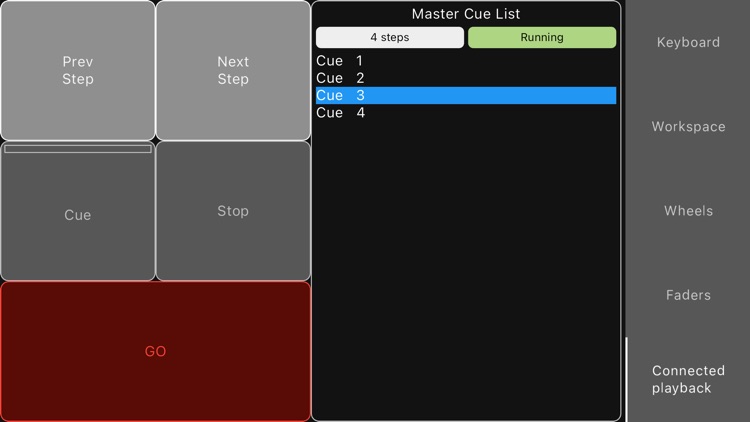
• Connected playback control. It allows you to connect to a playback and control it, as well as view the list of cues and the cue currently running.
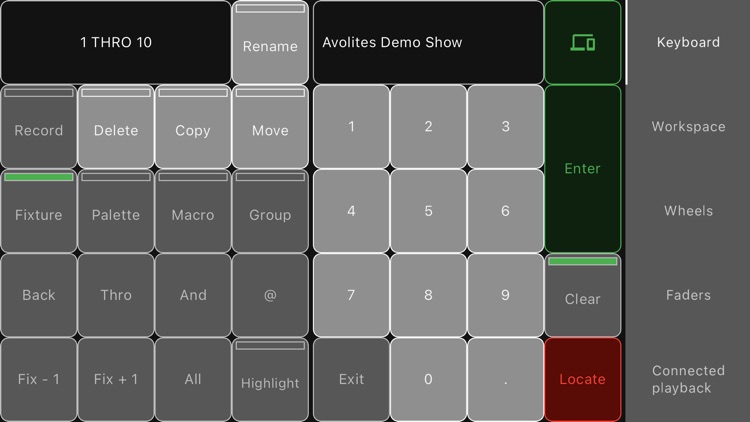
• Programmer's keyboard.
• Automatic refresh of the show. If the show is modified in the console, or a new show is loaded, the application displays the changes automatically.
To use the application, it's necessary to purchase an annual subscription. The application cannot be used without a subscription. By purchasing the subscription, you unlock the full functionality of the application. A 7-day trial period is available to try the application for free.
Terms of use: https://www.osimidi.com/osimidi-consoles-remote/terms-of-use
Privacy policy: https://www.osimidi.com/osimidi-consoles-remote/privacy-policy
Disclaimer:
AppAdvice does not own this application and only provides images and links contained in the iTunes Search API, to help our users find the best apps to download. If you are the developer of this app and would like your information removed, please send a request to takedown@appadvice.com and your information will be removed.
AppAdvice does not own this application and only provides images and links contained in the iTunes Search API, to help our users find the best apps to download. If you are the developer of this app and would like your information removed, please send a request to takedown@appadvice.com and your information will be removed.
