You are using an outdated browser. Please
upgrade your browser to improve your experience.

Finally, there's an Instagram client for iPad

Padview for Instagram - former Padgram on iPad
by Minlong Shi
What is it about?
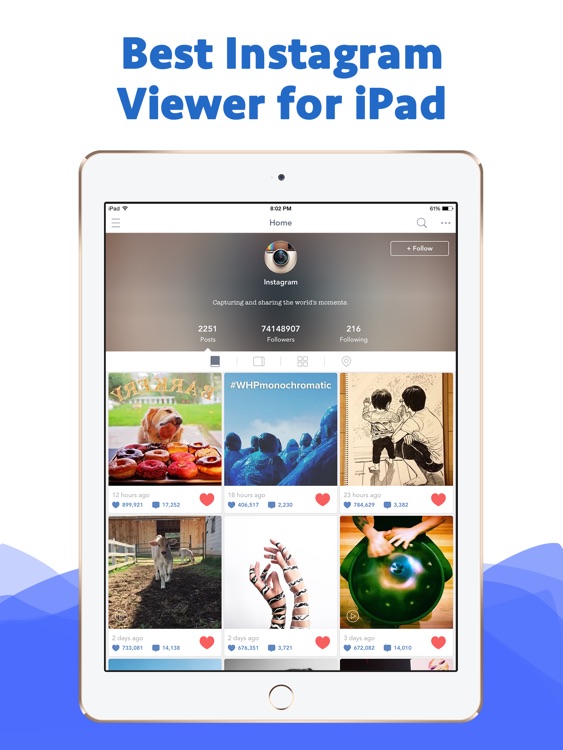
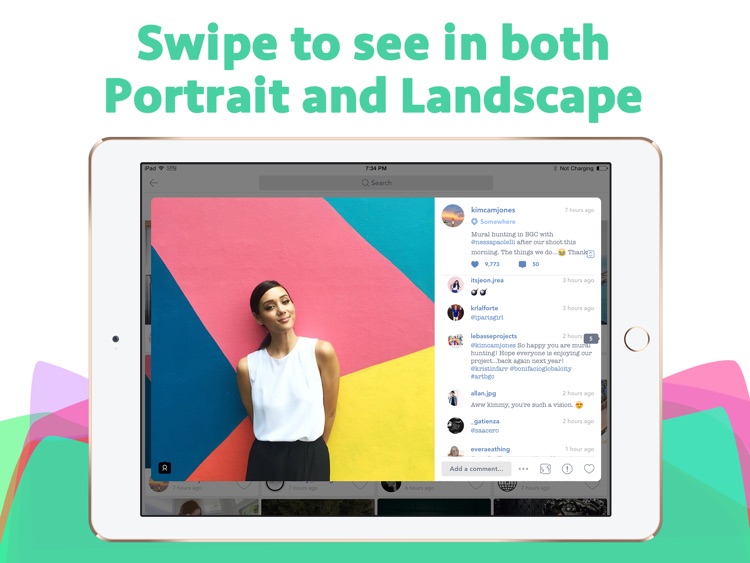
Finally, there's an Instagram client for iPad. Padview is a fast, versatile and easy-to-use Instagram App for iPad. Apart from managing multiple Instagram accounts, Padview allows you to browse photos in 4 amazing modes: default, card, album and map. You can also subscribe to the interesting people and hashtags and will receive notifications when there are new photos of the subscriptions. It's also easy to search by #hashtags and people. Want to hide a user without unfollowing him? Want to browse your feeds in groups? Want to enjoy different themes and fonts? Here is Padview. Padview supports both landscape and portrait mode, making everything look more brilliant!
App Details
Version
1.4.0
Rating
(2086)
Size
45Mb
Genre
Photo & Video Social Networking
Last updated
July 20, 2016
Release date
January 30, 2016
App Screenshots

App Store Description
Finally, there's an Instagram client for iPad. Padview is a fast, versatile and easy-to-use Instagram App for iPad. Apart from managing multiple Instagram accounts, Padview allows you to browse photos in 4 amazing modes: default, card, album and map. You can also subscribe to the interesting people and hashtags and will receive notifications when there are new photos of the subscriptions. It's also easy to search by #hashtags and people. Want to hide a user without unfollowing him? Want to browse your feeds in groups? Want to enjoy different themes and fonts? Here is Padview. Padview supports both landscape and portrait mode, making everything look more brilliant!
Here are the main features:
√ Explore interesting photos
• Browse photos in 4 wonderful modes : default, album, card and map
• Browse your feeds, your posts, photos you liked
• Check out photos around the world in a Map view
• Check where a photo was taken on the Map and photos nearby
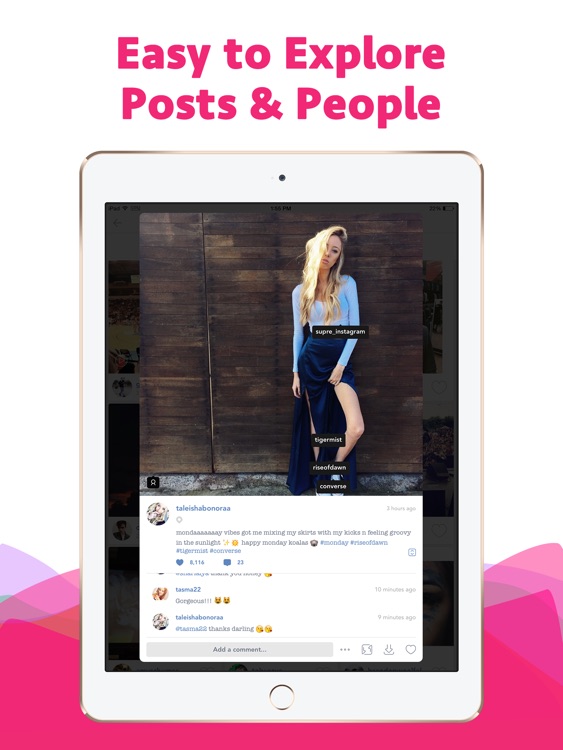
• View full size photos in gallery mode, allowing users to easily swipe from one photo to another
√ Subscription of interesting People & Hashtags
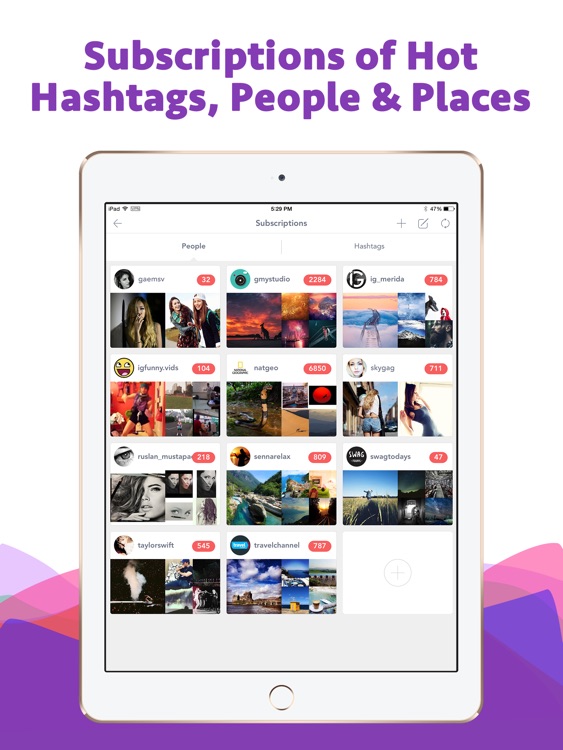
• Receive notifications when there are new photos of your subscriptions
• Preview of the latest photos of the subscriptions
√ Explore feeds in groups
• Arrange people you followed in different groups
• Browse your feeds in groups
√ Enjoy different themes and fonts
• 1-tap to change theme and font of the app
√ Powerful Search
• Search by username or hashtag
• Preview of the latest photos of the search in real time
√ Login with multiple accounts
• Just switch to a different user easily, without having to enter a password again.
√ Hide people
• Hide a user without unfollowing him/her to keep your feeds less noisy.
√ Protect your Instagram privacy
• Easily set passcode lock.
• Support touch id
√ Vivid liking and commenting
• 1-tap to like photos
• Type any user's name in comments can immediately @ the user and start replying
• Tap on any comment to copy or delete it
√ Check and promote profiles
• 1-tap to check out a user's photos, following's and followed-by info
• Follow or unfollow people
√ Beautiful layout and blistering speed
• Support both landscape and portrait mode, just place your iPad in any orientation
Unfortunately the Instagram API doesn't support photo upload. However, we have a quick link to launch the official Instagram iPhone app to take or upload photos.
We keep improving it. Since we cannot reply to you within the App Store, you can reach us at http://www.facebook.com/padview and we respond to all messages promptly.
NOTE:
• This product uses the Instagram API but is not endorsed or certified by Instagram.
• You need an Instagram account to use the app.
Disclaimer:
AppAdvice does not own this application and only provides images and links contained in the iTunes Search API, to help our users find the best apps to download. If you are the developer of this app and would like your information removed, please send a request to takedown@appadvice.com and your information will be removed.
AppAdvice does not own this application and only provides images and links contained in the iTunes Search API, to help our users find the best apps to download. If you are the developer of this app and would like your information removed, please send a request to takedown@appadvice.com and your information will be removed.
