You are using an outdated browser. Please
upgrade your browser to improve your experience.

Create beautiful paintings in three easy steps

Paint Pro - Professional Painting
by Jeremy Cassisi
What is it about?
Create beautiful paintings in three easy steps.
App Screenshots


App Store Description
Create beautiful paintings in three easy steps.
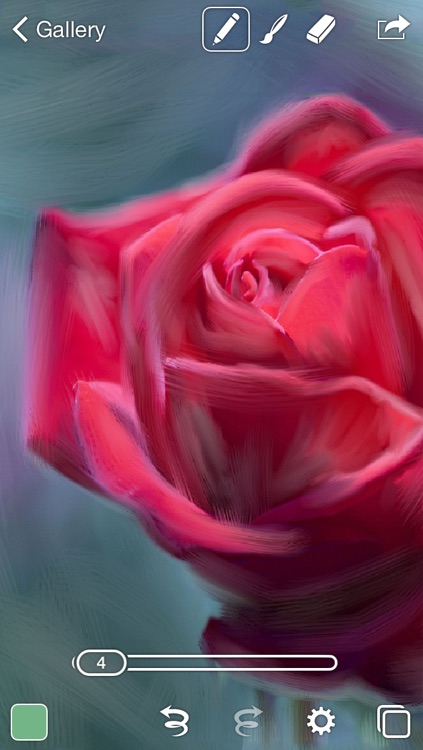
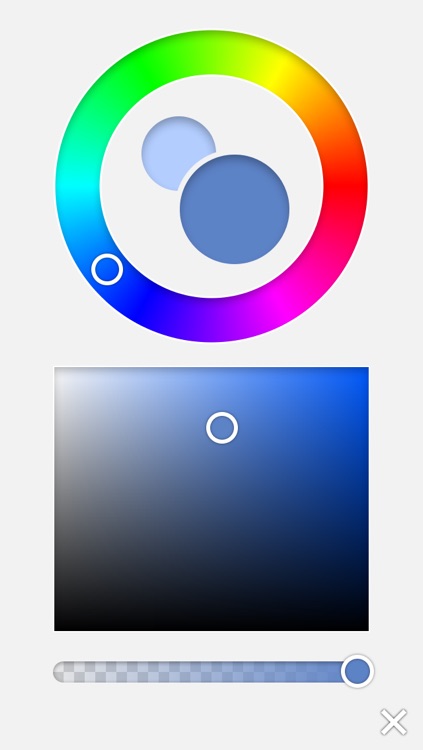
1. Use the pencil tool to sketch your design with your finger or stylus. You can import a photo to trace over and even change the width, color and transparency of your pencil to suit your style.
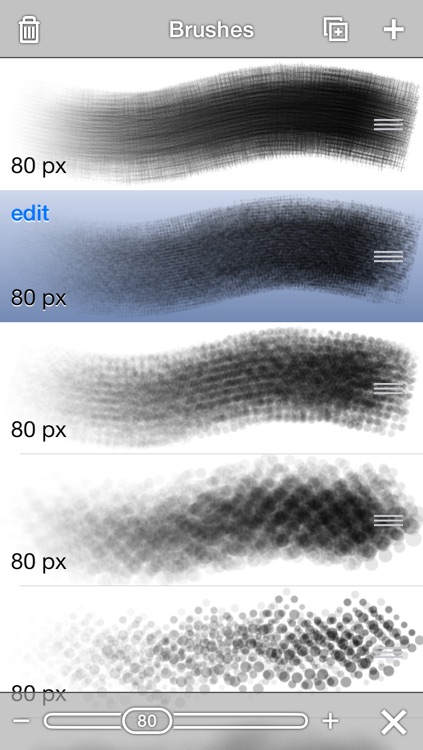
2. Change to the powerful brush tool to paint. You can even create your own brush. Paint Pro uses all the same tools you know and love that can be found in popular desktop design software.
3. Layers, blending modes and other professional tool make creating truly stunning artworks easy! You can even share your creations to Facebook, Twitter or even Email them via the app. Save your project as a JPEG, PNG, PSD or native Paint file.
New smudge tool coming soon!
Disclaimer:
AppAdvice does not own this application and only provides images and links contained in the iTunes Search API, to help our users find the best apps to download. If you are the developer of this app and would like your information removed, please send a request to takedown@appadvice.com and your information will be removed.
AppAdvice does not own this application and only provides images and links contained in the iTunes Search API, to help our users find the best apps to download. If you are the developer of this app and would like your information removed, please send a request to takedown@appadvice.com and your information will be removed.
