You are using an outdated browser. Please
upgrade your browser to improve your experience.

PaperShift is a handy and feature-rich application for working with PDF files

PDF Converter & JPG to PDF
by Lisa Lewis


What is it about?
PaperShift is a handy and feature-rich application for working with PDF files. Below is a description of the main features that are available in the application:
App Screenshots

App Store Description
PaperShift is a handy and feature-rich application for working with PDF files. Below is a description of the main features that are available in the application:
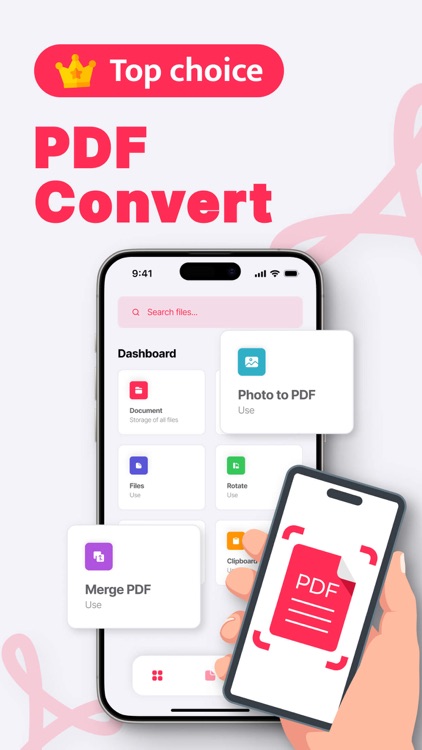
Image to PDF: PaperShift allows you to easily convert images to PDF format, providing a convenient way to create documents from photos.
Files to PDF: The application allows you to convert various types of files (text documents, tables, presentations and others) to PDF format for easy storage and sharing of information.
Merge PDF: PaperShift provides the ability to merge multiple PDF files into one, making document management more convenient and organised.
PDF rotation: Users can easily rotate the pages of PDF files to correct orientation or improve the readability of the document.
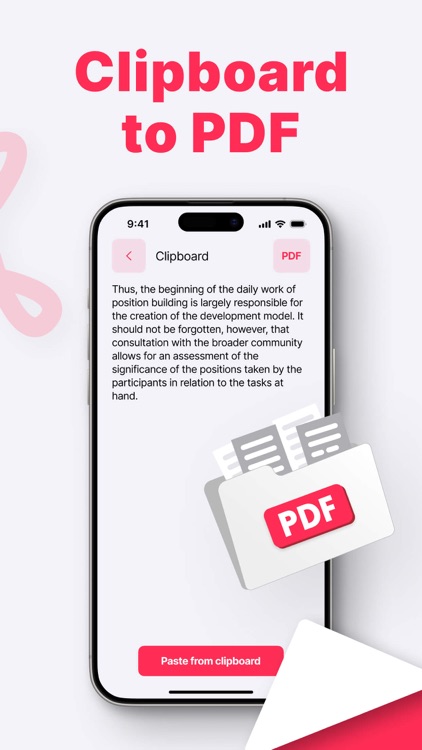
From Clipboard to PDF: The ‘From Clipboard to PDF’ function allows users to quickly create PDF documents from text information copied to the clipboard, providing a convenient way to create new files.
PaperShift provides a convenient solution for working with PDF files, with a wide range of features that make the process of creating, editing and organising documents more efficient and user-friendly.
Disclaimer:
AppAdvice does not own this application and only provides images and links contained in the iTunes Search API, to help our users find the best apps to download. If you are the developer of this app and would like your information removed, please send a request to takedown@appadvice.com and your information will be removed.
AppAdvice does not own this application and only provides images and links contained in the iTunes Search API, to help our users find the best apps to download. If you are the developer of this app and would like your information removed, please send a request to takedown@appadvice.com and your information will be removed.
