You are using an outdated browser. Please
upgrade your browser to improve your experience.

PDF Editor – All-in-One Solution for Editing Text, Annotating, Signing, and Managing PDFs

PDF Editor: Sign, Fill & Edit
by ORBIT APPS (SMC-PRIVATE) LIMITED
What is it about?
PDF Editor – All-in-One Solution for Editing Text, Annotating, Signing, and Managing PDFs
App Screenshots

App Store Description
PDF Editor – All-in-One Solution for Editing Text, Annotating, Signing, and Managing PDFs
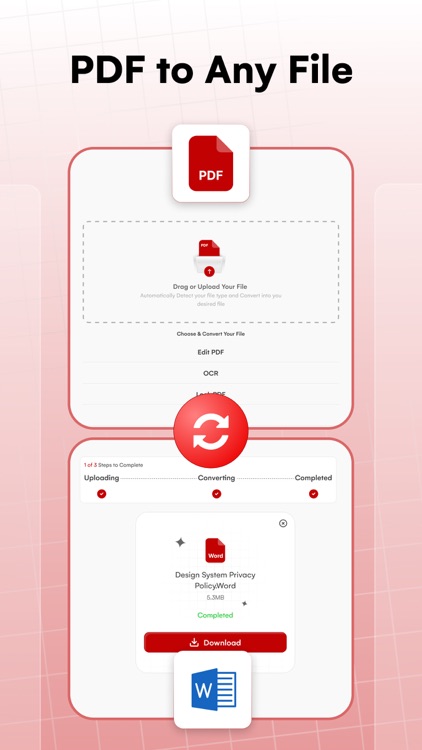
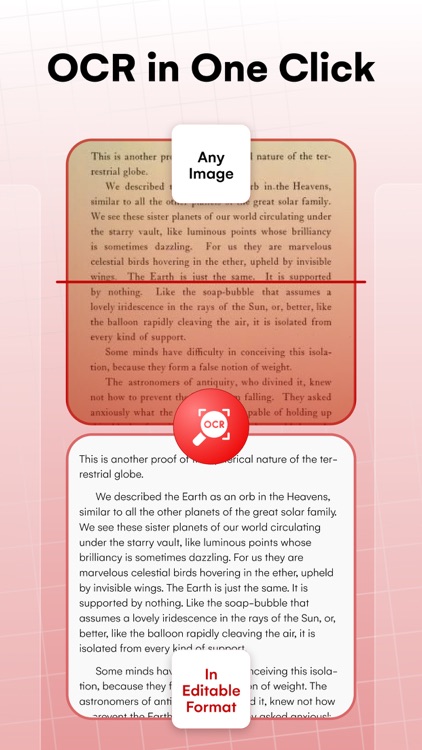
PDF Editor is a powerful and comprehensive PDF software, designed to meet all your document needs across multiple platforms. It offers a full suite of features, including text insertion, editing, annotation, OCR scanning, form filling, compression, page organization, file format conversion, e-signing, and both text and image editing. Trusted by millions, PDF Editor is your all-in-one solution for managing and working with PDF documents efficiently.
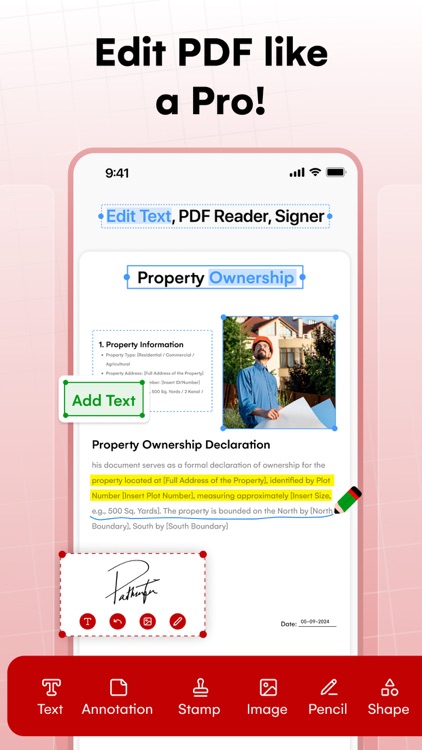
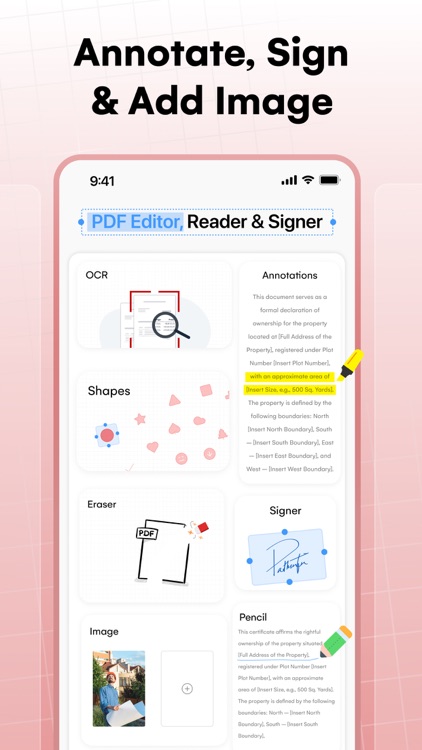
Annotate PDF
Highlight and underline text using custom colors.
Personalize your PDF by adding images.
Insert text with adjustable font sizes to suit your needs.
Add custom stamps that include time and date details.
View and Print
Zoom in and out across a wide range for better visibility.
Print PDFs directly from your device with ease.
View your PDF in single page, full screen, or two-page layout modes.
Use Slideshow mode to present your PDF like a PowerPoint presentation.
Create, edit, and search outlines to navigate your document effortlessly.
Sign and Fill Forms
Fill, edit, and sign PDF forms with ease.
Complete interactive forms featuring text fields, checkboxes, and list boxes.
Create custom fillable forms with buttons, checkboxes, and list boxes.
Stamp
Stamp PDFs using built-in images or create your own custom designs.
Place stamps exactly where you want within the document.
Personalize stamps with custom text, colors, and content.
Signature
Create signatures using your trackpad or keyboard.
Save up to five signatures for quick and easy access.
PDF Page Management
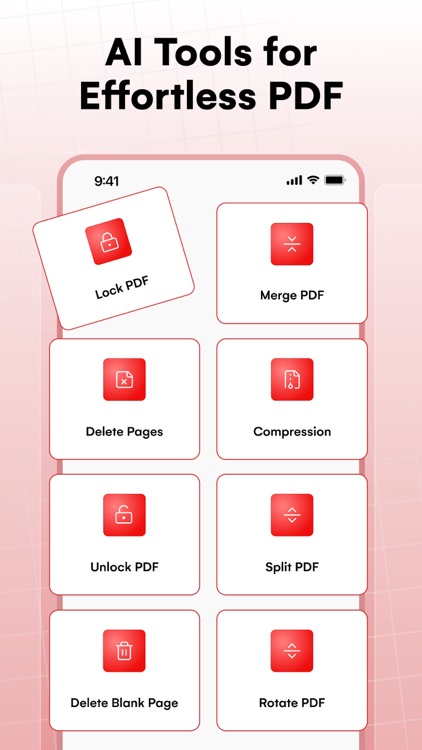
Rotate, copy, delete, replace, and crop pages with ease.
Merge multiple PDFs into a single, organized document.
Customize your PDF by changing the background color.
Split and merge PDFs freely to suit your needs.
Insert blank pages exactly where you need them.
Edit Text & PDF
Edit PDF text with full control over font size, style, and color.
Modify images within PDFs — crop, flip, and rotate as needed.
Insert shapes like rectangles, circles, lines, and arrows to enhance your content.
Correct errors and type directly into the PDF — add, replace, or delete text effortlessly.
Add professional headers and footers to your documents.
Subscription
Payment will be charged to your iTunes account upon purchase confirmation. Subscriptions automatically renew unless auto-renew is disabled at least 24 hours before the current period ends. Your account will be charged for renewal within 24 hours prior to the end of the current period at the same price you originally paid. You can manage your subscription and disable auto-renewal at any time in your App Store account settings. For more details, please review our Terms of Service and Privacy Policy.
Privacy Policy:
https://sites.google.com/orbitappspk.com/pdf-editor/privacy-policy
Terms & Conditions:
https://sites.google.com/orbitappspk.com/pdf-editor/terms
Disclaimer:
AppAdvice does not own this application and only provides images and links contained in the iTunes Search API, to help our users find the best apps to download. If you are the developer of this app and would like your information removed, please send a request to takedown@appadvice.com and your information will be removed.
AppAdvice does not own this application and only provides images and links contained in the iTunes Search API, to help our users find the best apps to download. If you are the developer of this app and would like your information removed, please send a request to takedown@appadvice.com and your information will be removed.
