You are using an outdated browser. Please
upgrade your browser to improve your experience.
Add page numbers to pdf files

pdf Paginate Pro
by Francis Wildman
What is it about?
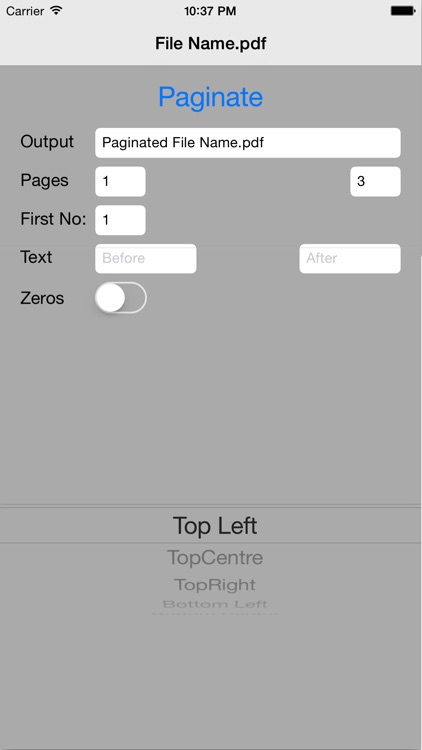
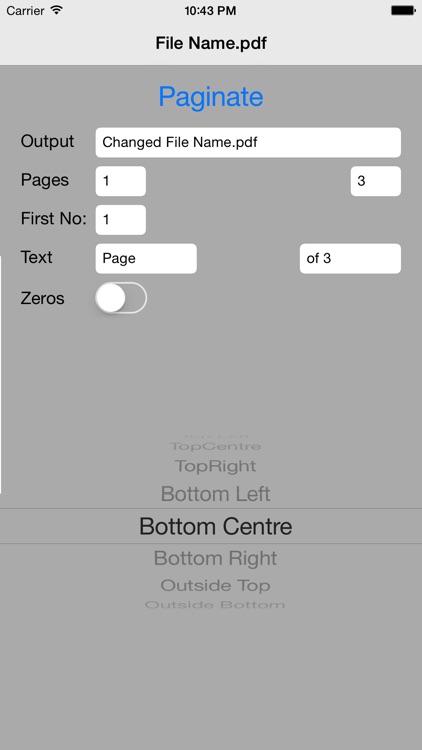
Add page numbers to pdf files. In this ‘pro’ version of the app you can add the page numbers in the header or the footer on the left, right or in the centre.
App Store Description
Add page numbers to pdf files. In this ‘pro’ version of the app you can add the page numbers in the header or the footer on the left, right or in the centre.
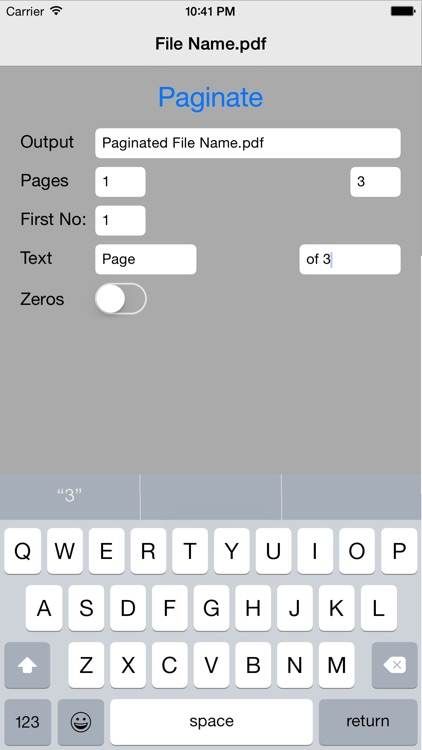
You can select a ‘range’ of the pages in a pdf to paginate so that you can ignore pages such as a cover page or an index. Your range will start numbering at a number that you enter in the 'First No:' box.
You can also add text to before and/or after the page number so it can say, for example, ‘Page 7 of 53’ or ‘Page 7 ver 3.2’. You can even use special characters!
With 'outside' page numbering the odd numbers will appear on the right of the page and the even numbers on the left.
'Leading Zeros' or Bates numbering will make every number at least four digits long by adding zeros at the start. For example 0001, 0002, 0003 and so on.
You can edit the name of the output file and send it out by email and/or make further use of the file in other apps and/or print it from your device.
I already have future enhancements in mind but I am always interested to hear what you would like to see added to or changed about this app.
If you like pdf Paginate pro then please tell your friends about it. If you have any issues or complaints please tell me about it f.wildman@icloud.com
Disclaimer:
AppAdvice does not own this application and only provides images and links contained in the iTunes Search API, to help our users find the best apps to download. If you are the developer of this app and would like your information removed, please send a request to takedown@appadvice.com and your information will be removed.
AppAdvice does not own this application and only provides images and links contained in the iTunes Search API, to help our users find the best apps to download. If you are the developer of this app and would like your information removed, please send a request to takedown@appadvice.com and your information will be removed.
